1
1
Using the Agilent VEE Development Environment Chapter
Chapter Checklist
You should now be able to do any of the following tasks.
Review topics as needed, before going on to the next
chapter.
• Look up on- line help documentation from the main menu
bar and from the object menus.
• Start VEE.
• Identify the main menu bar, toolbar buttons, work area,
and status bar.
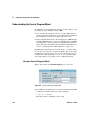
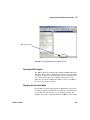
• Explain the Program Explorer and its purpose.
• Select menu items from the main menu and object menus.
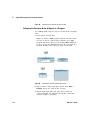
• Perform the following operations on an object: moving,
renaming, iconizing, expanding, sizing, selecting,
deselecting, deleting, cloning, etc.
• Move the work area, clear the work area, and manage
multiple windows.
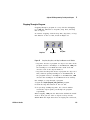
• Identify data and sequence pins on an object and explain
their purpose.
• Examine terminals and change their names.
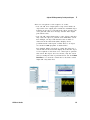
• Connect objects to create a program to simulate waveform
data.
• Create, run, print and save a program.
• Exit VEE, and then reopen a program.
• Explain how data flows through a VEE program.
72
VEE User’s Guide