1
5
Storing and Retrieving Test Results Chapter
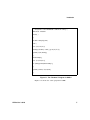
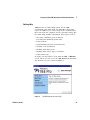
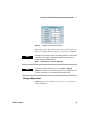
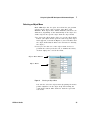
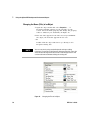
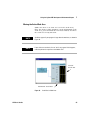
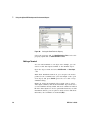
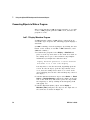
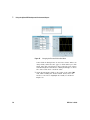
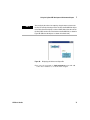
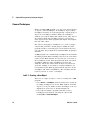
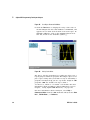
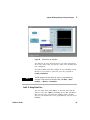
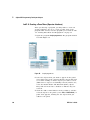
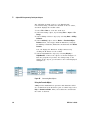
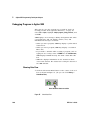
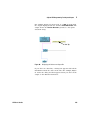
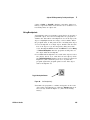
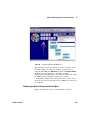
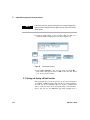
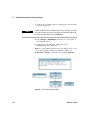
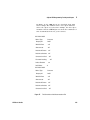
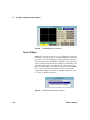
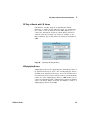
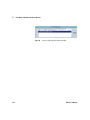
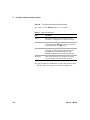
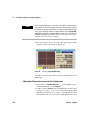
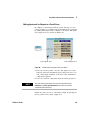
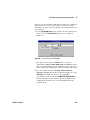
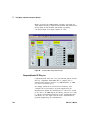
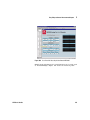
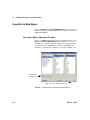
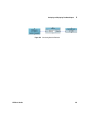
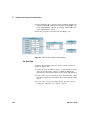
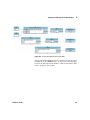
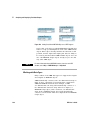
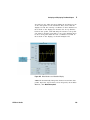
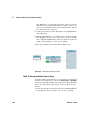
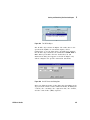
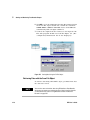
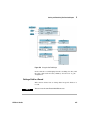
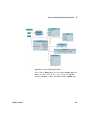
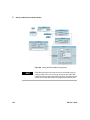
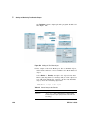
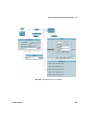
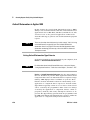
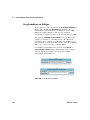
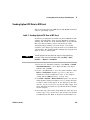
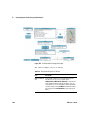
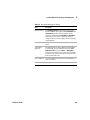
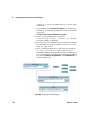
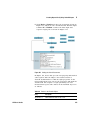
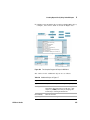
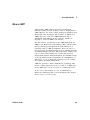
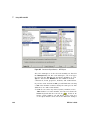
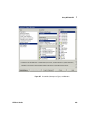
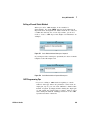
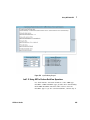
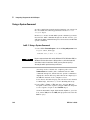
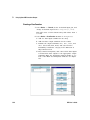
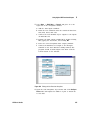
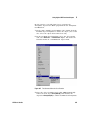
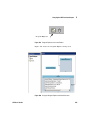
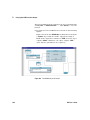
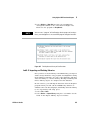
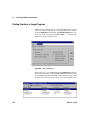
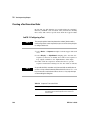
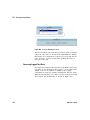
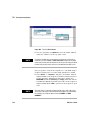
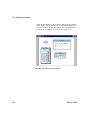
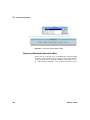
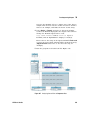
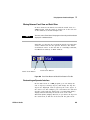
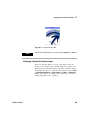
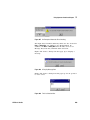
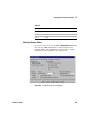
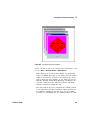
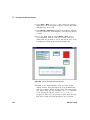
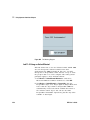
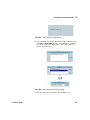
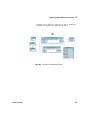
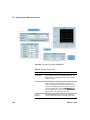
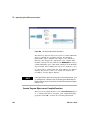
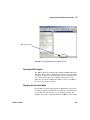
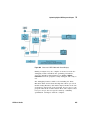
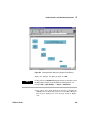
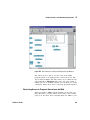
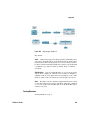
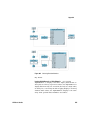
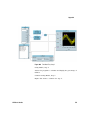
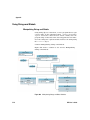
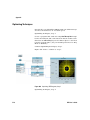
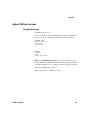
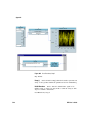
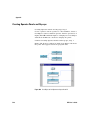
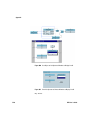
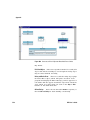
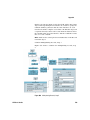
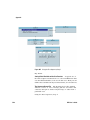
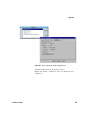
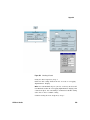
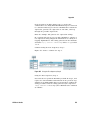
Figure 128 The To File Object
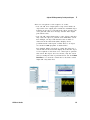
The To File object shown in Figure 128 sends data to the
specified file myFile. It can include inputs, called
transactions, to accept data from a program. For example,
this To File object includes the transaction WRITE TEXT a
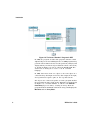
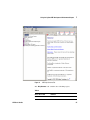
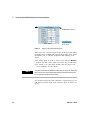
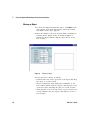
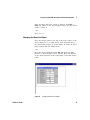
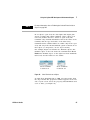
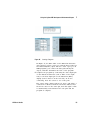
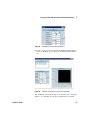
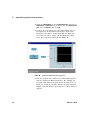
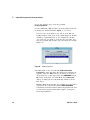
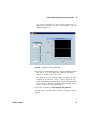
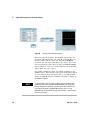
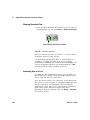
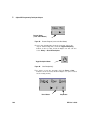
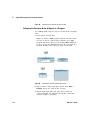
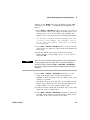
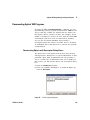
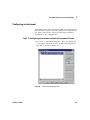
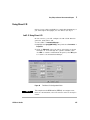
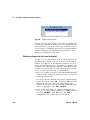
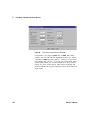
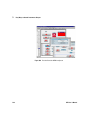
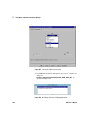
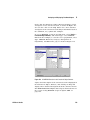
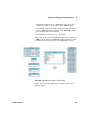
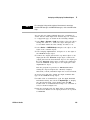
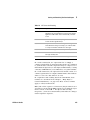
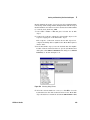
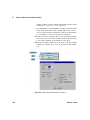
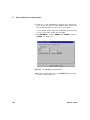
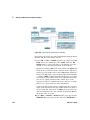
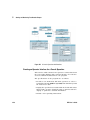
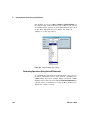
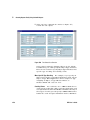
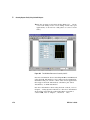
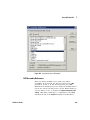
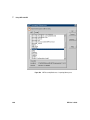
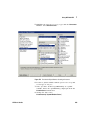
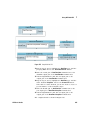
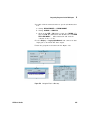
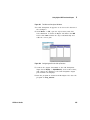
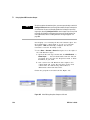
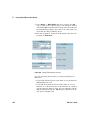
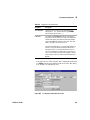
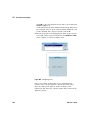
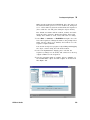
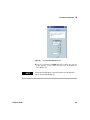
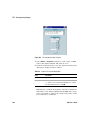
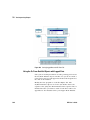
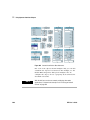
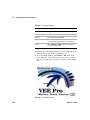
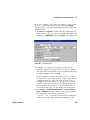
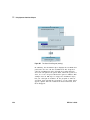
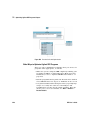
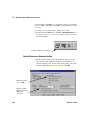
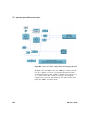
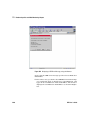
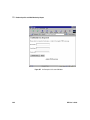
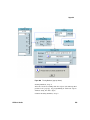
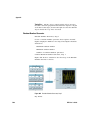
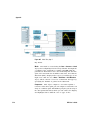
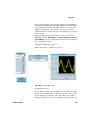
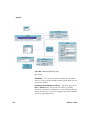
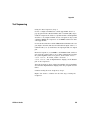
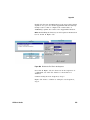
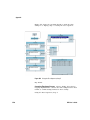
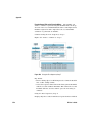
EOL. When you double- click the transaction, an I/O
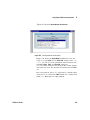
Transaction dialog box appears as shown in Figure 129,
which configures the specific transaction statement.
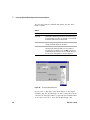
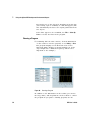
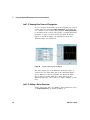
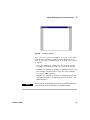
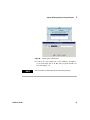
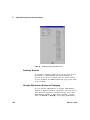
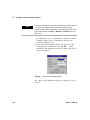
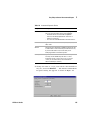
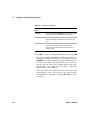
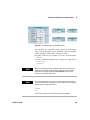
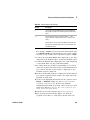
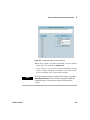
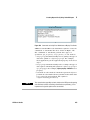
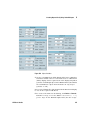
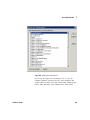
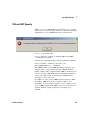
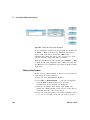
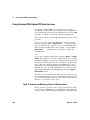
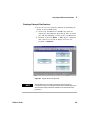
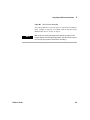
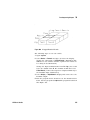
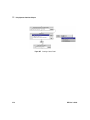
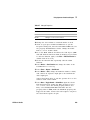
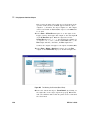
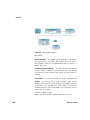
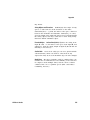
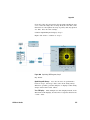
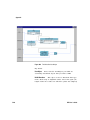
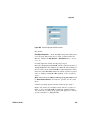
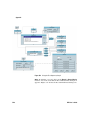
Figure 129 An I/O Transaction Dialog Box
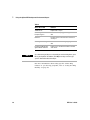
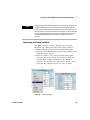
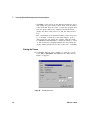
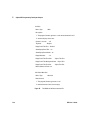
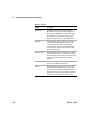
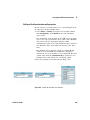
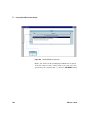
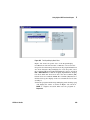
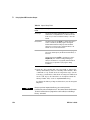
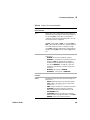
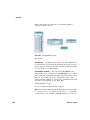
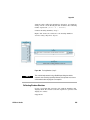
There are different forms of this dialog box depending on the
object, but all contain certain common elements, including the
“actions”, the “encoding”, the “expression list”, the “format”,
and the “end- of- line” (EOL) sequence.
VEE User’s Guide
211