1
13
Platform Specifics and Web Monitoring Chapter
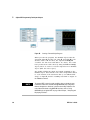
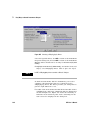
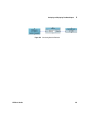
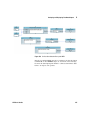
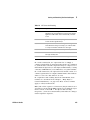
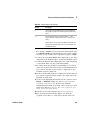
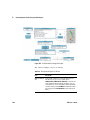
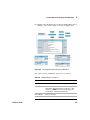
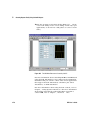
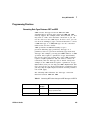
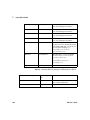
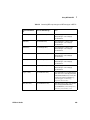
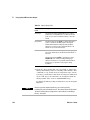
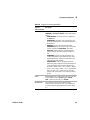
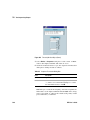
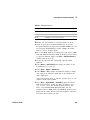
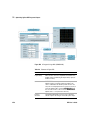
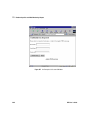
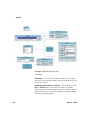
Table 50
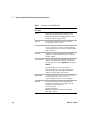
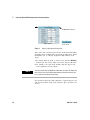
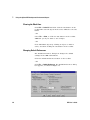
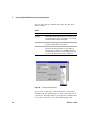
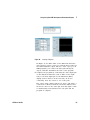
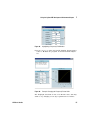
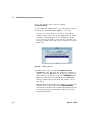
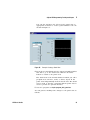
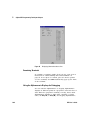
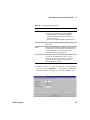
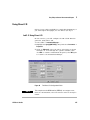
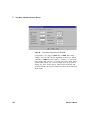
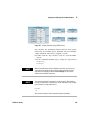
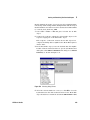
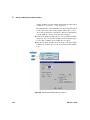
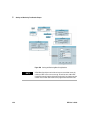
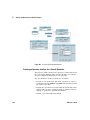
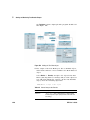
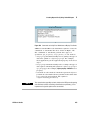
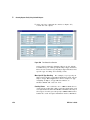
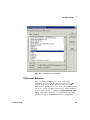
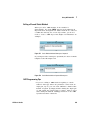
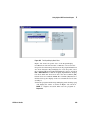
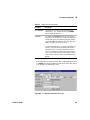
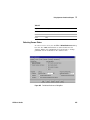
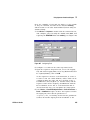
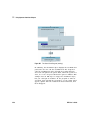
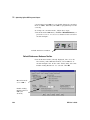
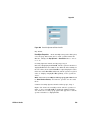
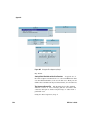
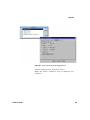
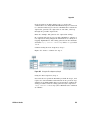
The Web Server Dialog Box Fields
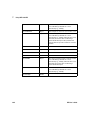
Field Name
Description
HTTP Port
Number
Specifies the port number for the VEE Web server. The
default port number is 80. The only time you need to change
the default port number is when another Web server, such
as another instance of VEE, is running on the same system,
or if you want to restrict the remote user access to your VEE
Web server.
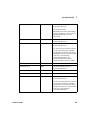
• By specifying an HTTP port between 0 and 65535, you
can restrict who can access and view data on your
system.
• If you enter a different port number, the remote user that
views the VEE program must enter the same port
number in his or her browser. For example, if you set this
field to port 85, the remote user would type in the URL as
http://hostname:85. (There is more information about
the definition of hostname later in this chapter.)
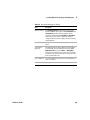
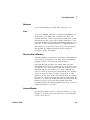
Server Timeout
Specifies the maximum time that the VEE Web server will
wait for VEE to process commands. By default, this field is
set to 60 seconds. If the VEE program takes longer than the
specified time to process a command, VEE sends a timeout
to the Web server.
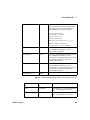
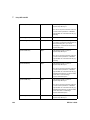
Log File
Specifies the log file where all incoming HTTP requests,
processed by the Web server, are recorded. The default
location for this file on a PC is C:\windows\TEMP\
http.log. If the log file does not already exist, it is created
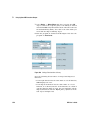
when you make changes in the Default Preferences ⇒
Web Server dialog.
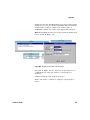
Save
The values will be the default for future VEE Web sessions
until you change them again. To use the specified values
only for the current VEE session, click OK.
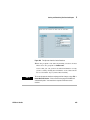
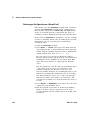
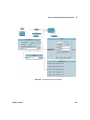
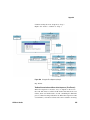
How a Remote User Accesses Agilent VEE on Your System
To access VEE files on your system from another location, the
remote user needs to follow these general steps:
1 The remote user’s system must be connected to a network.
2 The remote user must be running a network browser, such as
Netscape or Internet Explorer.
VEE User’s Guide
483