1
Manual # 016-0159-894 Rev H 01/07
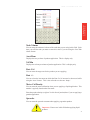
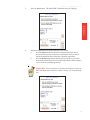
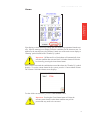
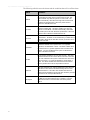
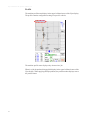
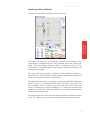
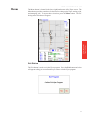
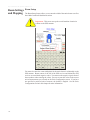
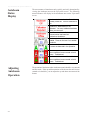
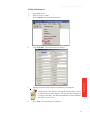
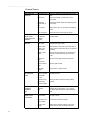
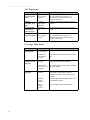
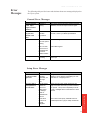
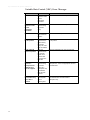
GPS Error Messages
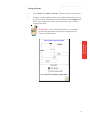
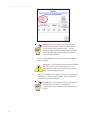
Issue
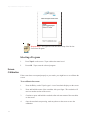
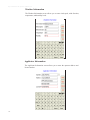
No GPS Coverage
warning
Possible Cause
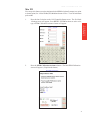
You must have
GPS coverage to
start a non-VRC
(Variable Rate
Control) job
Solution
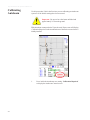
Make sure that the GPS data is being received by
the Viper system.
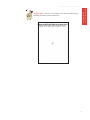
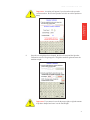
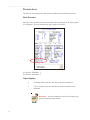
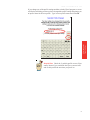
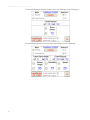
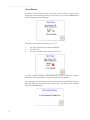
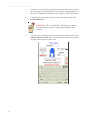
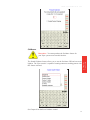
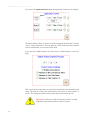
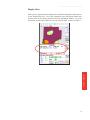
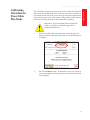
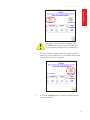
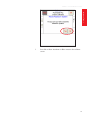
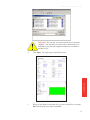
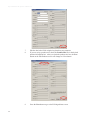
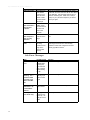
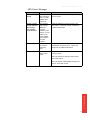
Warning: You do
not have optimum
GPS coverage.
Some features
may be disabled.
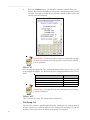
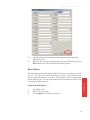
GPS reception
does not have
differential
correction.
Therefore, some
features, such as
guidance, will
not be available
when starting a
job in this
condition
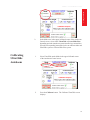
Enable the differential correction function in the
GPS receiver. Contact the receiver manufacturer
for additional information.
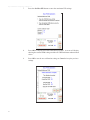
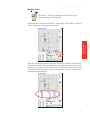
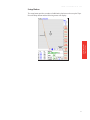
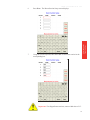
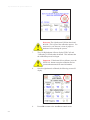
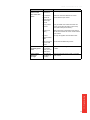
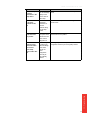
No Differential
Differential GPS
has not been
detected by
Viper
Check the GPS receiver to make sure that it has
the differential correction function. Contact the
manufacturer for additional information.
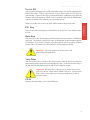
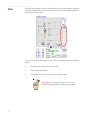
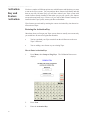
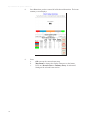
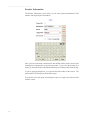
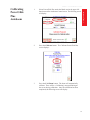
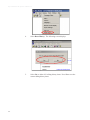
No GPS
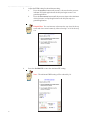
Viper does no
detect a GPS
signal
Make sure that the GPS receiver is turned on and
receiving a signal.
Make sure that the port setting for Viper and the
GPS receiver match.
12 - Troubleshooting
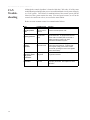
Make sure that the required NMEA messages are
turned on in the GPS receiver.
297