1
Manual # 016-0159-894 Rev H 01/07
APPENDIX
H
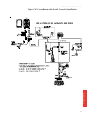
USING THE INVICTA FRONT PANEL
PROGRAM WITH THE VIPER SYSTEM
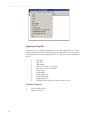
The Invicta Front Panel Program can be used to configure the Raven Invicta DGPS
receivers, (110, 115, 210, 310) only.
Initializing the
Invicta Front
Panel
Program
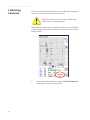
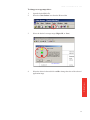
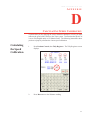
1.
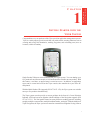
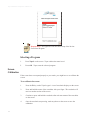
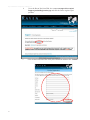
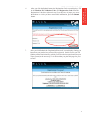
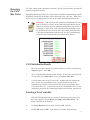
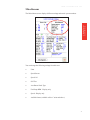
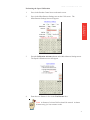
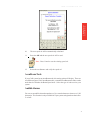
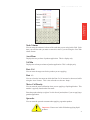
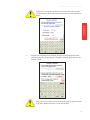
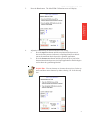
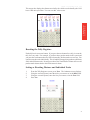
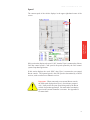
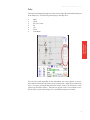
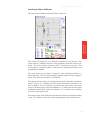
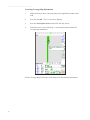
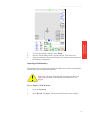
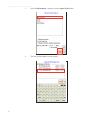
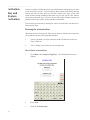
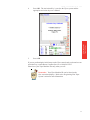
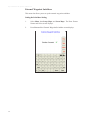
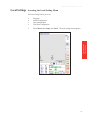
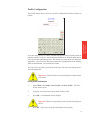
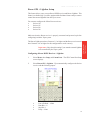
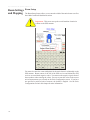
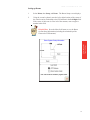
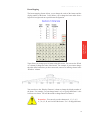
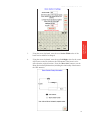
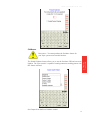
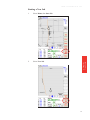
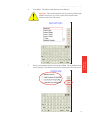
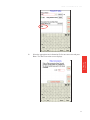
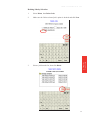
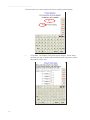
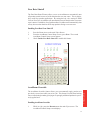
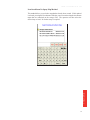
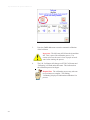
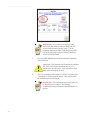
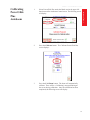
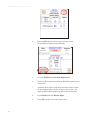
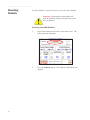
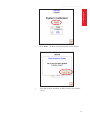
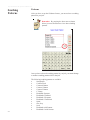
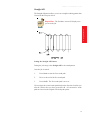
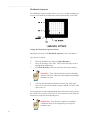
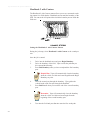
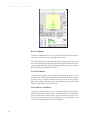
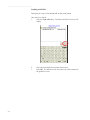
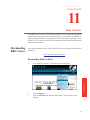
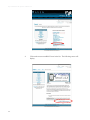
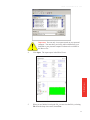
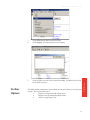
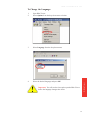
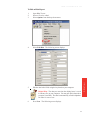
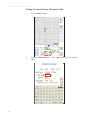
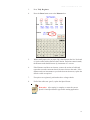
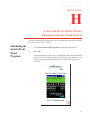
Press Invicta Front Panel Program from the main programs list.
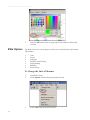
2.
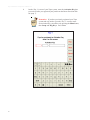
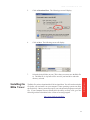
Press OK.
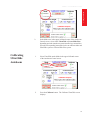
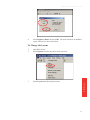
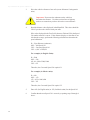
3.
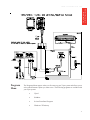
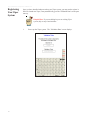
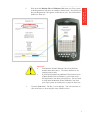
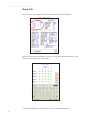
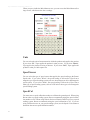
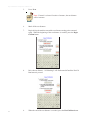
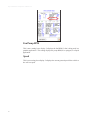
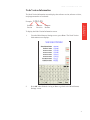
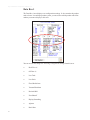
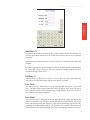
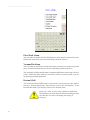
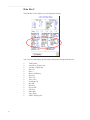
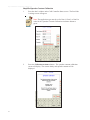
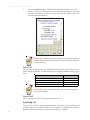
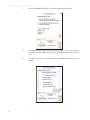
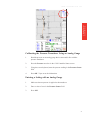
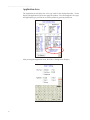
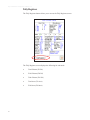
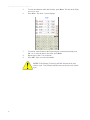
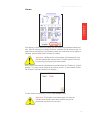
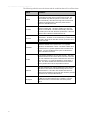
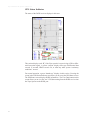
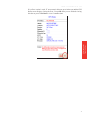
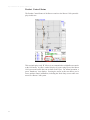
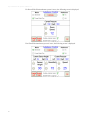
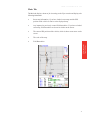
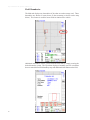
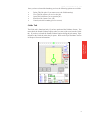
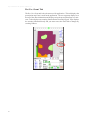
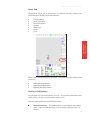
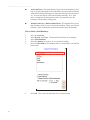
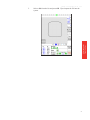
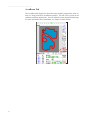
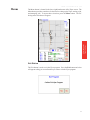
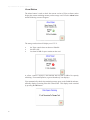
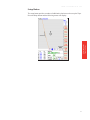
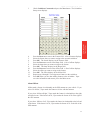
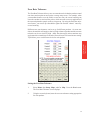
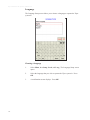
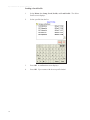
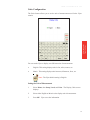
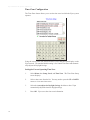
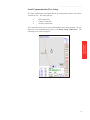
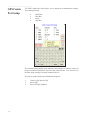
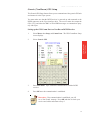
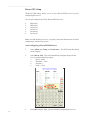
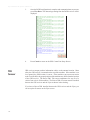
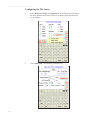
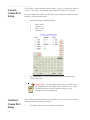
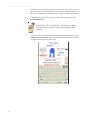
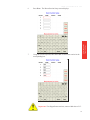
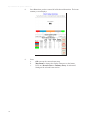
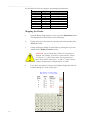
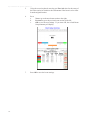
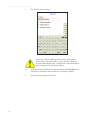
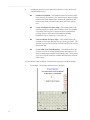
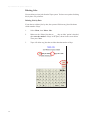
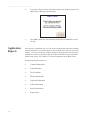
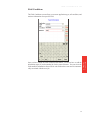
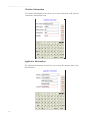
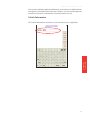
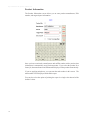
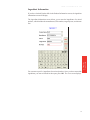
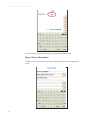
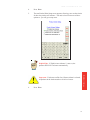
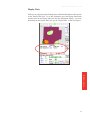
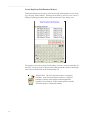
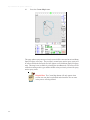
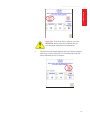
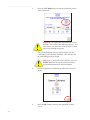
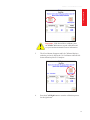
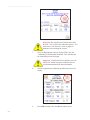
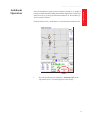
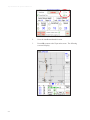
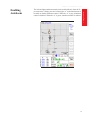
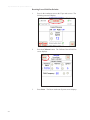
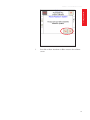
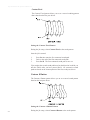
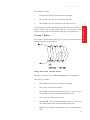
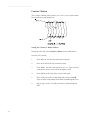
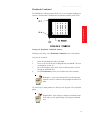
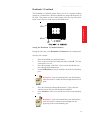
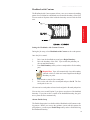
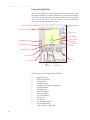
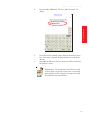
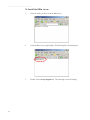
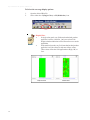
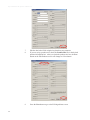
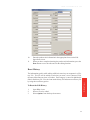
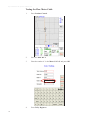
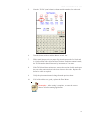
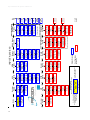
After communication with receiver is established, you may navigate through
the receiver by utilizing the buttons provided on the Viper touchscreen, as
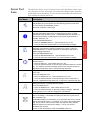
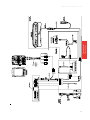
well as using the Invicta Quick Start Guide (on the following page) as a
reference.
321