1
Viper Installation and Operators Manual 2.08
Rx+Cov+Scout Tab
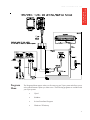
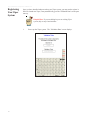
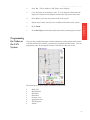
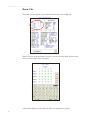
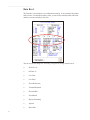
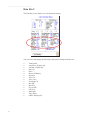
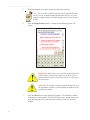
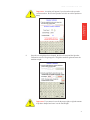
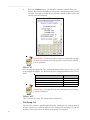
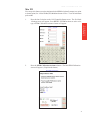
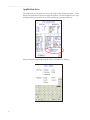
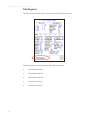
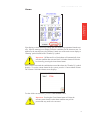
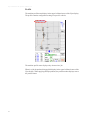
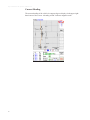
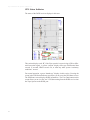
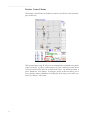
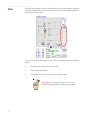
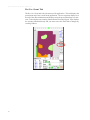
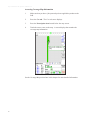
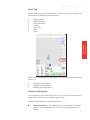
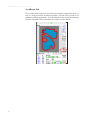
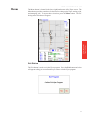
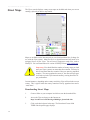
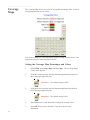
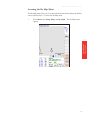
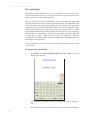
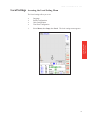
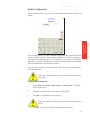
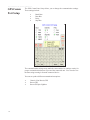
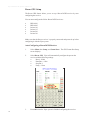
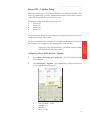
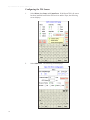
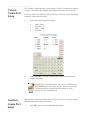
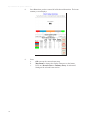
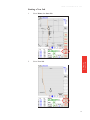
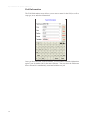
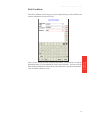
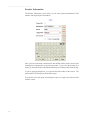
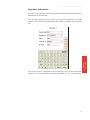
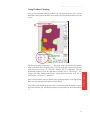
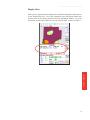
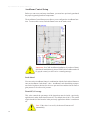
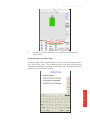
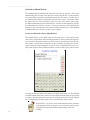
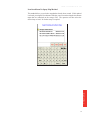
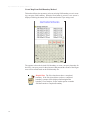
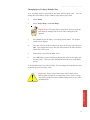
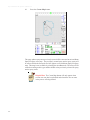
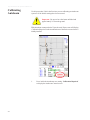
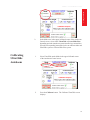
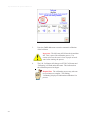
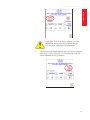
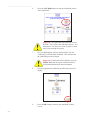
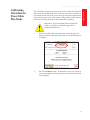
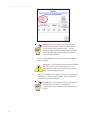
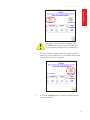
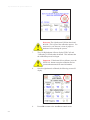
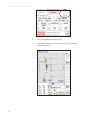
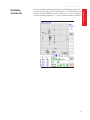
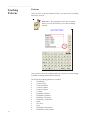
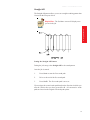
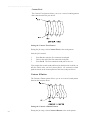
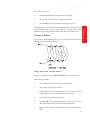
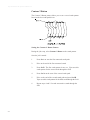
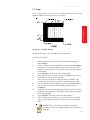
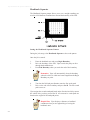
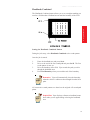
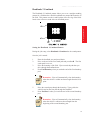
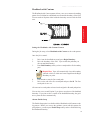
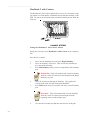
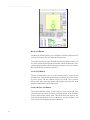
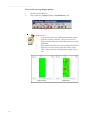
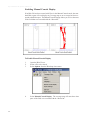
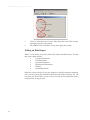
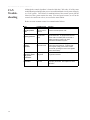
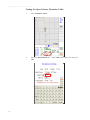
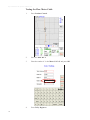
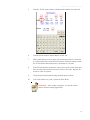
The Rx+Cov+Scout tab is the tab most used for application. This tab displays the
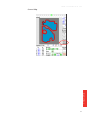
prescription map if one is used for the application. The coverage map displays over
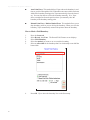
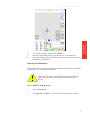
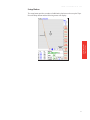
the top of the other information and displays using the prescription map as a reference. It also displays any scouting features that are currently logged. Viper displays
the scouting information only and you must access the Scout tab to change any
scouting features.
82