1
Page 364 of 504
Appendix B: Meridian Modular Telephones installation
Procedure 64
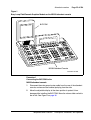
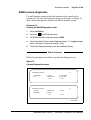
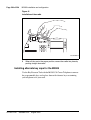
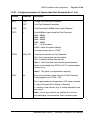
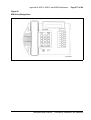
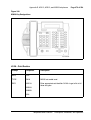
Performing the M2317 telephone self-test
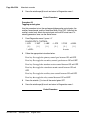
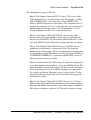
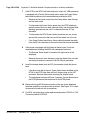
1
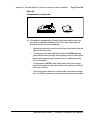
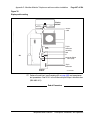
Connect the telephone to the AC power supply.
The LCD screen displays “Initialization … vX.X” (note that there is only a
3 to 5 second window to begin Step 2).
2
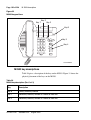
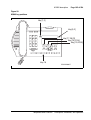
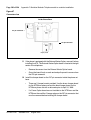
Press Softkey 5 twice, then press Softkey 4 twice.
3
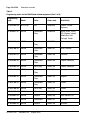
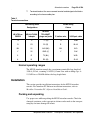
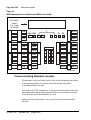
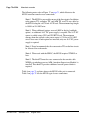
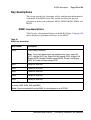
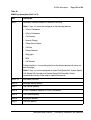
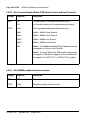
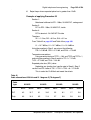
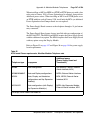
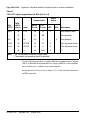
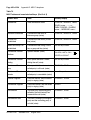
Follow the steps in Table 61 to perform the necessary self-test steps and
check results.
4
Unplug the power supply to end the test.
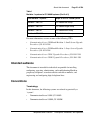
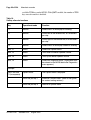
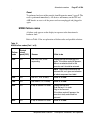
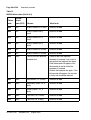
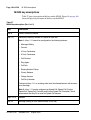
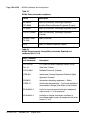
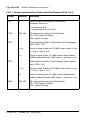
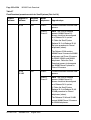
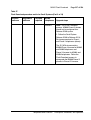
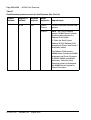
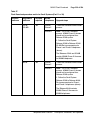
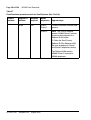
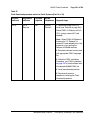
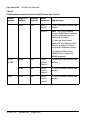
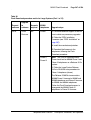
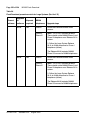
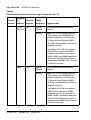
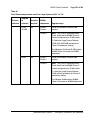
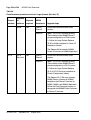
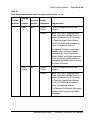
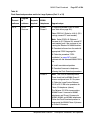
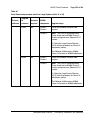
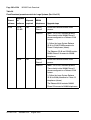
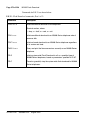
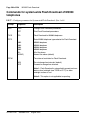
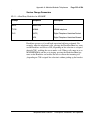
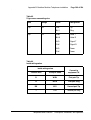
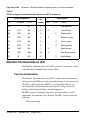
Table 61
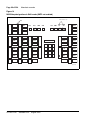
M2317 telephone key/LCD indicator self-tests
Step
Key operated
Required response
1
Any programmable
key
Toggles the corresponding indicator on/off
2
Any dial pad key
Displays the corresponding character in the top line of the
display screen
3
Volume control
Displays characters “>” for volume up and “<” for volume down
in the top line of the display screen
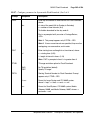
4
Softkey 1
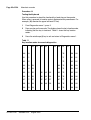
Both display lines are filled with characters as follows:
ABCDEFGHIJKLMNOPQRSTUVWXYZABCDEFGHIJKLMN
OPQRSTUVWXYZABCDEFGHIJKLMNOPQRSTUVWXYZAB
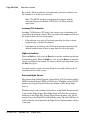
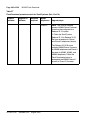
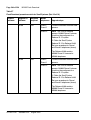
5
Softkey 2
Both display lines are filled with characters as follows:
abcdefghijklmnopqrstuvwxyzabcdefghijklmn
opqrstuvwxyzabcdefghijklmnopqrstuvwxyzab
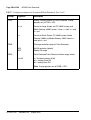
6
Softkey 3
All LCD pixels are turned on
7
Softkey 4
Display is blank
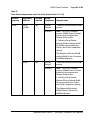
8
Softkey 5
Both display lines are filled with characters as follows:
8888888888888888888888888888888888888888
8888888888888888888888888888888888888888
553-3001-367
Standard 3.00
August 2005