1
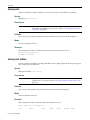
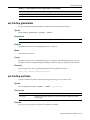
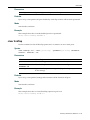
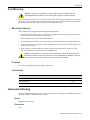
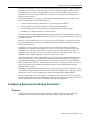
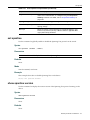
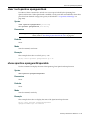
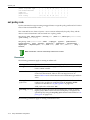
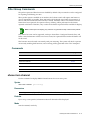
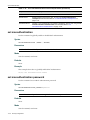
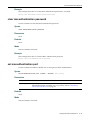
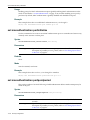
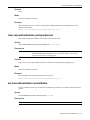
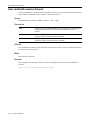
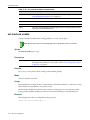
show dot1x auth-config
show dot1x auth-config
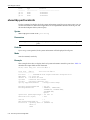
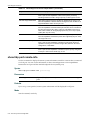
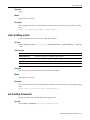
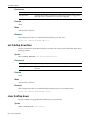
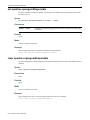
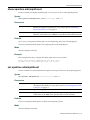
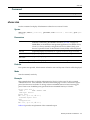
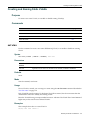
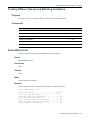
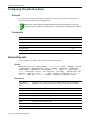
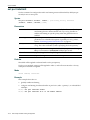
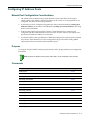
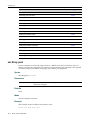
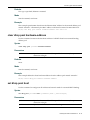
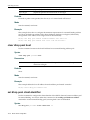
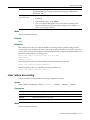
Use this command to display 802.1X authentication configuration settings for one or more ports.
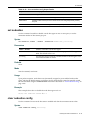
Syntax
show dot1x auth-config [authcontrolled-portcontrol] [maxreq] [quietperiod]
[reauthenabled] [reauthperiod] [servertimeout] [supptimeout] [txperiod]
[port-string]
Parameters
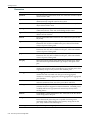
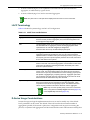
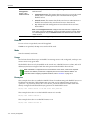
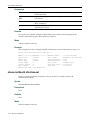
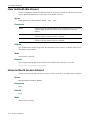
authcontrolled‐
portcontrol
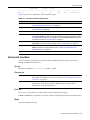
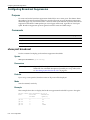
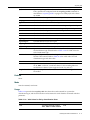
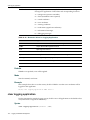
(Optional) Displays the current value of the controlled Port control parameter for the port.
maxreq
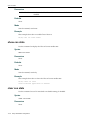
(Optional) Displays the value set for maximum requests currently in use by the backend authentication state machine.
quietperiod
(Optional) Displays the value set for quiet period currently in use by the authenticator PAE state machine.
reauthenabled
(Optional) Displays the state of reauthentication control used by the Reauthentication Timer state machine.
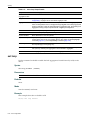
reauthperiod
(Optional) Displays the value, in seconds, set for the reauthentication period used by the reauthentication timer state machine.
servertimeout
(Optional) Displays the server timeout value, in seconds, currently in use by the backend authentication state machine.
supptimeout
(Optional) Displays the authentication supplicant timeout value, in seconds, currently in use by the backend authentication state machine.
txperiod
(Optional) Displays the transmission period value, in seconds, currently in use by the authenticator PAE state machine.
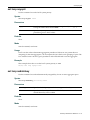
port‐string
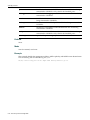
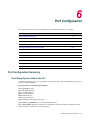
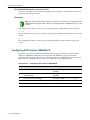
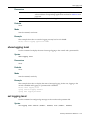
(Optional) Limits the display of desired information information to specific port(s). For a detailed description of possible port‐string values, refer to “Port String Syntax Used in the CLI” on page 6‐1.
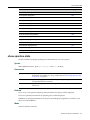
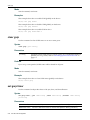
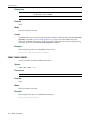
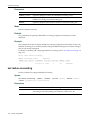
Defaults
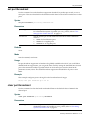
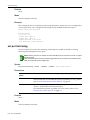
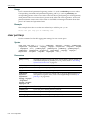
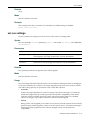
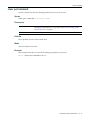
If no parameters are specified, all 802.1X settings will be displayed.
If port‐string is not specified, information for all ports will be displayed.
Mode
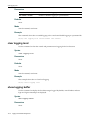
Switch command, read‐only.
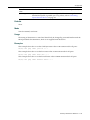
Examples
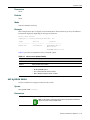
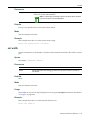
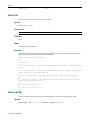
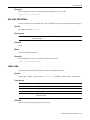
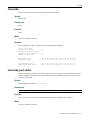
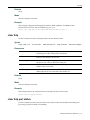
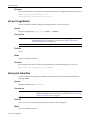
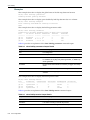
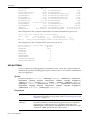
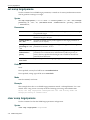
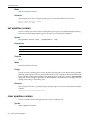
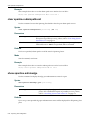
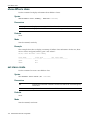
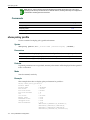
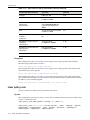
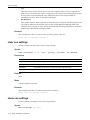
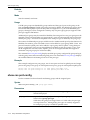
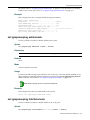
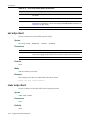
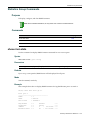
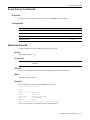
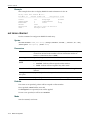
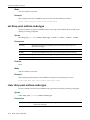
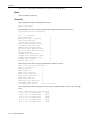
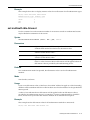
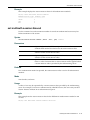
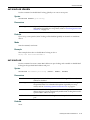
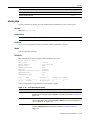
This example shows how to display the EAPOL port control mode for fe.1.1: D2(su)->show dot1x auth-config authcontrolled-portcontrol fe.1.1
Port 1: Auth controlled port control:
Auto
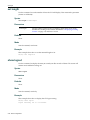
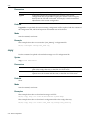
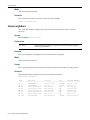
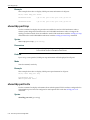
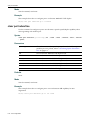
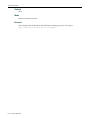
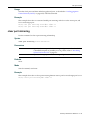
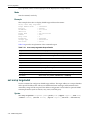
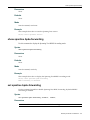
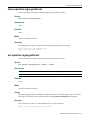
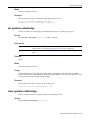
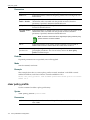
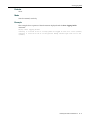
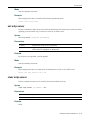
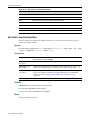
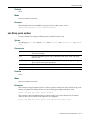
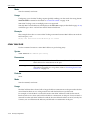
This example shows how to display the 802.1X quiet period settings for fe.1.1: D2(su)->show dot1x auth-config quietperiod fe.1.1
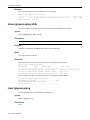
Port 1: Quiet period:
30
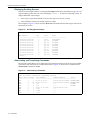
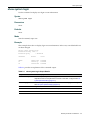
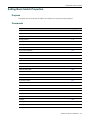
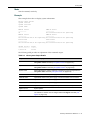
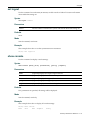
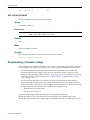
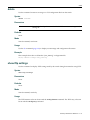
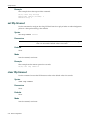
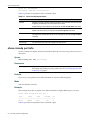
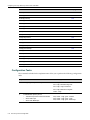
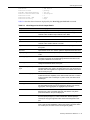
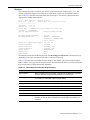
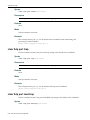
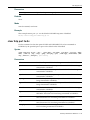
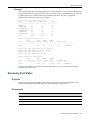
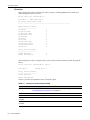
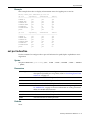
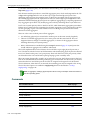
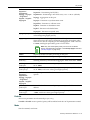
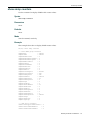
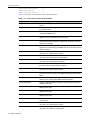
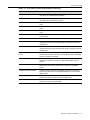
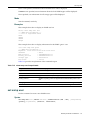
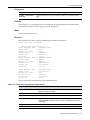
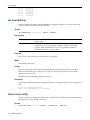
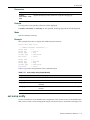
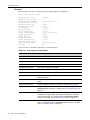
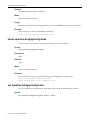
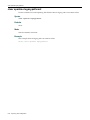
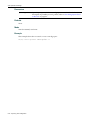
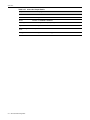
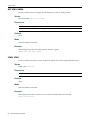
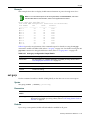
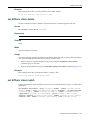
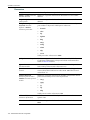
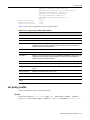
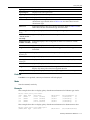
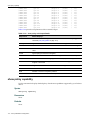
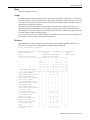
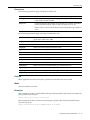
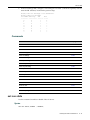
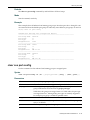
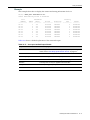
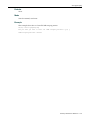
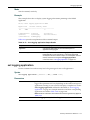
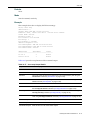
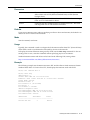
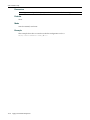
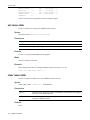
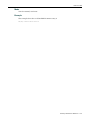
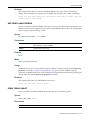
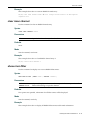
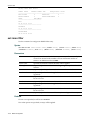
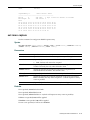
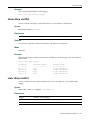
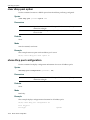
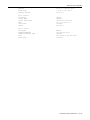
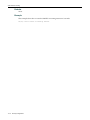
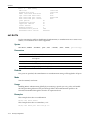
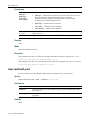
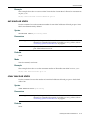
This example shows how to display all 802.1X authentication configuration settings for ge.1.1: D2(ro)->show dot1x auth-config ge.1.1
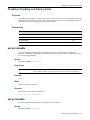
Enterasys D-Series CLI Reference
17-13