1
Custom Call Routing
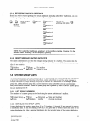
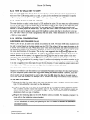
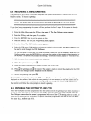
8.4.2 MODIFYING A CUSTOM CALL RECORD
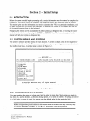
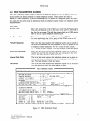
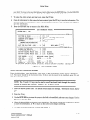
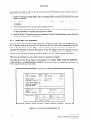
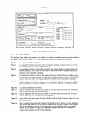
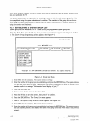
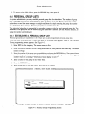
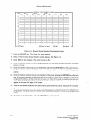
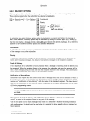
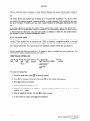
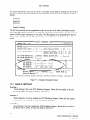
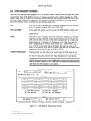
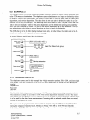
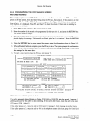
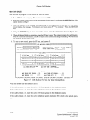
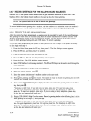
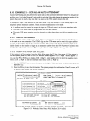
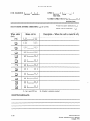
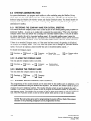
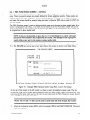
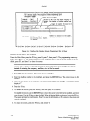
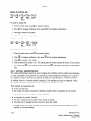
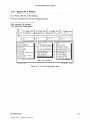
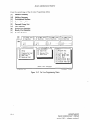
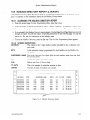
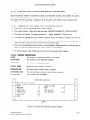
From the Main Menu press the Fl key, then press 4. The CCR Mailbox
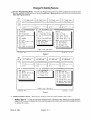
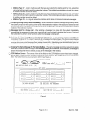
screen appears. See Figure
8-2. If there is an existing CCR Mailbox, it is displayed. The cursor should be in the Cmp field. If
this is not the record to be modified, press F3, and then Y to clear the screen.
NOTE: The F9 and FIO keys can be used to scroll back and forth through
instead of entering the company, CCR mailbox, etc. to find a record.
the records
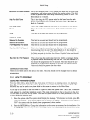
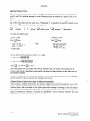
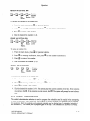
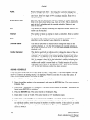
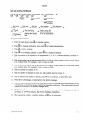
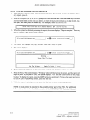
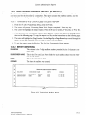
1. Enter EXC for the company. The cursor moves to CCR.
2. Enter the number of the CCR Mailbox to be modified,
to Msg #.
3. Enter the number of the message (menu/greeting)
message, “Information
found, display it?”
4. Press the RETURN
5. Use the RETURN
and press the RETURN
to be modified.
key. The cursor moves
The system should display the
key.
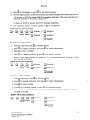
key to move the cursor to the field to be modified,
and enter your changes.
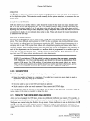
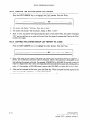
6. When all desired fields are changed, press the F5 key to save the information. The system prompts for
confirmation.
Press Y to save, or N to return to the screen and change something.
7. To clear the screen, press the F3 key, and answer Y.
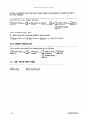
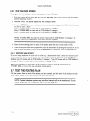
8.4.3
DELETE A CUSTOM CALL RECORD
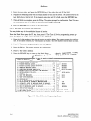
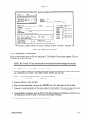
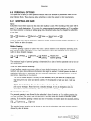
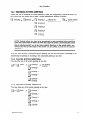
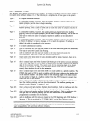
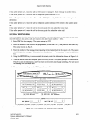
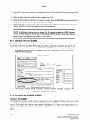
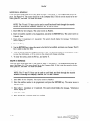
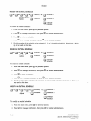
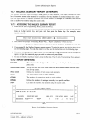
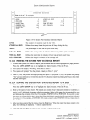
From the Main Menu press the Fl key, then press 4. The CCR Mailbox screen appears. See Figure
8-2. If there is an existing CCR Mailbox, it is displayed. The cursor should be in the Cmp field. If
this is not the record to be deleted, press F3, and then Y to clear the screen.
NOTE: The F9 and FlO keys can be used to scroll back and forth through
instead of entering the company, CCR mailbox, etc. to find a record.
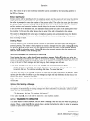
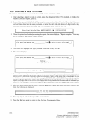
1. Enter EXC for the company.
The cursor moves to CCR.
2. Enter the number of the CCR Mailbox to be deleted, and press the RETURN
to Msg #.
3. Enter the number of the message (menu/greeting)
found, display it?”
sage, “Information
4. Press the RETURN
the records
key. The cursor moves
to be deleted. The system should display the mes-
key.
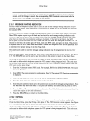
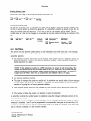
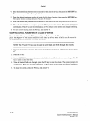
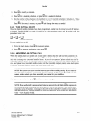
5. Press the F6 key to delete, and then press Y to confirm.
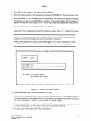
NOTE: The recorded greeting associated with a CCR Mailbox/message
number is NOT
deleted when the record is deleted. The recording must be deleted using the System Administrator’s
mailbox.
8.10
INFOSTARIVX2
System Administrator’s
Manual
revised 7/91