1
Outdial
9.5 SUBSCRIBER PROGRAMMING
9.5.1
OUTDIAL BINS
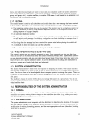
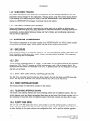
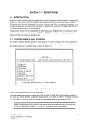
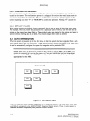
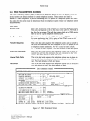
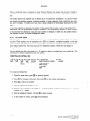
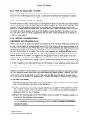
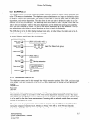
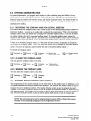
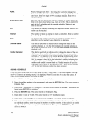
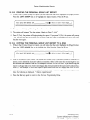
The first task in creating an outdial schedule is to program the telephone numbers where you can be
reached. These numbers can be extensions on a PBX (or Centrex), a telephone number, or the telephone number and dialing sequence of a pager. These numbers are stored in system memory in locations called outdial bins. You may store up to 9 telephone numbers. These bins are labeled 1
through 9.
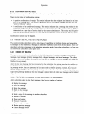
Do not include the dial access code (e.g., 9) needed to reach an outside line in an outdial bin. This
information is already programmed into the system.
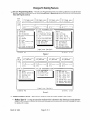
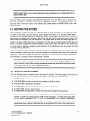
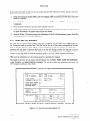
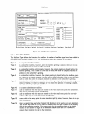
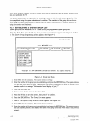
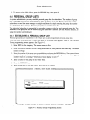
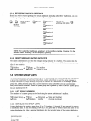
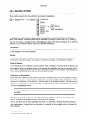
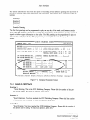
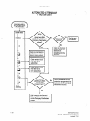
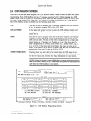
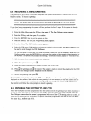
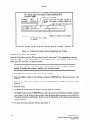
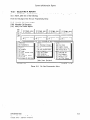
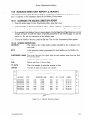
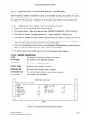
CREATING
AN OUTDIAL
BIN
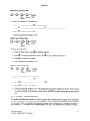
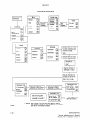
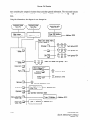
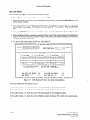
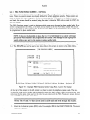
a - Ifl- B -a - E$tz- a E$&enumber
- :2&r
Bin
Add
Maint .
(l-9)
2
cl
R
3
Extension
number
Pager
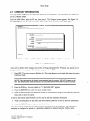
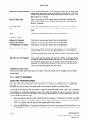
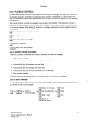
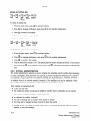
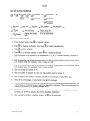
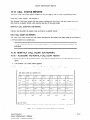
To create an Outdial bin:
1. From the main menu, press
q
for personal options.
2. Press ELI for message notification,
3. Press
q
then press El for bin number maintenance.
to add a bin number.
4. Dial the desired bin number
(l-9).
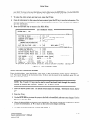
5. Dial the type of number to be added (1 - external telephone
number, or 3 - pager).
6. Dial the telephone
number.
number or voice pager, 2 - extension
Use the B to insert a pause.
7. If the number is correct, press @ when prompted.
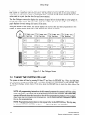
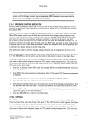
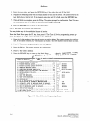
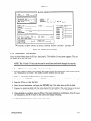
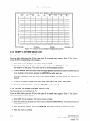
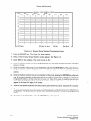
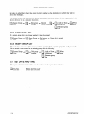
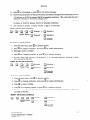
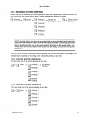
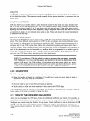
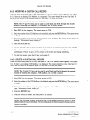
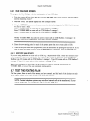
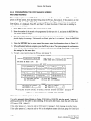
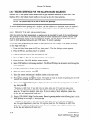
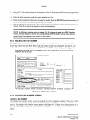
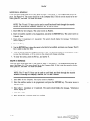
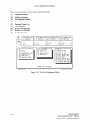
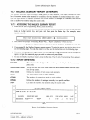
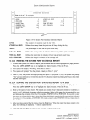
REVIEW AN OUTDIAL
BIN
~-~-p-J-~-c
Dial bin
number
Review (l-9)
Bin
Maint .
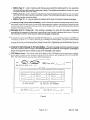
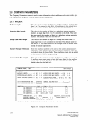
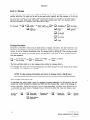
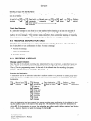
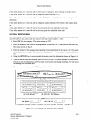
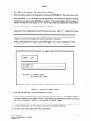
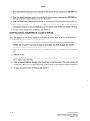
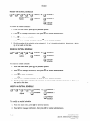
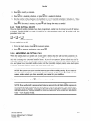
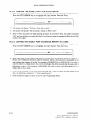
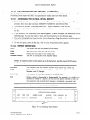
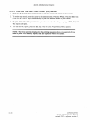
To review the contents of an outdial bin:
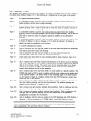
1. From the main menu, press m for personal options.
2. Press El for message notification,
3. Press n
then press El for bin number maintenance.
to review a bin number.
4. Dial the desired bin number
INFOSTARIKY2
System Administrator’s
revised 7191
(l-9).
9.13
Manual