1
System Administration
IO.15
CALL
Reports
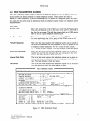
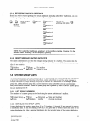
STATUS REPORTS
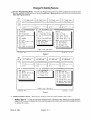
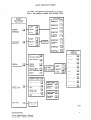
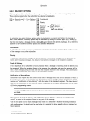
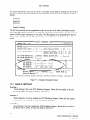
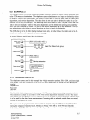
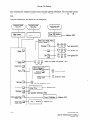
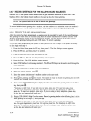
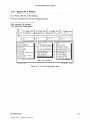
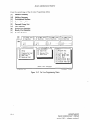
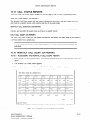
There are three Call Status reports located on the first page of the On Line Programming
MONTHLY
CALL
COUNT
(OA
Menu.
REPORT)
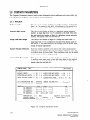
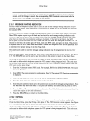
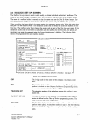
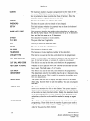
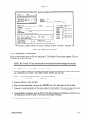
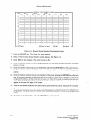
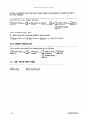
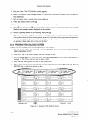
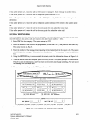
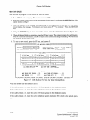
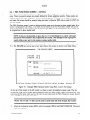
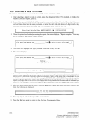
The Monthly Call Count screen tells the system administrator how many calls the system took on a
daily basis in a specific month, with monthly and day of the week totals.
MONTHLY
CALL
DURATION
(OB
REPORT)
The Monthly Call Duration screen tells the system administrator the total connect time (in hours,
minutes, and seconds) the system took each day in a specific month.
DAILY
CALL
COUNT
(OC
REPORT)
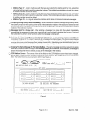
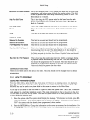
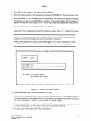
The Daily Call Count screen tells the system administrator
a 24-hour period on a specific day.
NOTE: The system stores the Call Status Reports
activated.
how many calls were made to the system in
for 90 days from the time the system was
10.16
MONTHLY
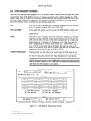
CALL COUNT (OA REPORT)
10.16.1
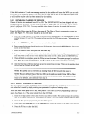
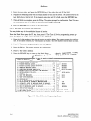
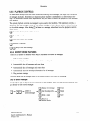
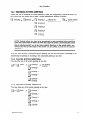
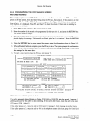
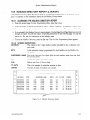
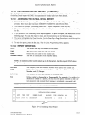
ACCESSING THE MONTHLY CALL COUNT REPORT
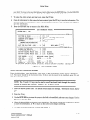
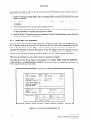
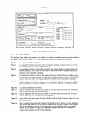
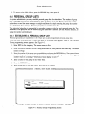
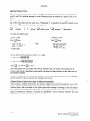
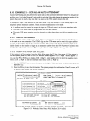
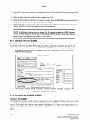
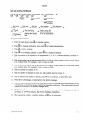
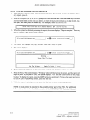
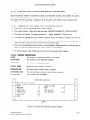
1. From the On Line Programming
report.
2. The Monthly
Menu, press the 0 and then the A key for the Monthly
Call Count screen appears.
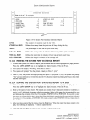
3. To exit the report, press the Esc key. The On Line Programming
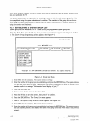
[MONTHLY
CMP:[EXC]
YEAR:[Ql]
CALL
COUNT
Menu appears.
SCREEN]
MONTH:[OQ]
20
67
18
39
54
TOTAL:
[ALT+P]
: [FI]Clear
Call Count
198
print
[FJ]Save
[FG]Del
[F7]Scroll
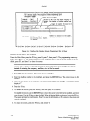
Figure lo-13
Monthly
INFOSTARIKX2
System Administrator’s
Manual
revised 2192 - software version 3
[FB]Find
[FQ]Prev
Call Count Report
[FlO]Next
[Esc]Quit
(OA Report)
10.27