1
Initial
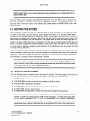
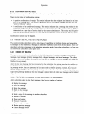
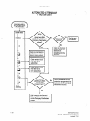
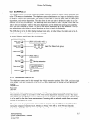
NOTE: Select IDS for new system installations
EXECUTONE
IDS.
Setup
when integrating
to any configuration
of the
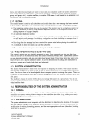
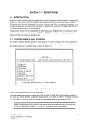
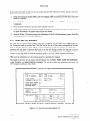
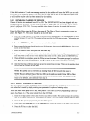
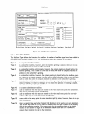
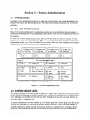
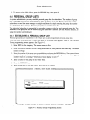
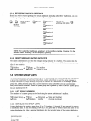
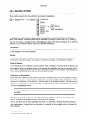
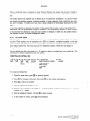
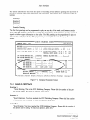
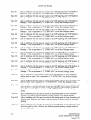
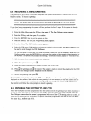
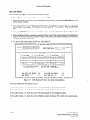
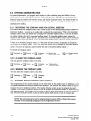
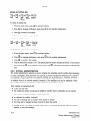
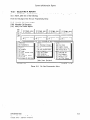
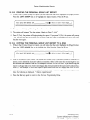
The code S96 is used to integrate the ISOETEC@ SysterrJ96. The code S66 is used to integrate the
ISOETEC@ System/66. The code ECX is used to integrate the Encore” CX telephone systems. Use
the arrow keys to move the cursor to the desired code (make certain the NUM LOCK is off), then
press RETURN.
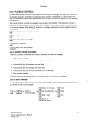
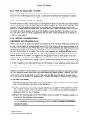
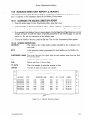
2.4 BOOTING THE SYSTEM
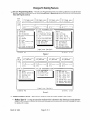
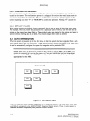
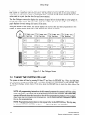
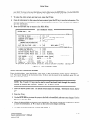
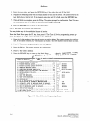
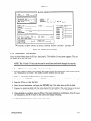
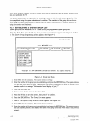
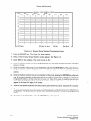
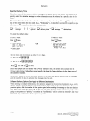
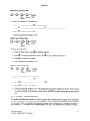
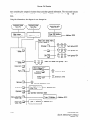
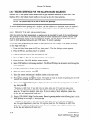
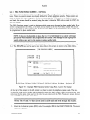
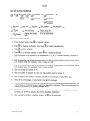
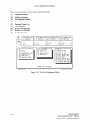
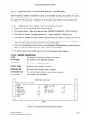
After a selection is made from the PBX Selection menu, or when the power for the system is turned
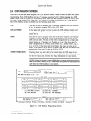
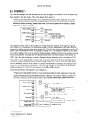
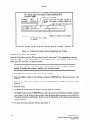
on (after the first time), the Run Dialogue screen appears (see Figure 2-3), and the system begins
running the voice message application. Before the system actually begins processing calls, certain information must be entered into the system. The Custom Sys and Utilities menus are used to enter information about the company, and the installation. The system needs to know how many digits are in a
mailbox, the type of PBX the system is connected to (if this was not defined using the PBX Selection
menu), the system administrator mailbox numbers, initial access codes, and which of the system ports
are to be used for sending a message waiting indication (if the telephone system can accept and utilize
a message waiting indication).
After this initial information
has been entered, the system administrator may enter classes of service,
mailbox numbers, system group lists, and other information to customize the system to the particular
application. Many of the system administration functions can be performed from either the monitor
and keyboard, or using the system administrator’s mailbox.
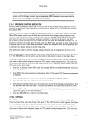
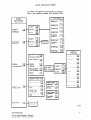
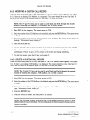
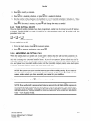
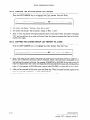
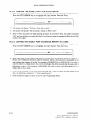
NOTE: The system should be taken off-line
before any initial programming
can take
place. However, most of the system programming
screens can be accessed while the system
is running using the On Line Programming
Menu.
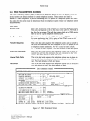
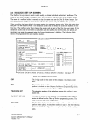
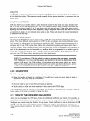
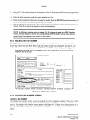
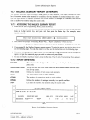
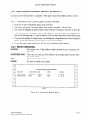
2.5 RUN DIALOGUE SCREEN
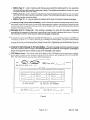
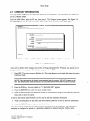
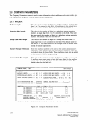
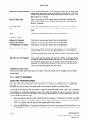
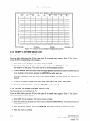
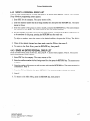
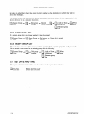
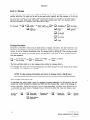
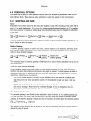
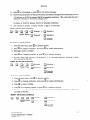
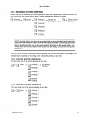
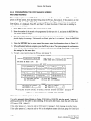
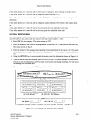
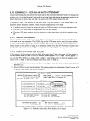
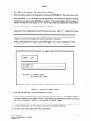
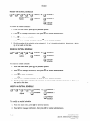
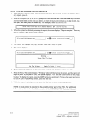
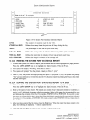
The Run Dialogue screen is displayed while the system is running. The main purpose of this screen is
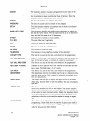
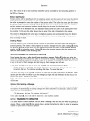
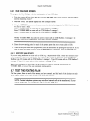
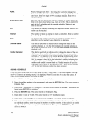
to define the task each port is to execute when called. Valid entries for each port are:
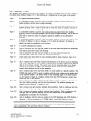
l
T TIME1
o T AUTOM
0001 (normal
voice mail)
0001 (normal
voice mail with prompts
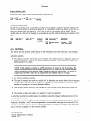
l
T AUTO1
0001 (Automated
Attendant)
l
T AUTOS
0001 (Automated
Attendant
l
T CCRBl
0001 (Custom Call Routing).
0 T CCRBX
0001 through
for spell by name)
with spell by name feature)
0014 (Custom Call Routing with multiple
starting points)
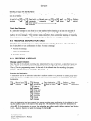
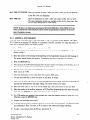
NOTE: T CCRBX 0001 means start at CCR record 1 message 1. T CCRBX 0002 means start
at CCR record 2 message 1, etc. T CCRBX 0014 means start at CCR record 14 message 1.
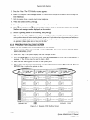
NOTE: The same task should be assigned to every port in the system. However, certain
applications
may required a different task be programmed
for some of the system ports.
INFOSTARIVX2
System Administrator’s
revised 7191
2.3
Manual