1
5
How to Create Your Own Components
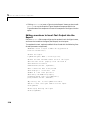
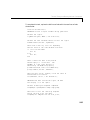
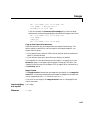
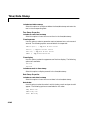
%Since the random plot figure is the current
%figure, it will be the one captured by the
%snapshot component. This command runs the
%snapshot component and returns the DocBook
%<figure> tag. The second argument to
%runcomponent shows the priority of the
%"Running Component" message in the Generation
%Status tab.
out=runcomponent(snapComp,6);
%Clean up by deleting the figure
delete(figHandle)
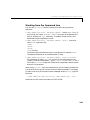
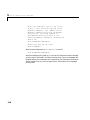
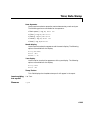
Note the second argument to runcomponent in the line
out=runcomponent(snapComp,6);
sets the message priority level to 6. If you set the Generation Status message
priority level in the Setup File Editor to be less than 6, then no messages will
be generated for this component as it is executing. See “Setting the Generation
Status Update Priority Level” on page 2-20 for a discussion on the message
priority level.
5-38