1
Fixed-Point Block Loop
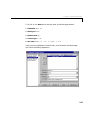
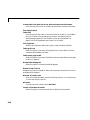
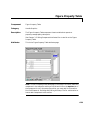
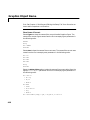
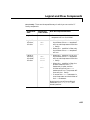
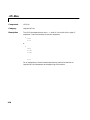
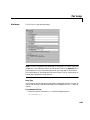
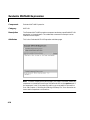
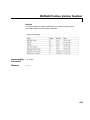
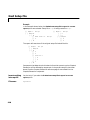
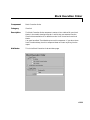
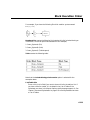
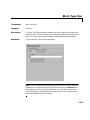
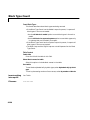
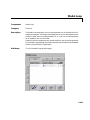
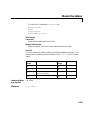
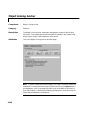
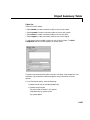
For example, if you want to report on the A2D block and the D2A block in the
demo model “fxpdemo_feedback”, you could enter the following in the block
list.
A2D
Z
If you define Z in the workspace as the following.
Z={‘fxpdemo_feedback/D2A’}
then the Report Generator will report on the following blocks.
A2D
D2A
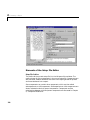
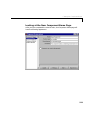
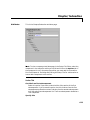
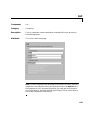
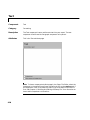
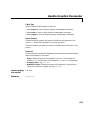
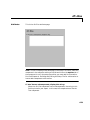
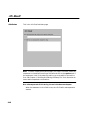
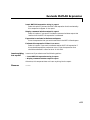
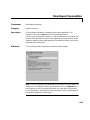
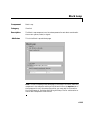
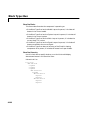
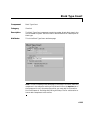
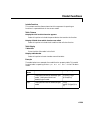
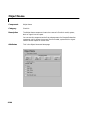
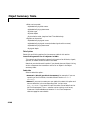
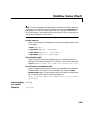
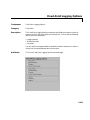
Loop Options
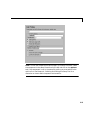
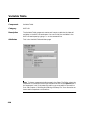
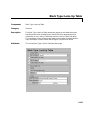
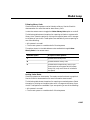
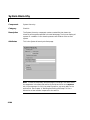
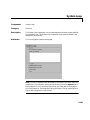
You can choose block sorting options and reporting options in this frame.
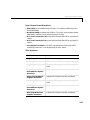
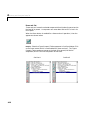
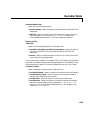
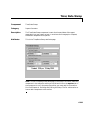
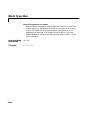
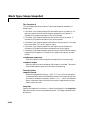
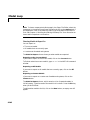
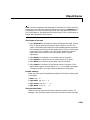
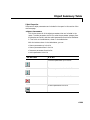
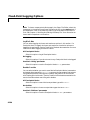
Sort blocks
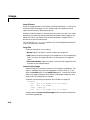
Use this option to select how the blocks are sorted (this option is available
if you select the Auto - Fixed-Point blocks in ______ option in the Report
On section or if you select Manual - use block list and the Sort blocks
option):
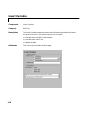
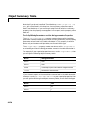
•Select Alphabetically by fixed-point block name to sort blocks
alphabetically by their names.
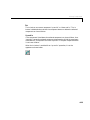
•Select Alphabetically by system name to sort systems alphabetically.
In this option, the systems are sorted alphabetically, and blocks in each
system are listed, but in no particular order.
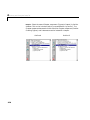
•Select By fixed-point block type to sort blocks alphabetically by block
type.
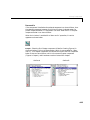
•Select By fixed-point block depth to sort blocks by their depth in the
model.
•Select By simulation order (req RTW) to sort blocks by execution order.
This option requires Real-Time Workshop; if you do not have Real-Time
Workshop, this option will not appear in the attribute page.
6-221