1
Block Type: Scope Snapshot
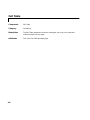
Component
6Block Type: Scope Snapshot
Category
Simulink
Description
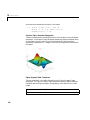
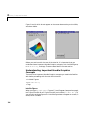
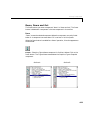
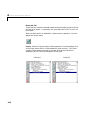
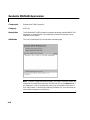
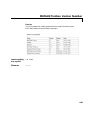
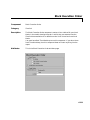
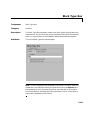
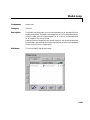
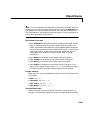
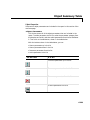
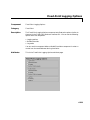
The Block Type: Scope Snapshot component inserts an image of a Simulink
scope and XY graphs. If the model has not been simulated, scopes will be
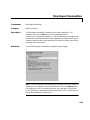
empty. See the Model Simulation component attribute page.
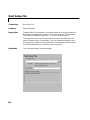
Attributes
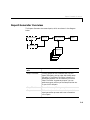
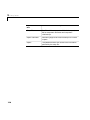
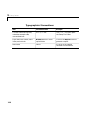
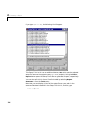
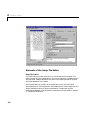
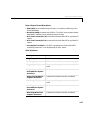
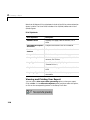
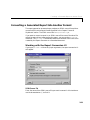
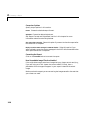
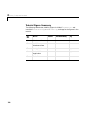
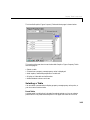
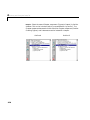
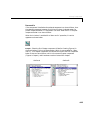
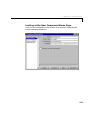
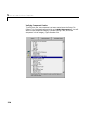
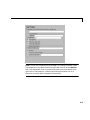
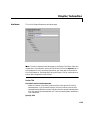
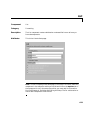
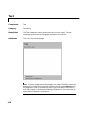
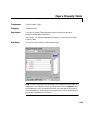
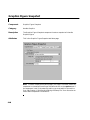
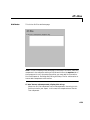
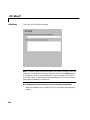
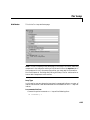
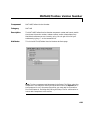
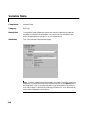
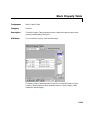
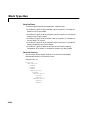
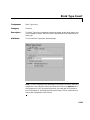
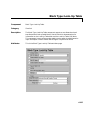
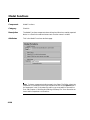
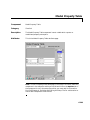
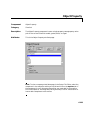
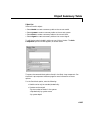
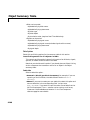
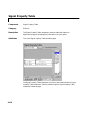
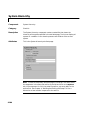
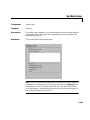
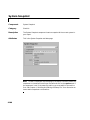
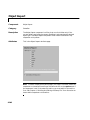
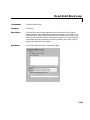
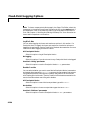
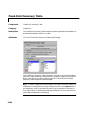
This is the Block Type: Scope Snapshot attribute page.
Block Type: Scope Snapshot
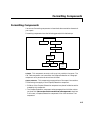
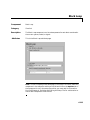
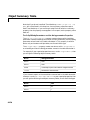
Note To view a component attribute page in the Setup File Editor, select the
component in the setup file outline on the left and click on the Options tab. If
the component is not in the setup file outline, you must add it to the outline
first. See Chapter 4, “Building and Editing the Setup File” for a discussion on
how to add a component to the outline.
6-131