1
Chapter/Subsection
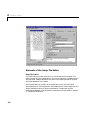
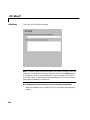
Attributes
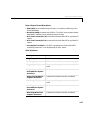
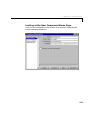
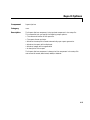
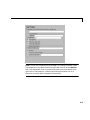
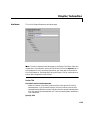
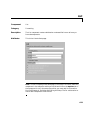
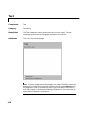
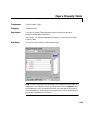
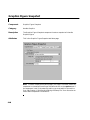
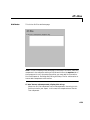
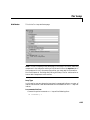
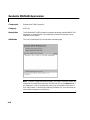
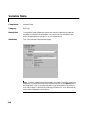
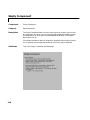
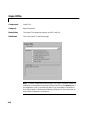
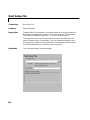
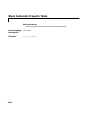
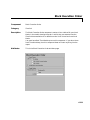
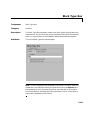
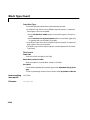
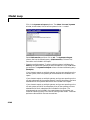
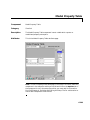
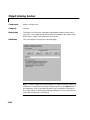
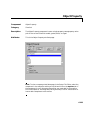
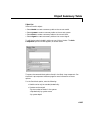
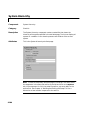
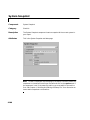
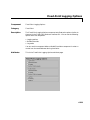
This is the Chapter/Subsection attribute page.
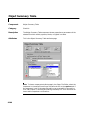
Note To view a component attribute page in the Setup File Editor, select the
component in the setup file outline on the left and click on the Options tab. If
the component is not in the setup file outline, you must add it to the outline
first. See Chapter 4, “Building and Editing the Setup File” for a discussion on
how to add a component to the outline.
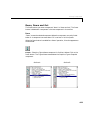
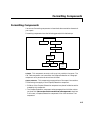
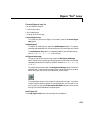
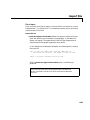
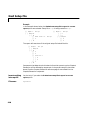
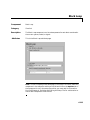
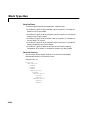
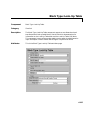
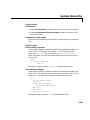
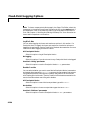
Section Title
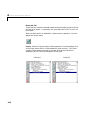
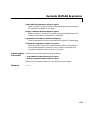
Get title from first subcomponent
Select this option if you want to take the title of the section of the first
subcomponent. If you choose this option, the title is taken from the first
subcomponent and section content is drawn from the second subcomponent
until the end of the subcomponent list. The first subcomponent should be a
Text component.
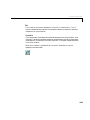
Specify title
6-13