1
Other Resolution Features
Here are a few other helpful features that you will find within
Resolution
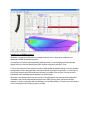
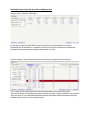
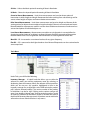
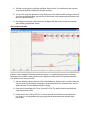
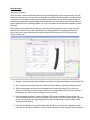
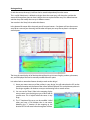
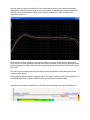
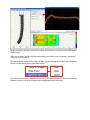
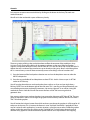
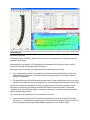
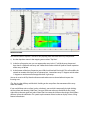
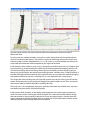
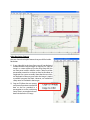
1) If you right-click in the Array Pane, you will see displayed
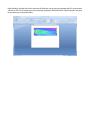
a choice of either “copy to image” or “copy to CSV”. Copy to
image is a screen capture of just the Array Pane that you
can now paste in other software such as “Word” to create
presentation material or to have on-hand to distribute to
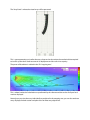
stagehands for system assembly. Note that the stress dots
are displayed on the array even when the image is copied
to another program like Word. However, no mechanical
safety notes are included in the images.
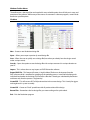
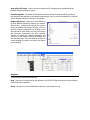
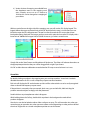
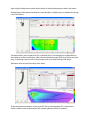
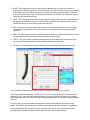
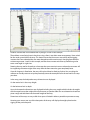
2) Copy to CSV allows the user to copy
and paste all pertinent mechanical
data to also be provided in a
presentation or to be used during
setup. There is no mechanical stress
data included in the CSV copy.