1
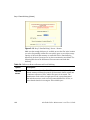
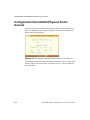
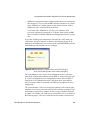
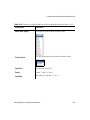
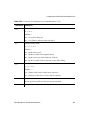
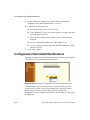
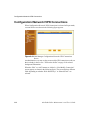
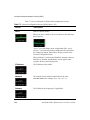
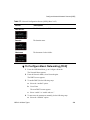
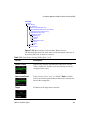
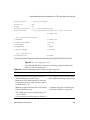
Configuration>Serial/AUX>Physical Ports>Other
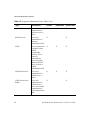
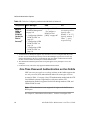
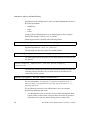
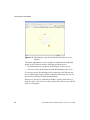
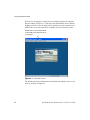
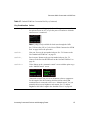
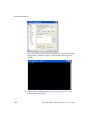
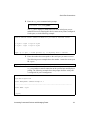
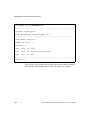
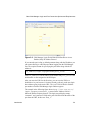
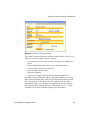
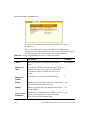
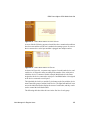
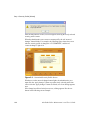
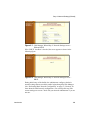
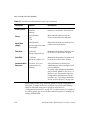
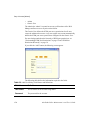
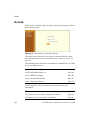
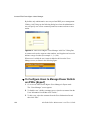
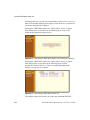
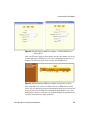
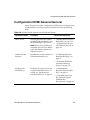
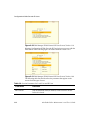
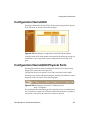
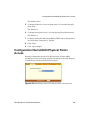
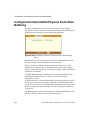
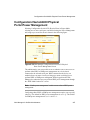
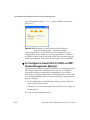
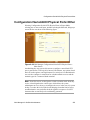
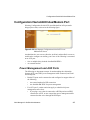
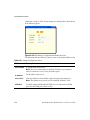
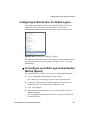
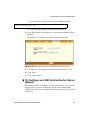
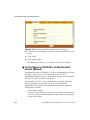
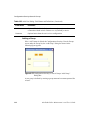
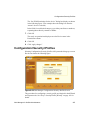
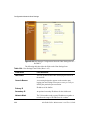
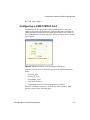
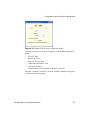
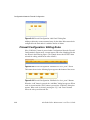
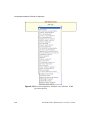
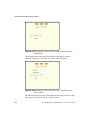
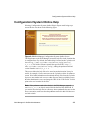
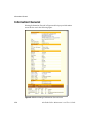
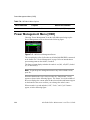
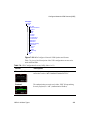
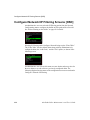
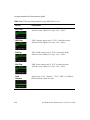
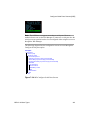
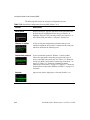
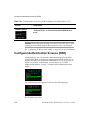
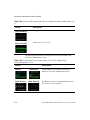
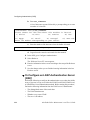
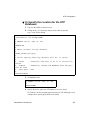
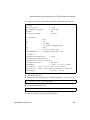
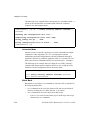
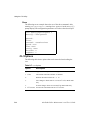
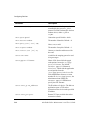
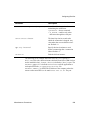
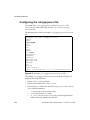
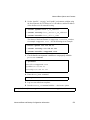
When one of the dumb terminal connection options in the General screen is
selected (see Table 6-13, “Protocols for Dumb Terminals Connected to Serial
Ports,” on page 233), additional fields appear on this screen and some fields
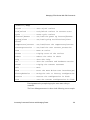
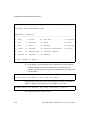
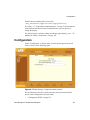
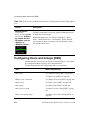
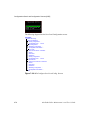
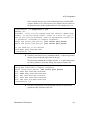
disappear, as shown in the following figure.
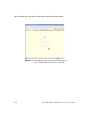
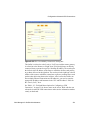
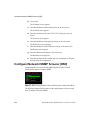
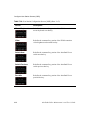
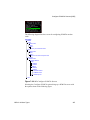
Figure 6-37:Web Manager Configuration>Serial/AUX>Physical
Ports>General Screen—Other Screen When Terminal Protocol
is Selected
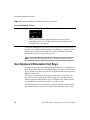
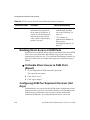
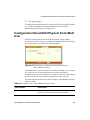
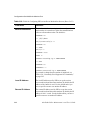
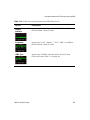
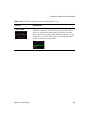
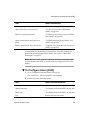
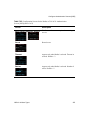
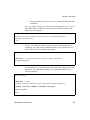
For dumb terminals dedicated to remote servers you need to specify a host IP
address in the “Host to Connect” field. For any type of dumb terminal, you
need to enter the type of terminal in the “Terminal Type” field.
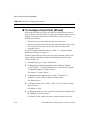
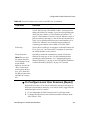
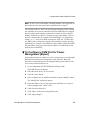
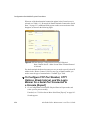
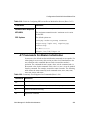
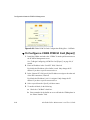
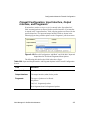
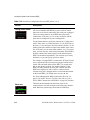
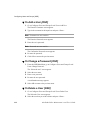
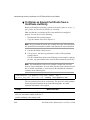
T To Configure TCP Port Number, STTY
Options, Break Interval, and the Login
Banner for a Serial Port Connected to
a Console [Expert]
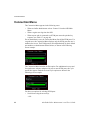
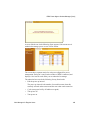
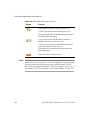
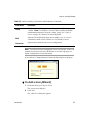
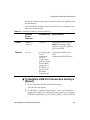
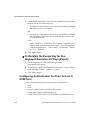
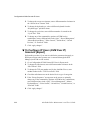
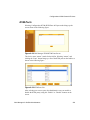
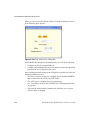
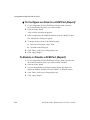
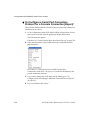
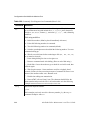
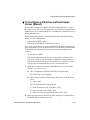
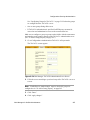
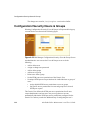
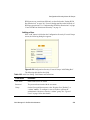
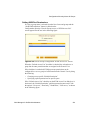
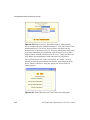
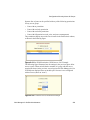
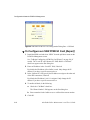
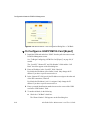
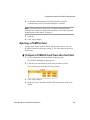
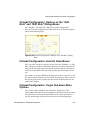
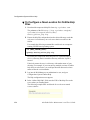
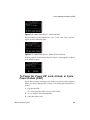
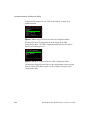
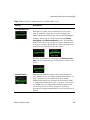
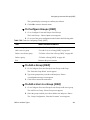
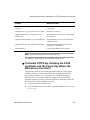
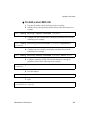
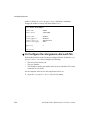
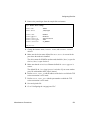
1. Go to Configuration>Serial/AUX>Physical Ports in Expert mode, and
select a port or ports to modify.
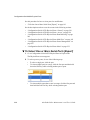
If needed, see “To Select One or More Serial Ports [Expert]” on page 193.
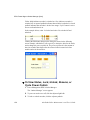
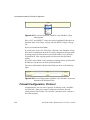
Six tabs appear.
254
AlterPath OnSite Administrator’s and User’s Guide