1
Configuration>Network>Static Routes
Configuration>Network>Static Routes
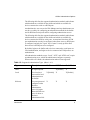
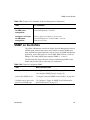
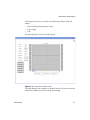
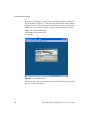
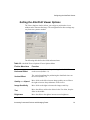
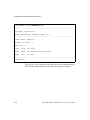
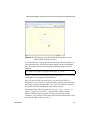
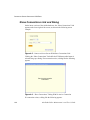
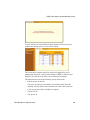
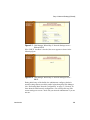
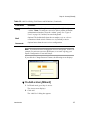
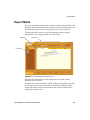
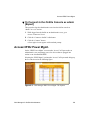
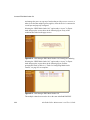
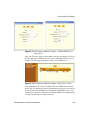
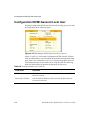
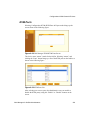
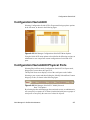
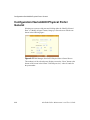
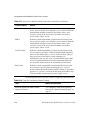
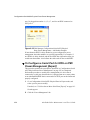
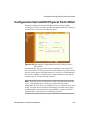
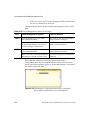
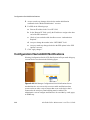
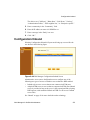
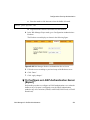
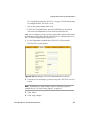
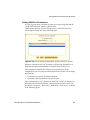
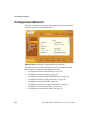
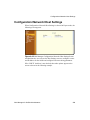
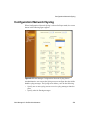
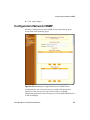
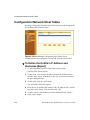
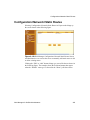
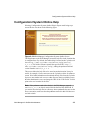
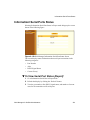
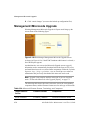
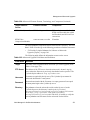
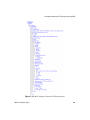
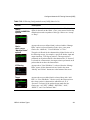
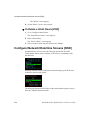
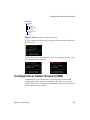
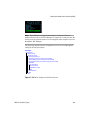
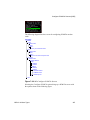
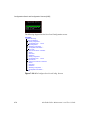
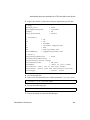
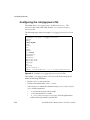
Selecting Configuration>Network>Static Routes in Expert mode brings up
the screen shown in the following figure.
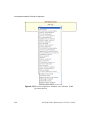
Figure 6-106:Web Manager Configuration>Network Static Routes Screen
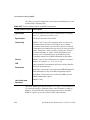
An administrative user can use the screen to manually add static routes or edit
or delete existing routes.
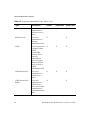
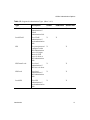
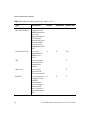
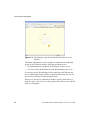
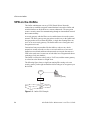
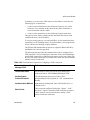
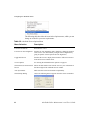
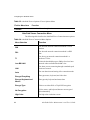
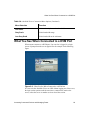
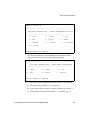
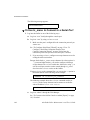
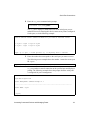
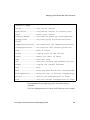
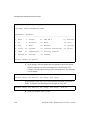
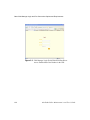
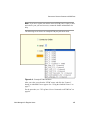
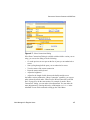
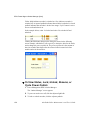
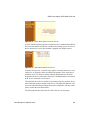
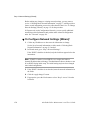
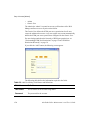
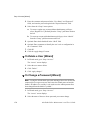
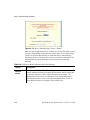
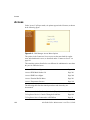
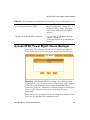
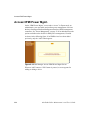
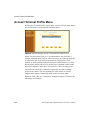
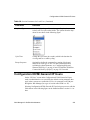
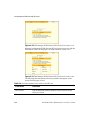
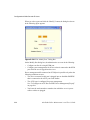
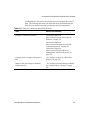
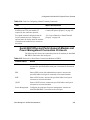
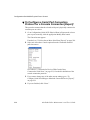
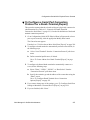
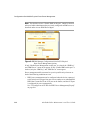
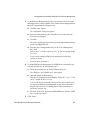
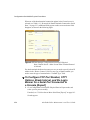
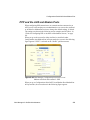
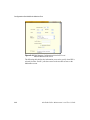
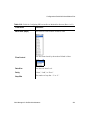
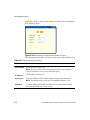
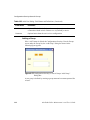
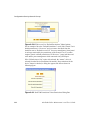
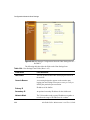
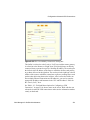
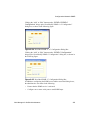
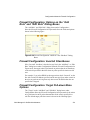
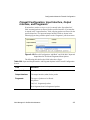
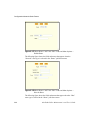
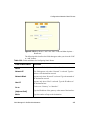
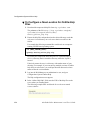
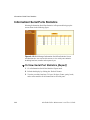
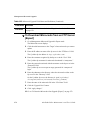
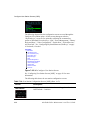
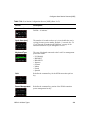
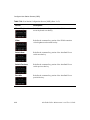
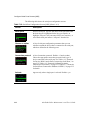
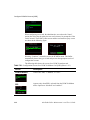
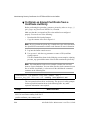
Clicking the “Edit” or “Add” buttons brings up a screen like the one shown in
the following figure. The example shows the fields and menus that appear
when the “Default” route type is selected in the “Route” pull-down menu.
Web Manager for OnSite Administrators
343