1
Restarting the Web Manager
Restarting the Web Manager
If the Web Manager stops responding the web server may be either inactive or
stopped. Perform this procedure to stop and restart it.
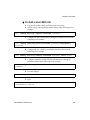
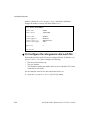
T To Restart the Web Manager
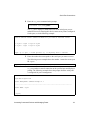
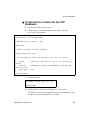
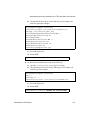
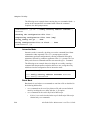
1. Enter the ps command with the -ef option and look for a line with
/bin/AcsWeb, as shown in the following screen example.
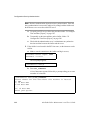
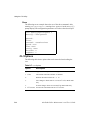
[root@ONS root]# ps -fe | grep Acs
13495 ttyS0 root 8540 S /bin/AcsWeb
•
•
If a line like the one shown in the screen example appears, go to Step 2.
If /bin/AcsWeb is not running, go to Step 2.
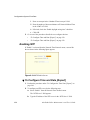
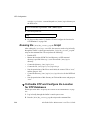
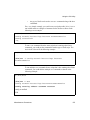
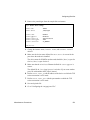
2. Enter the daemon.sh command with the stop WEB option as shown in
the following screen example.
[root@ONS root]# daemon.sh stop WEB
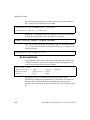
3. Enter the daemon.sh command with the WEB option as shown in the
following screen example.
[root@ONS root]# daemon.sh WEB
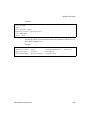
4. Enter the ps command with the -ef option again as in Step 1 to verify
the Web server has been activated.
Troubleshooting
563