1
Paper Feeding
Paper Feeding
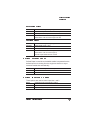
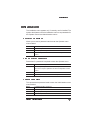
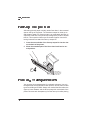
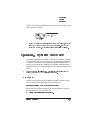
There are two ways of feeding paper through your printer:
n
n
Cassette feed (automatically)
Manual feed (by hand)
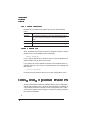
Cassette Feed
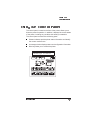
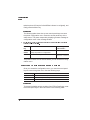
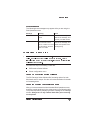
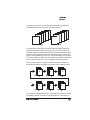
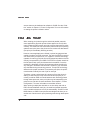
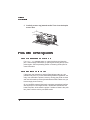
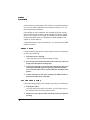
Cassette feed automatically pulls paper from one of the cassettes at
the front of the printer. The cassettes handle paper as light as 16
pounds (60 g/m2) or as heavy as 24 pounds (90 g/m 2), and the maximum loading depth is 1.97'' inches (50 mm).
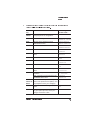
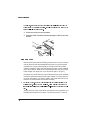
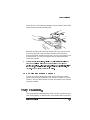
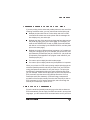
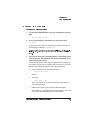
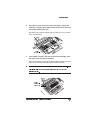
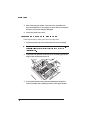
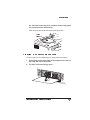
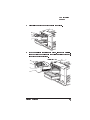
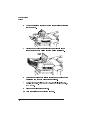
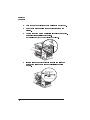
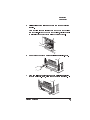
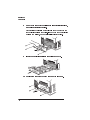
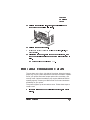
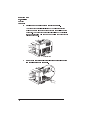
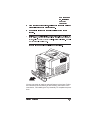
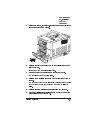
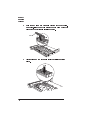
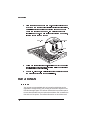
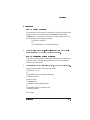
Use the following instructions to install a cassette:
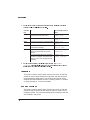
1
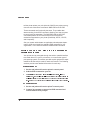
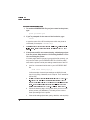
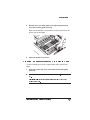
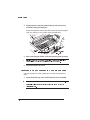
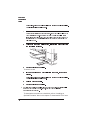
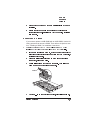
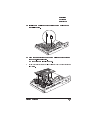
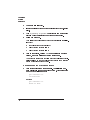
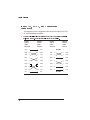
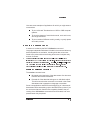
Fill the cassettes with paper.
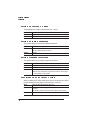
If you’re using
n
n
n
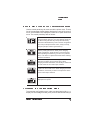
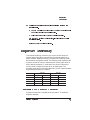
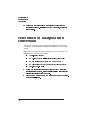
Letterhead and printing simplex (single sided), be sure to
place the paper face up, top edge inserted first.
Letterhead and printing duplex (double sided), place the
paper face down, bottom edge inserted first.
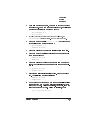
Letterhead and printing combination simplex and duplex jobs,
refer to the Letterhead option in the Engine submenu covered
in chapter 2, “Printer Configuration.”
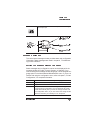
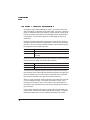
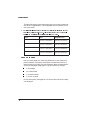
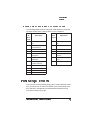
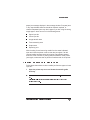
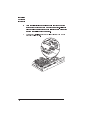
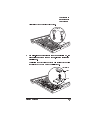
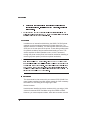
Label
»
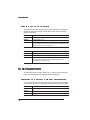
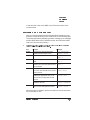
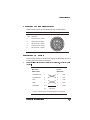
Note: The cassette label indicates which size paper to use. When inserted in
Daily Operations
3-5