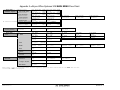
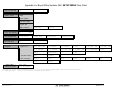
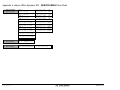
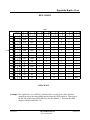
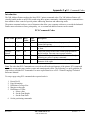
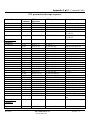
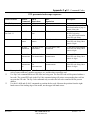
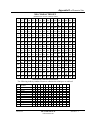
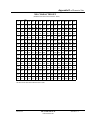
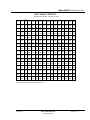
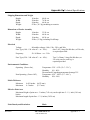
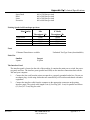
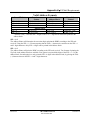
Download Bryce 30K Specifications

Transcript
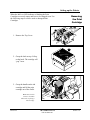
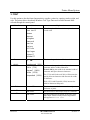
Setting up the Printer
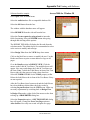
Make certain all the necessary components of the printer are
installed:
•
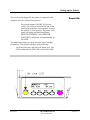
Is the printer plugged into a power outlet?
•
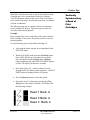
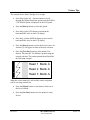
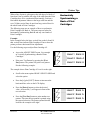
Does the printer have at least three black print
cartridges installed in one of the Banks?
•
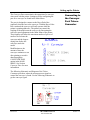
Is the printer connected to the computer?
Preparing
the Media
Now that the printer is installed the setup or adjustments to the
printer need to be done for it to work with the media. To avoid
problems of misfeeding and jams the media must also be made
ready for the printer.
Use the following steps to make the media ready for printing:
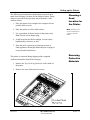
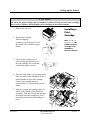
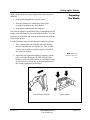
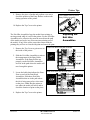
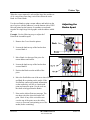
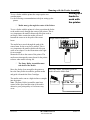
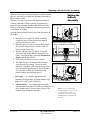
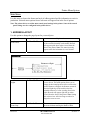
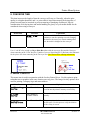
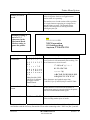
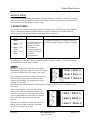
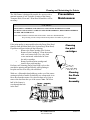
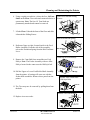
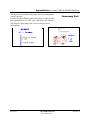
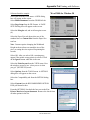
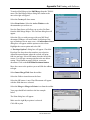
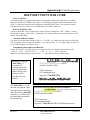
1. Take a manageable pile of media and while holding
them (as shown below in reference A), "fan" all sides
of the media to make sure that each piece of media is
free from one another.
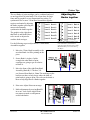
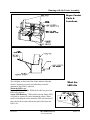
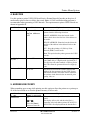
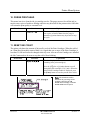
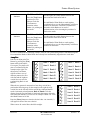
2. Square the pile against the tabletop, assuring a square
pile on all sides. (Reference B) This will also allow
media to settle toward the bottom of a stuffed envelope
and will increase consistency in the print and increase
the feeding capabilities of the feeder.
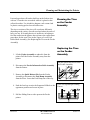
Fan All Sides of Media
Revision C
30K USERS MANUAL
P/N 90-00203-001
Note: Maximum
thickness is 0.5”(1.27
cm).
Square Media
Section 3 -7