1
Setting up the Printer
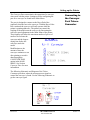
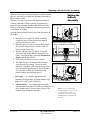
The following environmental considerations must be kept in
mind when selecting a location for the Address Printer. Doing
otherwise may affect the operation and performance of the
Address Printer.
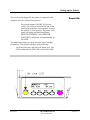
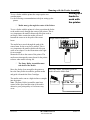
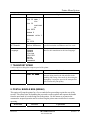
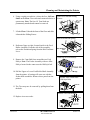
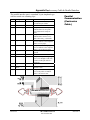
1. Place the printer close enough to the computer for the
parallel cable to reach.
2. Place the printer on a flat, stable surface.
3. Use a grounded, dedicated outlet for the printer only.
Note: Do not use an adapter plug.
Choosing a
Good
Location for
the Printer
Note: AB switches are
not recommended for
operation with this
printer.
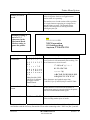
4. Avoid locations near direct sunlight, excessive heat,
high humidity, moisture, or dust.
5. Keep the entire system away from large motors or
other appliances that might disturb the power supply or
create potential interference.
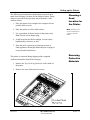
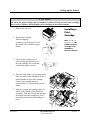
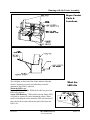
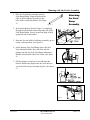
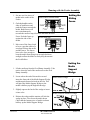
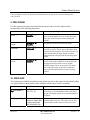
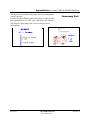
The printer is protected during shipping with corrugated
cardboard around the Head Print Carriages.
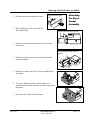
1. Remove the Top Cover to gain access to the inside of
the printer.
Removing
Protective
Materials
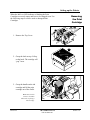
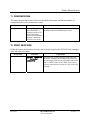
2. Remove the styro-foam protective insert.
Revision C
30K USERS MANUAL
P/N 90-00203-001
Section 3 -1