Download Bryce 30K Specifications
Transcript
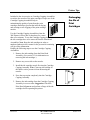
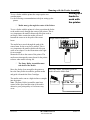
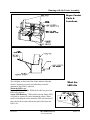
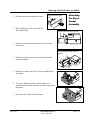
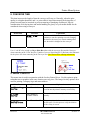
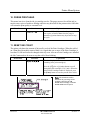
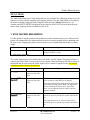
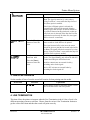
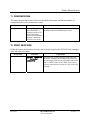
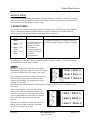
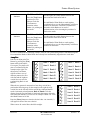
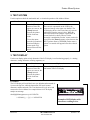
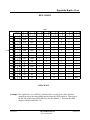
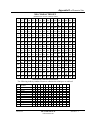
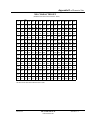
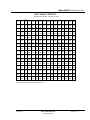
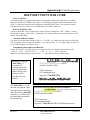
Printer Tips The two 3 Print Head Assemblies need to be synchronized using the Adjust Print menu when the Test Pattern looks like one of the two examples below. Head 1 Bank A Head 1 Bank A Head 2 Bank A Head 2 Bank A Head 3 Bank A Head 3 Bank A Head 4 Bank B Head 4 Bank B Head 5 Bank B Head 5 Bank B Head 6 Bank B Head 6 Bank B Synchronizing 3 Print Head Assemblies The Adjust Print menu has to be used when synchronizing the two banks together. For more information about the Adjust Print menu see the section in the Service Menu. • Press the [+] plus or [ - ] minus buttons to scroll through the Service Menu options until the 1. ADJUST PRINT option is displayed on the LCD panel. • Press the [Enter] button to select this option. • Press the [+] plus or [ - ] minus buttons to scroll through the Adjust Print menu options until the BANK A TO BANK B option is displayed on the LCD panel. • Press the [Enter] button to select this option. • Now print out a Test Pattern by pressing the [Test Env] button. The printer will print a Test Pattern like the preceding example. The Test Pattern consists of three rows of different patterns, the first wide line and the eighteen vertical lines are used for synchronizing Bank A and Bank B. When the two patterns do not match to form long vertical lines, then perform the following steps. • Press the [+] plus (MORE) button to increment the Move Bank B value on the LCD display. Revision C 30K USERS MANUAL P/N 90-00203-001 Section 4 -10