1
Mixing M-Files and C or C++
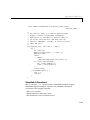
main wrapper. The default output language (without the –p switch) is C. Note
that it is not necessary to specify the .m filename extensions.
Note Because the M-files in this example are modified versions of MATLAB
4.2 Image Processing Toolbox M-files, it is very important that you have the
examples\cppmath directory on your MATLABPATH when you compile ex9.m. If
you do not, the MATLAB Compiler may not find the required M-files, or find
versions of the M-files that do not work with this example.
Running the Example
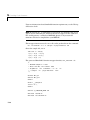
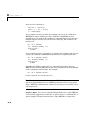
Run the program by typing
ex9 trees.bmp edges.bmp
at your system prompt.
If no errors occur, the program runs without printing any output and creates a
file called edges.bmp in the current directory. This file contains the results of
performing Sobel edge detection on the standard MATLAB image called trees.
Verify that the program worked by viewing the image in edges.bmp; almost any
graphically-oriented Microsoft program (Paintbrush, MS Paint, etc.) will
display a Microsoft Windows Bitmap file. On UNIX systems use a program like
xv to view the image.
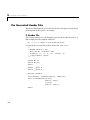
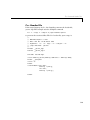
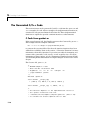
Compiler-Generated C++ Files
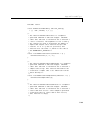
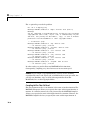
For each compiled M-file, the MATLAB Compiler creates two files:
• a corresponding .cpp file
• a corresponding .h file
The names of the output files derive from the name of the compiled M-file. For
example, ex9.m produces ex9.cpp and ex9.h.
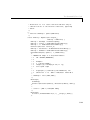
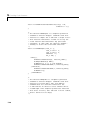
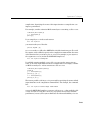
The Compiler places the main routine in a file called
• <function>_main.cpp
where <function> is the name of the first M-file specified in the mcc command.
In this case, the file’s name is ex9_main.cpp.
4-49