1
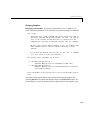
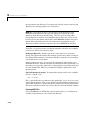
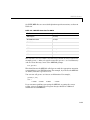
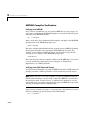
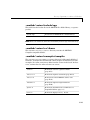
Alternative Ways of Compiling M-Files
Alternative Ways of Compiling M-Files
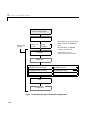
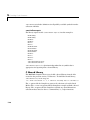
The previous section showed how to compile main.m and mrank.m separately.
This section explores two other ways of compiling M-files.
Note These two alternative ways of compiling M-files apply to C++ as well as
to C code; the only difference is that you add –L cpp for C++.
Compiling MATLAB-Provided M-Files Separately
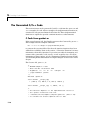
The M-file mrank.m contains a call to rank. The MATLAB Compiler translates
the call to rank into a C call to mlfRank. The mlfRank routine is part of the
MATLAB M-File Math Library. The mlfRank routine behaves in stand-alone
applications exactly as the rank function behaves in the MATLAB interpreter.
However, if this default behavior is not desirable, you can create your own
version of rank or mlfRank.
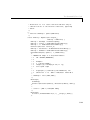
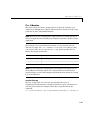
One way to create a new version of rank is to copy MATLAB’s own source code
for rank and then to edit this copy. MATLAB implements rank as the M-file
rank.m rather than as a built-in command. To see MATLAB’s code for rank.m,
enter:
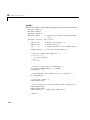
type rank
Copy this code into a file named rank.m located in the same directory as
mrank.m and main.m. Then, modify your version of rank.m. After completing the
modifications, compile rank.m:
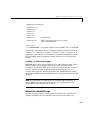
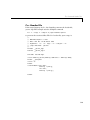
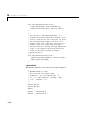
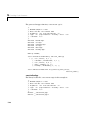
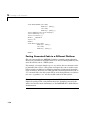
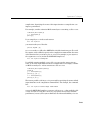
mcc –t rank
Compiling rank.m generates file rank.c, which contains a function named
mlfRank. Then, compile the other M-files composing the stand-alone
application:
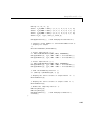
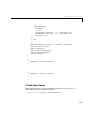
mcc –t main.m
mcc –t mrank.m
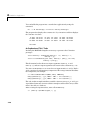
mcc –W main main.m mrank.m rank.m
(produces main.c)
(produces mrank.c)
(produces main_main.c)
4-37