1
Mixing M-Files and C or C++
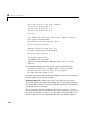
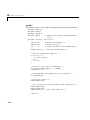
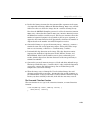
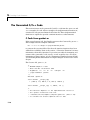
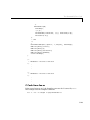
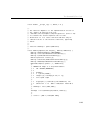
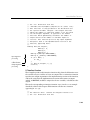
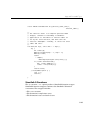
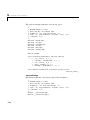
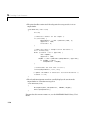
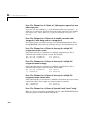
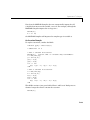
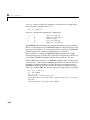
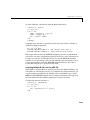
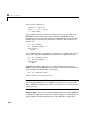
3 Declare local variables. This function uses two local variables, an array of
mwArrays that will be the inputs to the Mf implementation function and an
integer for for-loops.
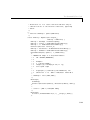
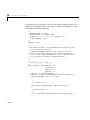
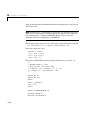
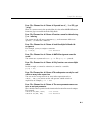
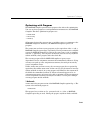
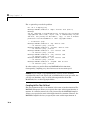
4 Verify that the number of output arguments is correct. The Mf
implementation function, Mex9(), does not take any output arguments. The
number of output arguments passed to the mlxF interface function must
therefore be zero as well. Issue an error message if the number of output
arguments exceeds zero.
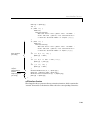
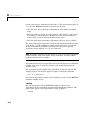
5 Verify that the number of input arguments is correct. The Mf
implementation function Mex9() expects at most two input arguments, so
the number of input arguments passed to the mlxF interface function must
not exceed two.
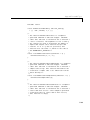
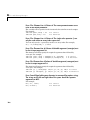
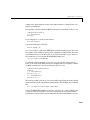
6 Initialize input arguments. The inputs to the feval interface function are
pointers to mxArray structures, but the Mf implementation function expects
mwArray objects. Create mwArray objects from the mxArray inputs. This
process does not copy the data in the mxArray inputs, so making a copy is
relatively inexpensive in terms of memory resources.
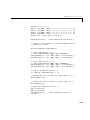
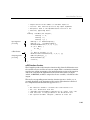
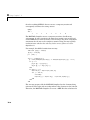
7 Provide default values for optional input arguments. MATLAB allows you to
call a function with less than the maximum number of input arguments, but
the Mf implementation function requires that you pass it all arguments, both
required and optional. Any arguments that are not passed in by the user
must be given default values before being passed to the Mf implementation
function.
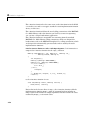
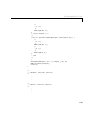
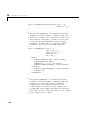
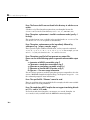
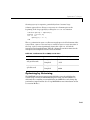
8 Call the Mf implementation function. Pass in the input arguments,
processed by the previous two steps. This particular Mf implementation
function has no return value or output arguments, so no post-processing is
necessary.
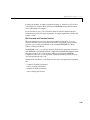
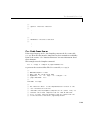
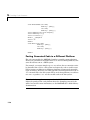
9 Insert mlxF feval interface function termination code. Every mlxF interface
function must invoke the MW_END_MLX() macro as the last statement in the
function.
4-57