1
2
Installation and Configuration
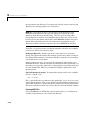
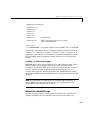
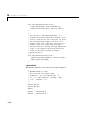
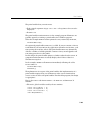
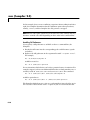
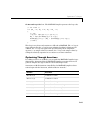
or ‘9’ before the decimal point, the Borland compiler will display the error
message:
Error <file>.c <line>: Illegal octal digit in function
<functionname>
For example, the Borland compiler considers this an illegal octal integer
009.0
as opposed to a legal floating-point constant, which is how it is defined in the
ANSI C standard.
As an aside, if all the digits are in the legal range for octal numbers (0-7),
then the compiler will incorrectly treat the number as a floating-point value.
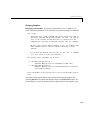
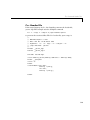
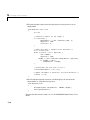
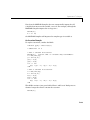
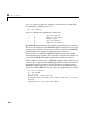
So, if you have code such as
x = [008 09 10];
and want to use the Borland compiler, you should edit the M-code to remove
the leading zeros and write it as
x = [8 9 10];
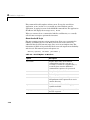
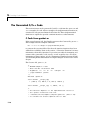
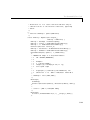
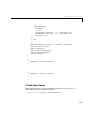
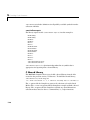
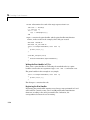
Compiler Options Files
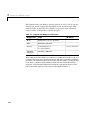
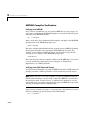
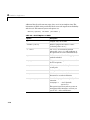
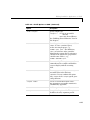
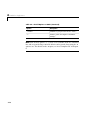
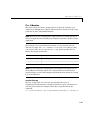
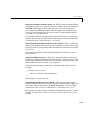
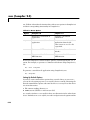
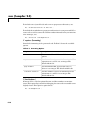
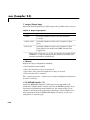
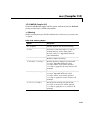
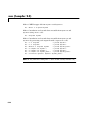
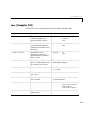
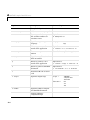
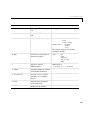
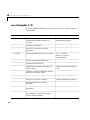
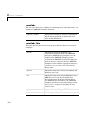
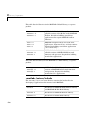
The MathWorks provides options files for every supported C or C++ compiler.
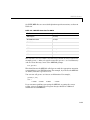
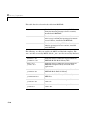
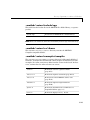
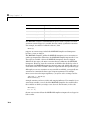
These files contain the necessary flags and settings for the compiler. This table
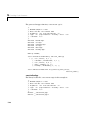
shows the preconfigured PC options files that are included with MATLAB.
2-16
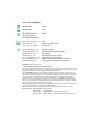
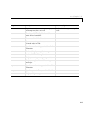
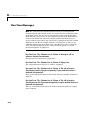
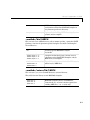
Compiler
Options File
Microsoft C/C++, Version 4.2
Microsoft C/C++, Version 5.0
Microsoft C/C++, Version 6.0
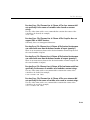
msvcopts.bat
msvc50opts.bat
msvc60opts.bat
Watcom C/C++, Version 10.6
Watcom C/C++, Version 11.0
watcopts.bat
wat11copts.bat
Borland C++, Version 5.0
Borland C++, Version 5.2
Borland C++, Version 5.3
bccopts.bat
bccopts.bat
bcc53opts.bat