1
2.2 Moving the Printer from the Shipping Pallet
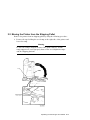
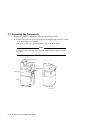
Remove the printer from its shipping pallet by using the following procedure:
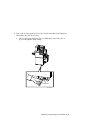
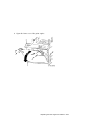
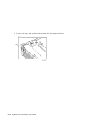
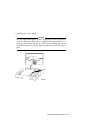
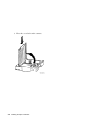
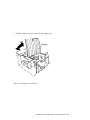
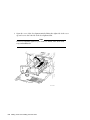
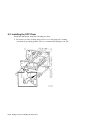
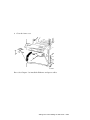
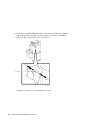
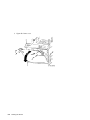
1. Remove the tape holding the wood ramp to the right side of the printer and
lower the ramp.
Warning
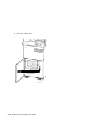
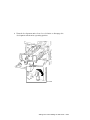
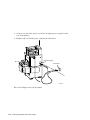
Be sure the ramp is aligned in front of the printer wheels, and the
ramp supports are seated properly between the wood alignment strips
and the shipping platform.
Unpacking the Print Engine and Cabinet 2–5