1
Troubleshooting
7
Zoning and PDCM Considerations
The FICON Prohibit Dynamic Connectivity Mask (PDCM) controls whether or not communication
between a pair of ports in the switch is prohibited or allowed. If there are any differences in restrictions
set up with Brocade Advanced Zoning and PDCM, the most restrictive rules are automatically applied.
All FICON devices should be configured in a single zone using the “Domain, Area” notation. PDCM
can then be used to “Allow” or “Prohibit” access between specific port pairs.
PDCM persists across a failover because it is replicated at all times to the standby CP blade. The active
PDCM configuration is saved to the IPL if the ASM bit is set on.
Backing Up and Restoring Configurations
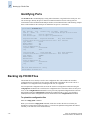
The Fabric OS configUpload command saves up to 16 FICON configuration files, including IPL files.
For details on the behavior of the configDownload command, refer to “Restoring Configurations in a
FICON Environment” on page 4-4.
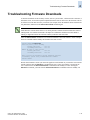
Troubleshooting
The following sources provide useful problem-solving information:
•
The standard support commands (portLogDump, supportSave, supportShow) or the Fabric
Manager Event Log
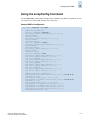
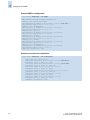
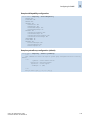
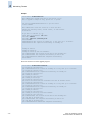
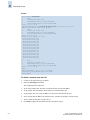
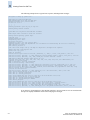
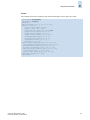
By default, the FICON group in the supportShow output is disabled. To enable the capture of
FICON data in the supportShow output, enter the supportshowcfgenable ficon command. After
you get confirmation that the configuration has been updated, the following will be collected and
appear in the output for the supportShow command:
•
ficoncupshow fmsmode
ficoncupshow modereg
ficonDbg dump rnid
ficonDbg log
ficonShow ilir
ficonShow lirr
ficonShow rlir
ficonShow rnid
ficonShow switchrnid
ficucmd dump -A
Other detailed information for protocol-specific problems:
-
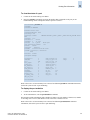
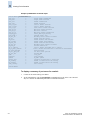
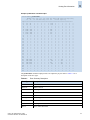
Display port data structures using the ptDataShow command.
Display port registers using the ptRegShow command.
Fabric OS Administrator’s Guide
Publication Number: 53-0000518-09
7-15