1
hg-02.fm
Preparing the Board
Configuring the HiPath HG 1500
Nur für den internen Gebrauch
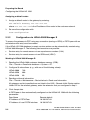
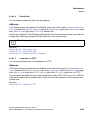
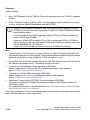
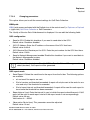
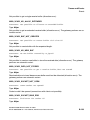
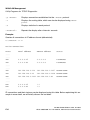
Assigning a default router:
1.
Assign a default router to the gateway by entering:
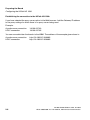
set Default Gateway zzz.zzz.zzz.zzz
where zzz.zzz.zzz.zzz is the IP address of the router in the customer network.
2.
Re-save the configuration with:
save configuration
2.2.2
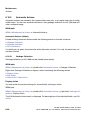
Configuration via HiPath 3000 Manager E
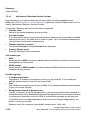
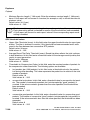
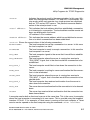
To access the gateway via PPP using any connection (analog or ISDN), a PSTN peer with an
activated service entry must be created.
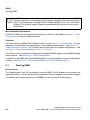
If the HiPath HG 1500 database is empty, service entries can be automatically created using
HiPath 3000 Manager E. The following service entries are possible:
●
Service entry for remote access via an asynchronous modem (V.34).
●
Service entry for remote access via an ISDN card (HDLC).
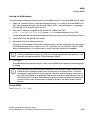
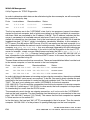
Working in HiPath 3000 Manager E:
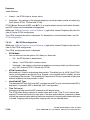
1.
Reading the HiPath 3000 customer database memory (CDB):
File > Transfer > Read/write database > System > PC.
2.
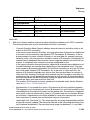
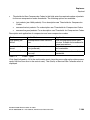
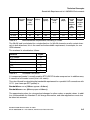
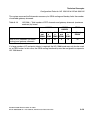
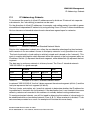
Configure S0 subscribers (e. g., with one of the following values):
3.
HiPath 3800
748
HiPath 3550
686
HiPath 3350
69
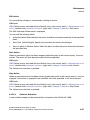
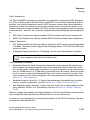
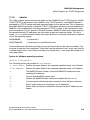
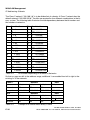
Reading out board information:
File > Transfer > Maintenance > Restart/reload > Read card information.
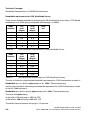
All gateways and slot specifications are listed in the HXG – Remote Initial Startup section.
Under DID for the relevant gateway, enter the extension that you configured in step 2.
4.
Click Accept data.
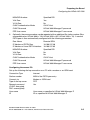
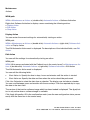
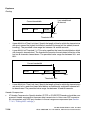
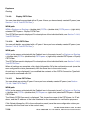
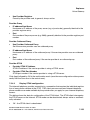
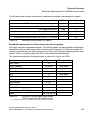
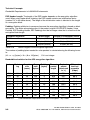
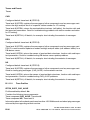
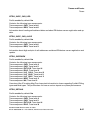
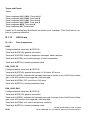
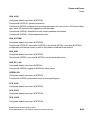
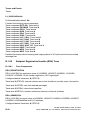
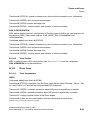
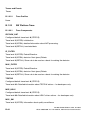
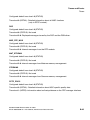
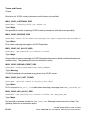
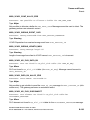
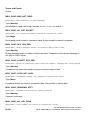
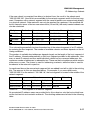
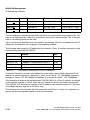
A PSTN peer is then automatically configured on the HiPath HG 1500 with the following
parameters:
2-4
Peer Name
Remote default
IP Address of PSTN Peer
10.186.237.64
IP Address of Local PSTN Interface
10.186.237.63
A31003-H3580-M103-2-76A9, 01-2009
HiPath 3000/5000 V8 - HG 1500 V8, Administrator Documentation