1
WebWhacker_Mac.BK : 4_Advanced Page 7 Friday, September 12, 1997 1:50 PM
Advanced Features
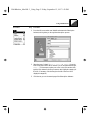
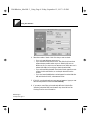
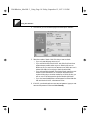
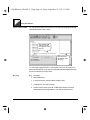
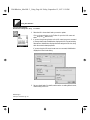
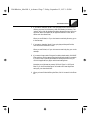
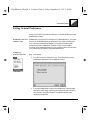
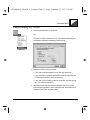
6. If you want to keep the “whack” from going beyond the current server's
directory structure, click Directory, then click Remain in Directory. The
“whack” will go into all subdirectories below the specified one, but not to
any levels “above” that specified (as opposed to Remain on Site, which
allows such other directories.)
When you are finished, or if you don't want to restrict by directory, go on
to the next step.
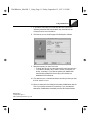
7. If you want to keep the “whack” from going beyond the specified site,
click Site, then click Remain on Site.
When you are finished, or if you don't want to restrict by site, go on to the
next step.
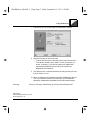
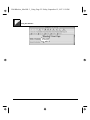
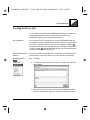
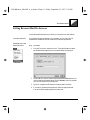
8. If you want to keep certain file types from being downloaded, click MIME
Filter and then click the appropriate check boxes at the right. For example,
if you don't have or plan to get software to decompress GZIP files, you
could click application/x-gzip to avoid downloading them.
Note that you might want to prevent “All Movie Types” or “All Sound
Bites” if you don't need that type of information and want significant
savings in your download times.
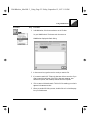
9. When you have finished defining the filter, click OK to save it in the filters
list.
WebWhacker User’s Manual
4–7