1
WebWhacker_Mac.BK : 3_Using Page 20 Friday, September 12, 1997 1:50 PM
Using WebWhacker
Browsing Sites
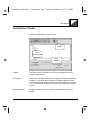
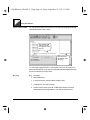
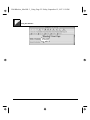
You can quickly display a URL from the WebWhacker window. If you have
whacked the URL ( ) it is loaded directly from the WebWhacker database. If it is
a new URL that has not yet been whacked ( ), WebWhacker uses your browser
to access the URL site.
Latest Version of URLs
The page that appears in your browser is the “whacked” version of the URL that
resides on your local hard drive or network. If the URL is one that changes
frequently, or if you just want to make sure you are viewing the latest version,
connect to the net and click once on the Renew button on the Toolbar to update
your version. See Renewing Subscribed URLs.
Browsing Sites
Step
Procedure
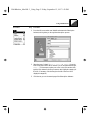
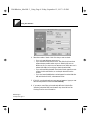
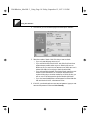
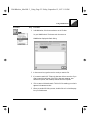
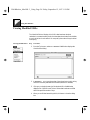
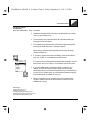
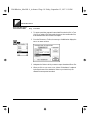
1. From the WebWhacker window, select the URL you want to browse.
Then from the URL menu, select Browse.
OR
Go to the WebWhacker window and double-click the name of the URL.
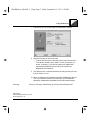
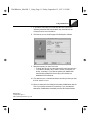
2. WebWhacker starts your Web browser (if it is not already running) and
displays the page in your browser’s window.
Access Problems
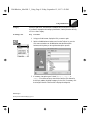
If your Web browser seems suddenly unable to access its network connection, you
may have set your Browser preferences incorrectly. For more information, see
Setting Browser/Mail Preferences.
Related Pages:
Renewing Subscribed URLs, pg. 3–27
Setting Browser/Mail Preferences, pg. 4–11
3–20
WebWhacker User’s Guide