1
WebWhacker_Mac.BK : 3_Using Page 37 Friday, September 12, 1997 1:50 PM
Using WebWhacker
Viewing Error Properties
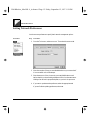
You can use the Error Properties to review any errors encountered while whacking
or renewing a URL. You can’t make any changes to this list but you can use it to
analyze error conditions.
Persistence of Errors
Check error conditions as soon as possible. WebWhacker does not retain errors in
memory when you exit the program. So the Error Properties show only errors
from the current session.
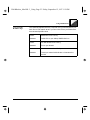
Procedure
Step
Procedure
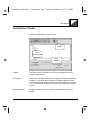
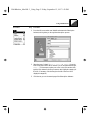
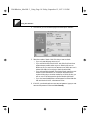
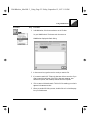
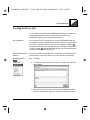
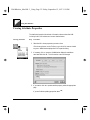
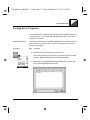
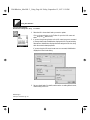
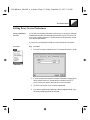
1. Select the URL whose properties you want to check.
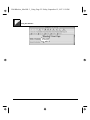
Click the Props button on the Toolbar, or go to the URL menu and select
Properties. WebWhacker displays the URL Properties dialog.
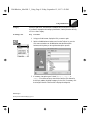
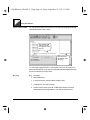
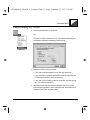
2. Select the Errors page. WebWhacker displays the Error List with all the
error conditions associated with this URL.
WebWhacker User’s Guide
3–37