1
WebWhacker_Mac.BK : 4_Advanced Page 10 Friday, September 12, 1997 1:50 PM
Advanced Features
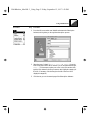
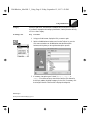
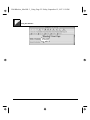
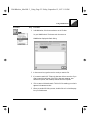
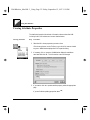
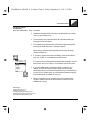
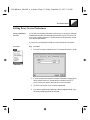
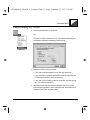
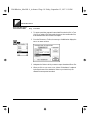
3. If you use the Internet Config utility to set up your networking options
and want WebWhacker to gets its configuration information from
Internet Config, put an X in the box labeled Use Internet Config. If you do
not use Internet Config (or do not know what it is), leave this box blank.
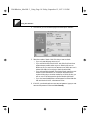
4. If you want the Welcome dialog to load automatically when you open
WebWhacker, select Show Welcome Dialog. You can set WebWhacker to
bypass the Welcome dialog by clearing this check box.
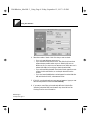
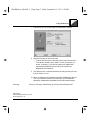
5. If you want to update another preference, select the appropriate tab.
If you are finished updating preferences, select OK.
4–10
WebWhacker User’s Manual