1
MEMS Pro Tutorial
Viewing a Waveform
Viewing a Waveform
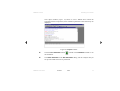
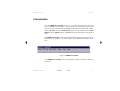
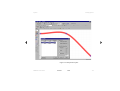
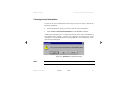
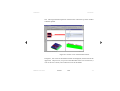
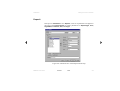
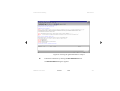
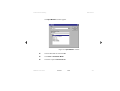
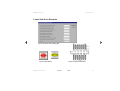
The W-Edit application window can contain many child windows, each
containing one or more charts.
ã
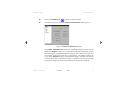
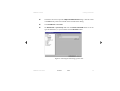
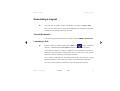
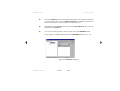
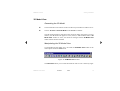
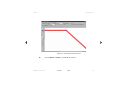
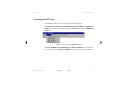
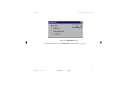
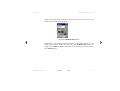
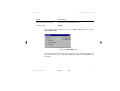
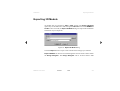
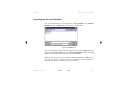
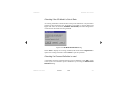
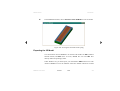
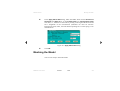
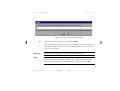
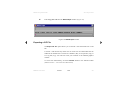
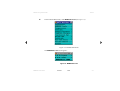
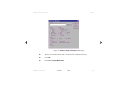
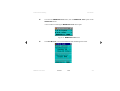
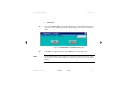
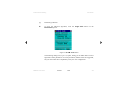
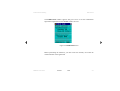
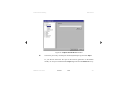
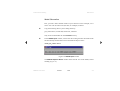
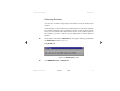
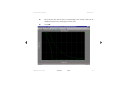
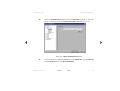
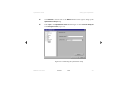
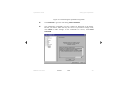
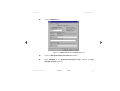
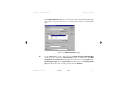
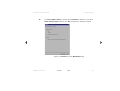
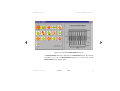
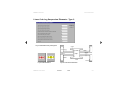
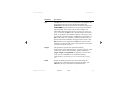
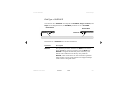
Maximize the window containing your results by clicking the
upper right corner of the window.
button on the
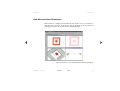
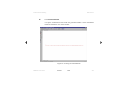
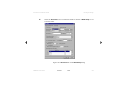
Chart Setups
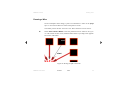
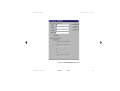
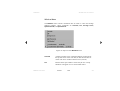
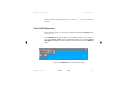
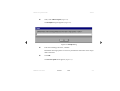
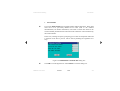
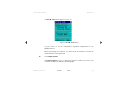
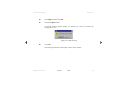
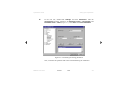
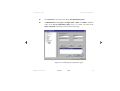
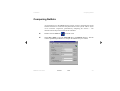
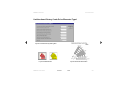
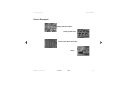
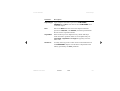
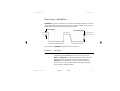
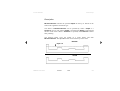
W-Edit allows the expansion of charts with more than one trace into separate
charts, each containing a single trace. Collapsing the chart causes W-Edit to show
all the visible traces in one chart.
ã
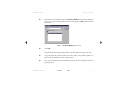
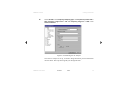
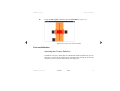
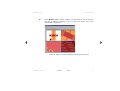
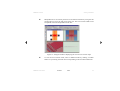
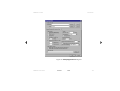
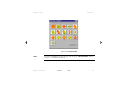
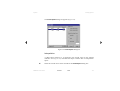
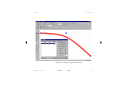
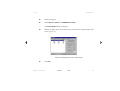
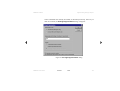
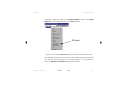
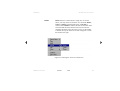
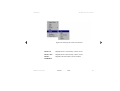
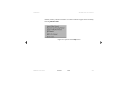
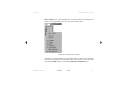
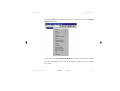
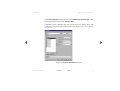
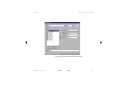
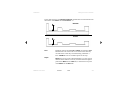
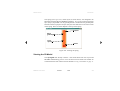
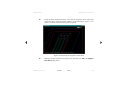
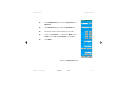
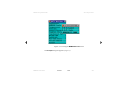
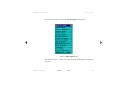
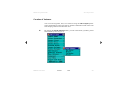
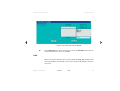
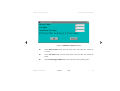
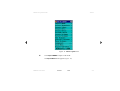
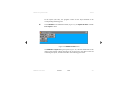
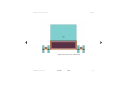
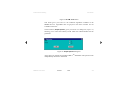
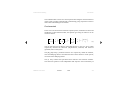
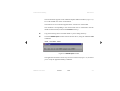
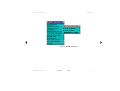
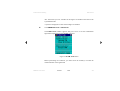
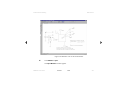
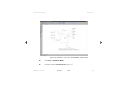
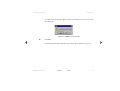
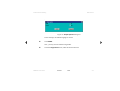
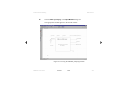
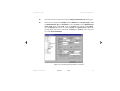
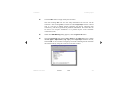
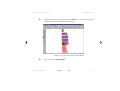
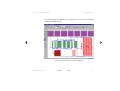
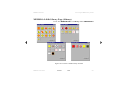
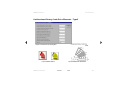
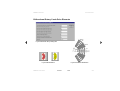
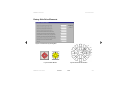
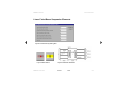
Select Chart > Expand Chart.
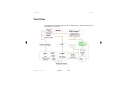
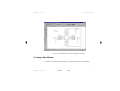
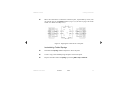
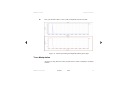
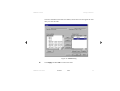
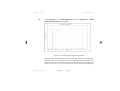
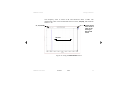
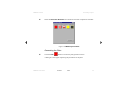
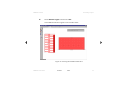
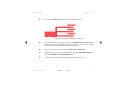
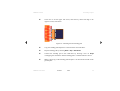
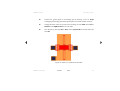
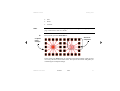
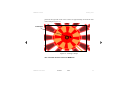
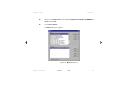
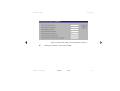
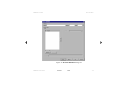
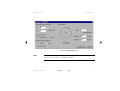
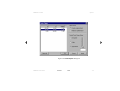
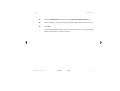
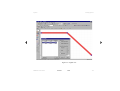
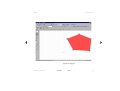
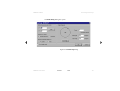
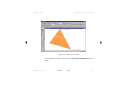
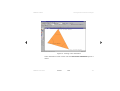
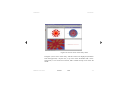
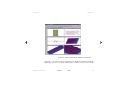
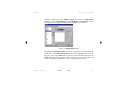
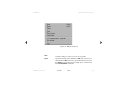
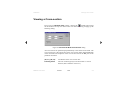
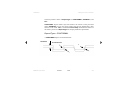
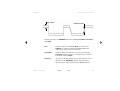
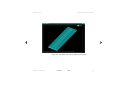
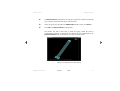
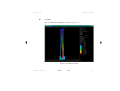
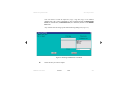
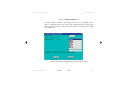
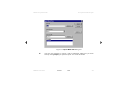
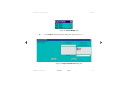
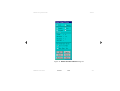
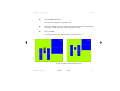
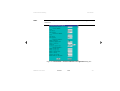
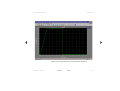
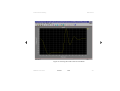
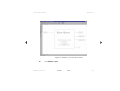
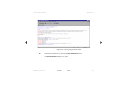
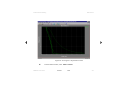
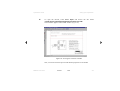
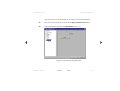
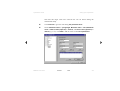
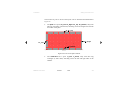
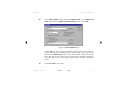
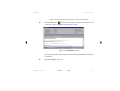
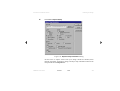
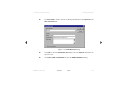
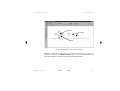
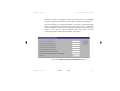
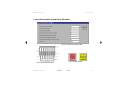
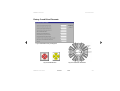
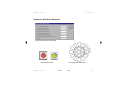
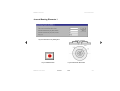
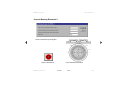
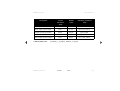
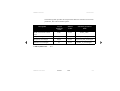
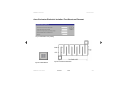
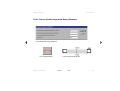
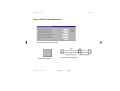
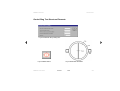
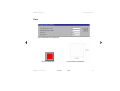
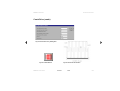
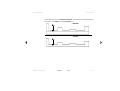
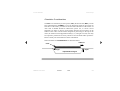
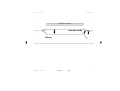
There should now be two charts (Figure 11), one with amplitude information for
node rtm, vm(rtm), and one showing the phase angle, vp(rtm) plotted versus
frequency.
MEMS Pro User Guide
Contents
Index
47