1
Editing Notes and Rests
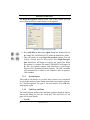
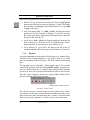
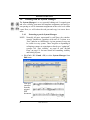
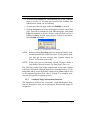
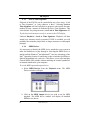
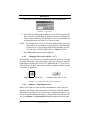
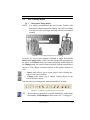
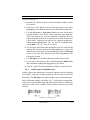
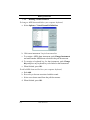
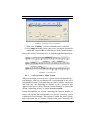
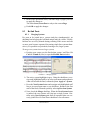
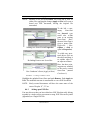
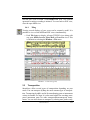
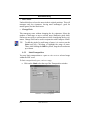
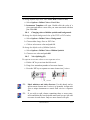
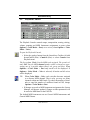
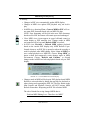
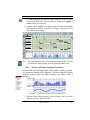
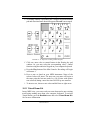
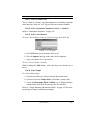
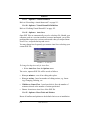
b. The “source” key signature will appear in the main window along
with its signature name listed in both major and relative minor
keys.
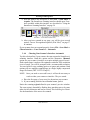
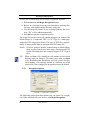
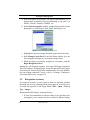
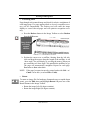
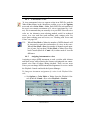
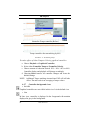
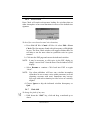
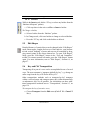
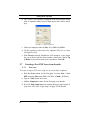
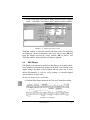
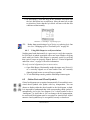
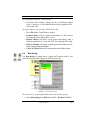
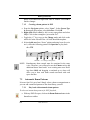
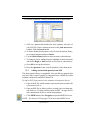
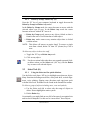
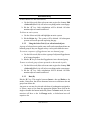
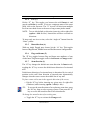
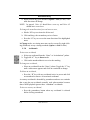
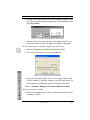
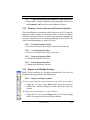
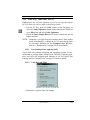
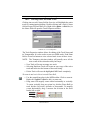
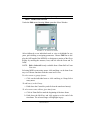
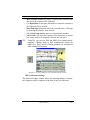
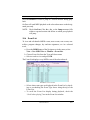
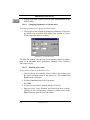
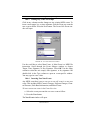
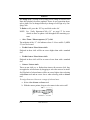
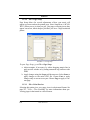
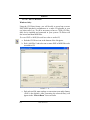
FIGURE 5 - 5: Key Transposition
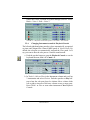
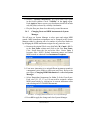
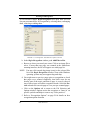
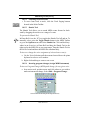
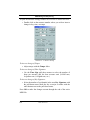
c. Choose to transpose either by Key or by Clef or by Pitch.
d. Use the scroller to select a new key signature if by Key or a new
clef sign if by Clef.
e. With Closest selected, SmartScore will transpose to the target
key, up or down, with the least number of intervals. Choose Up
or Down if you wish to make your own choice. Push OK.
5.7
Creating a New ENF Score from Scratch
5.7.1
New score
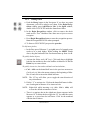
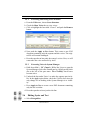
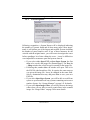
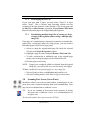
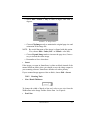
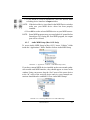
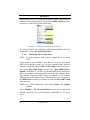
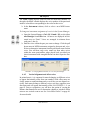
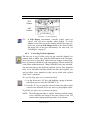
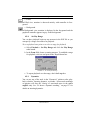
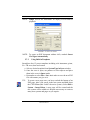
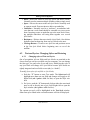
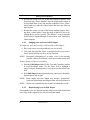
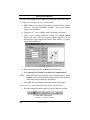
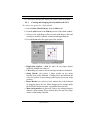
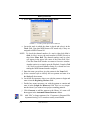
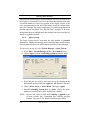
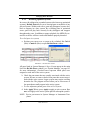
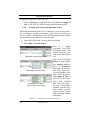
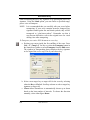
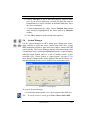
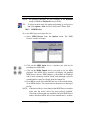
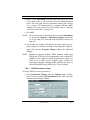
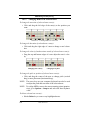
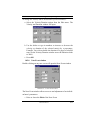
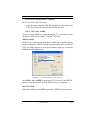
To create an empty ENF score using one of several basic templates,
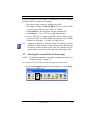
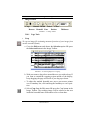
a. Push the Score button on the Navigator or select New > New
ENF under the File menu (Ctrl + N (Win) / Cmnd + N (Mac)).
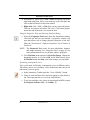
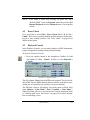
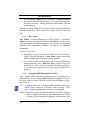
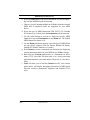
b. Type in a Title for the new score.
c. Add the Composer’s name for the first page score header.
d. Press the Page Setup button to change the basic page layout of
your score. See “File > Page Setup” on page 220 for details.
88
USING SmartScore