1
Detailed ENF Editing
9.15 Unify Key, Time and Clefs (U)
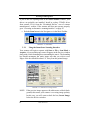
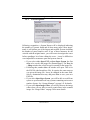
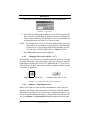
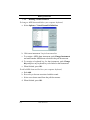
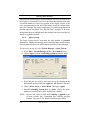
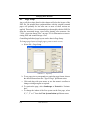
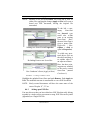
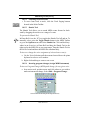
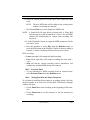
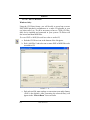
Unify updates key and time signatures as well as clef signs throughout
the score based on choices made in the dialog window.
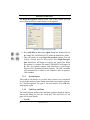
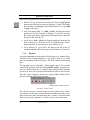
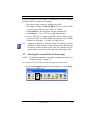
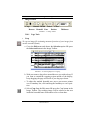
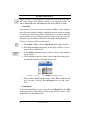
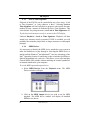
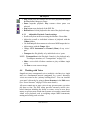
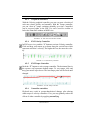
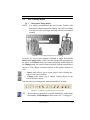
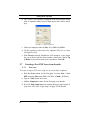
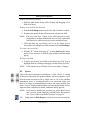
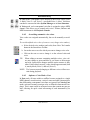
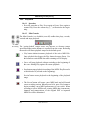
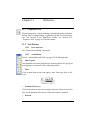
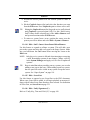
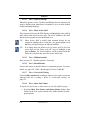
• Hit the “U” key, press the Unify button on the Navigator, or
select the Unify Signatures button in the SmartScore Toolbar or
go to Edit menu and select Unify Signatures.
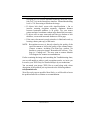
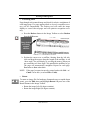
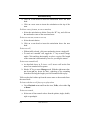
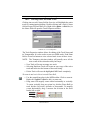
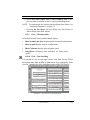
• Check the Insert Empty Rests box to Insert a whole rest into all
empty measures.
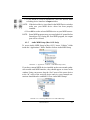
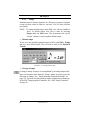
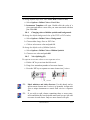
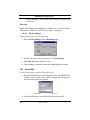
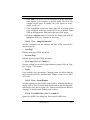
NOTE: Changing a clef sign does not reposition notes. Note pitches
alone are updated by a change in clef. To alter note position
by selecting a different clef, use Transpose (by Clef) function. See “Transposition” on page 139 for more details.
9.15.1
Part Linking before applying Unify
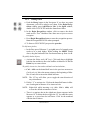
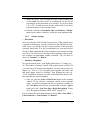
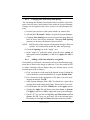
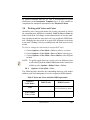
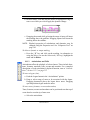
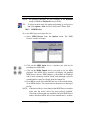
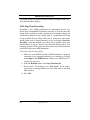
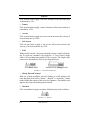
If your ENF score contains collapsing and expanding systems, it is recommended to perform Part Linking before Unifying. Unifying signatures and clefs will maintain part linkages as set in Logical Part
Linking. Refer to “Re-link Parts” on page 121 for more details.
9.15.2
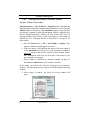
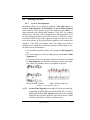
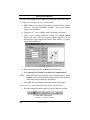
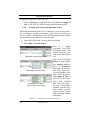
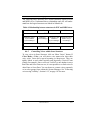
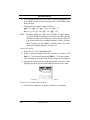
Unify Key and Time
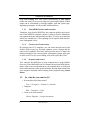
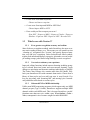
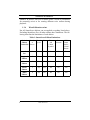
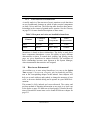
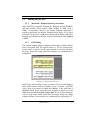
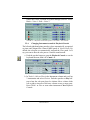
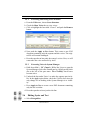
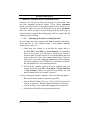
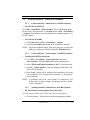
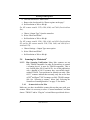
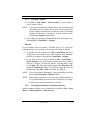
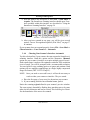
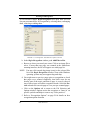
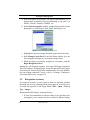
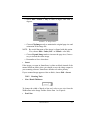
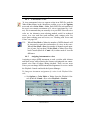
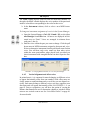
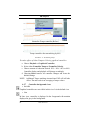
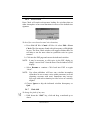
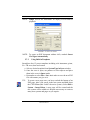
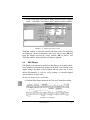
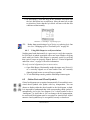
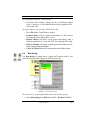
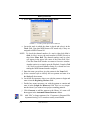
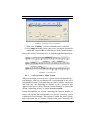
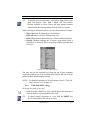
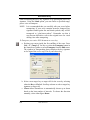
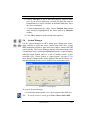
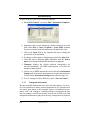
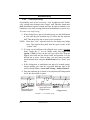
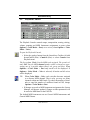
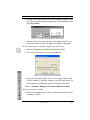
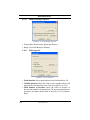
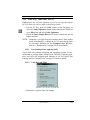
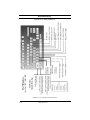
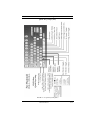
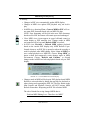
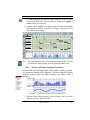
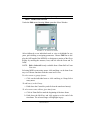
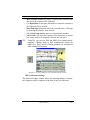
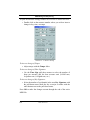
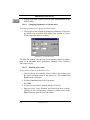
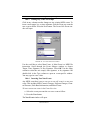
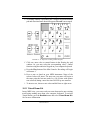
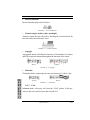
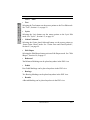
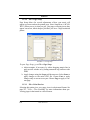
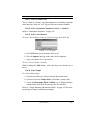
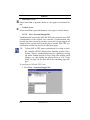
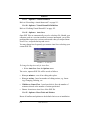
FIGURE 9 - 24: Unify Key, Time and Clefs
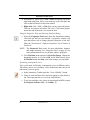
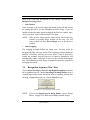
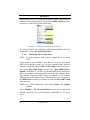
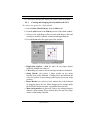
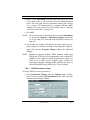
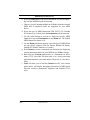
• Based on 1st system. Parse for changes
USING SmartScore
169