1
Reference
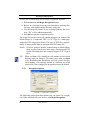
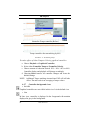
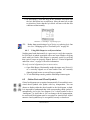
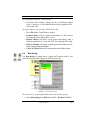
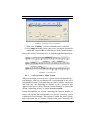
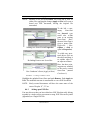
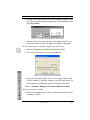
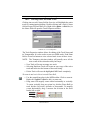
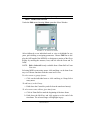
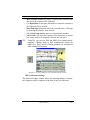
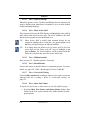
When a selected area is moved to the clipboard the background will be included
• Transparent
When a selected area is moved to the clipboard only the black
portion of the selected area with be moved.
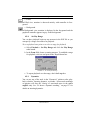
11.17.15 Edit > Pen Color
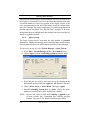
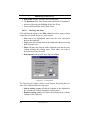
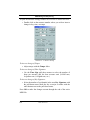
Select the color used by the Brush and Line drawing tools.
11.18 Image VIEW Menu
11.18.1 View > Navigator
Opens and closes the SmartScore Navigator.
11.18.2 View > Main Toolbar
Opens and closes Main Toolbar
11.18.3 View > SmartScore Toolbar
Opens and closes SmartScore Toolbar
11.18.4 View > Image Toolbar
Opens and closes Image Editing Toolbar
11.18.5 View > Status Bar
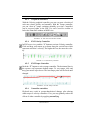
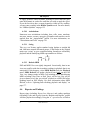
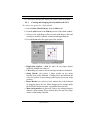
Opens and closes Status Bar at the bottom of main SmartScore Window. Displays current page, cursor position, image size, and zoom percentage.
11.18.6 View > Palettes
Opens and closes tool palettes for ENF document editing.
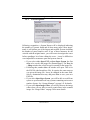
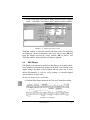
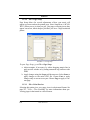
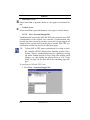
11.18.7 View > Image Information
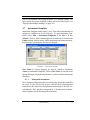
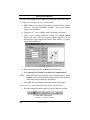
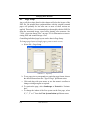
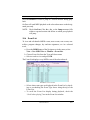
Provides information on the structure and type of the currently displayed image file.
248
USING SmartScore