1
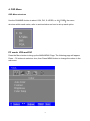
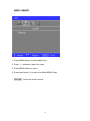
IMAGE ADJUST
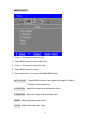
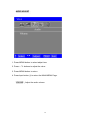
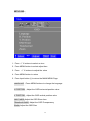
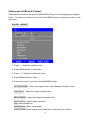
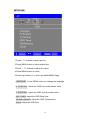
1. Press -
/ + buttons to select an icon
2. Press MENU button to select adjust item
3. Press -
/ + buttons to adjust the value
4. Press MENU button to return
5. Press Input button (i) to return the MAIN MENU Page.
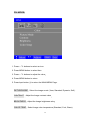
AUTO ADJUST
Press MENU buttons to auto adjust the image H. Position,
V. Position, Phase and Clock.
H. POSITION
Adjust the image horizontal position value
V. POSITION
Adjust the image vertical position value
PHASE
Adjust the image phase value
CLOCK
Adjust the image clock value
11