1
4. OSD Menu
OSD Menu structure
Use the CHANNEL button to select VGA, DVI, S-VIDEO, or AV CVBS , the menu
structure within each varies, refer to sections below on how to set-up each option.
PC mode: VGA and DVI
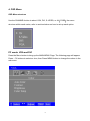
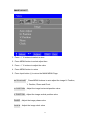
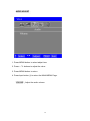
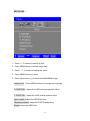
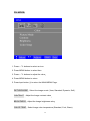
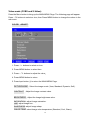
Press the Menu button to bring up the MAIN MENU Page. The following page will appear
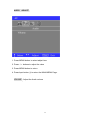
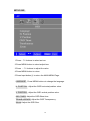
Press - /+ buttons to select an icon, then Press MENU button to change the values in the
sub menu.
9