1
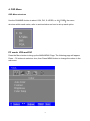
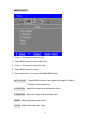
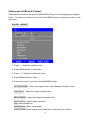
DVI MODE:
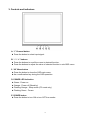
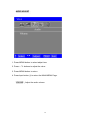
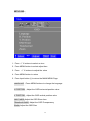
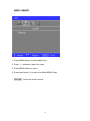
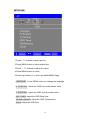
1. Press -
/ + buttons to select an icon.
2. Press MENU button to select item.
3. Press -
/ + buttons to adjust the value
4. Press MENU button to return.
5. Press Input button (i) to return the MAIN MENU Page.
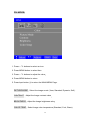
PICTURE MODE Select the image mode ( User, Standard, Dynamic, Soft).
CONTRAST
Adjust the Image contrast value
BRIGHTNESS
Adjust the Image brightness value
COLOR TEMP
Select Image color temperature (Standard, Cool, Warm).
15