1
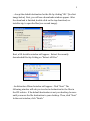
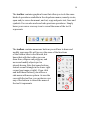
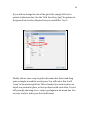
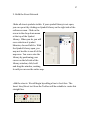
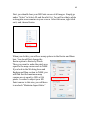
If you wish to change the size of the grid cells, simply click tools >
options in the menu bar. Use the “Grid Line Every (px)” dropdown in
the general tab to select the pixel size you would like. Try it!
24
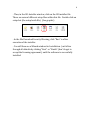
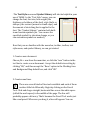
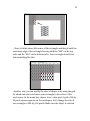
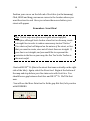
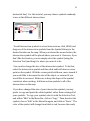
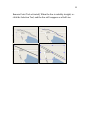
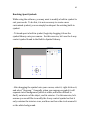
Finally, choose view >snap to grid in the menu bar. Select and drag
your rectangle around the work-space. You will notice that it will
“snap” to the nearest grid line. This is handy if you want to place an
object in a particular place, or line up objects with each other. Turn it
off by simply choosing view > snap to grid again in the menu bar. You
are now ready to make your first tactile map!