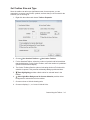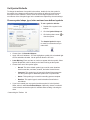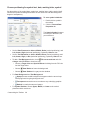
1
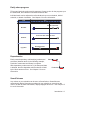
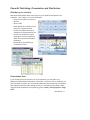
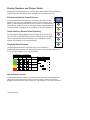
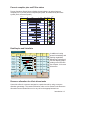
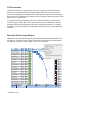
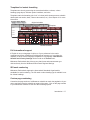
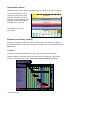
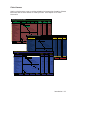
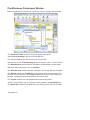
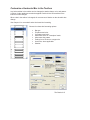
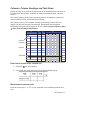
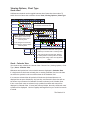
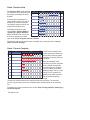
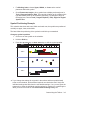
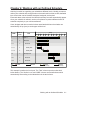
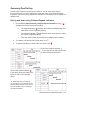
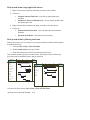
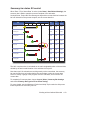
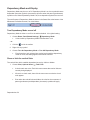
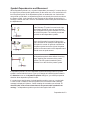
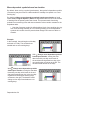
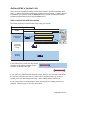
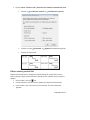
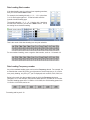
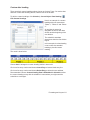
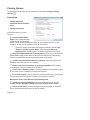
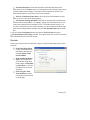
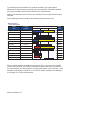
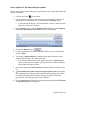
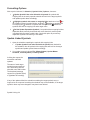
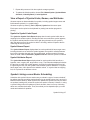
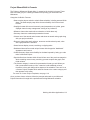
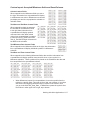
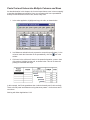
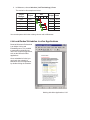
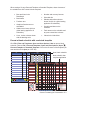
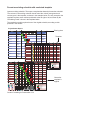
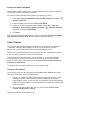
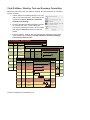
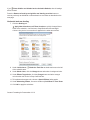
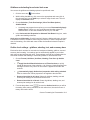
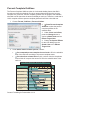
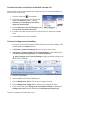
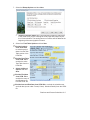
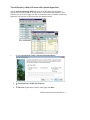
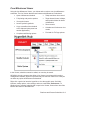
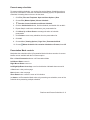
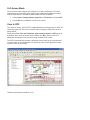
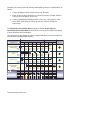
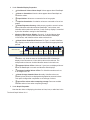
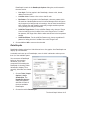
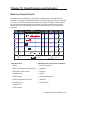
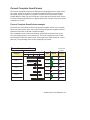
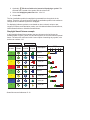
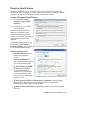
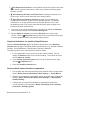
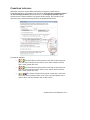
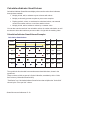
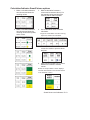
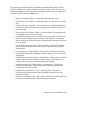
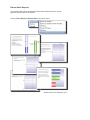
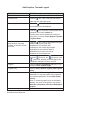
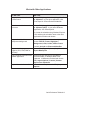
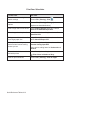
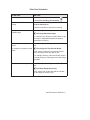
Calculation/Indicator SmartColumn Calculation/Indicator SmartColumns display values and/or value-driven indicators through these methods: Multiply, divide, add, or subtract any two columns with values. Multiply a column by percent complete or percent not complete. Display symbols, colors, or text based on calculated values, user-entered values from another column, or text from another column. Multiply, divide, add or subtract a column by a constant value. You can also use the results of one calculation column in another calculation, as well as choose to show the result as a percent or add a % sign with the resulting value. Calculation/Indicator SmartColumn Examples The symbols in this schedule have numbers associated with them, shown in the symbol text. These numbers, which are part of a Symbol ValueSet, are added up in the “Units Sold” column (a ValueSet SmartColumn). “Total Sales” is a Calculation/Indicator SmartColumn that multiplies the “Units Sold” column by the “Price per Unit” column. SmartColumns and Indicators 15-18