Download QuickDesigner Panel Editor User`s Guide, GFK

Transcript
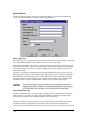
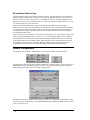
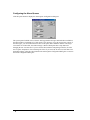
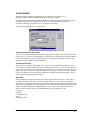
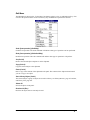
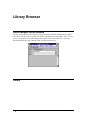
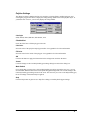
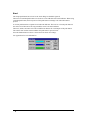
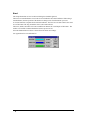
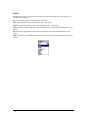
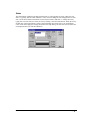
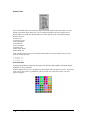
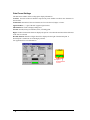
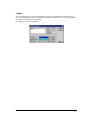
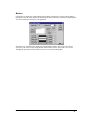
Style
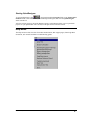
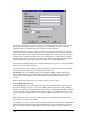
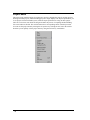
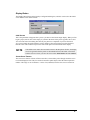
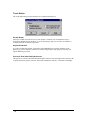
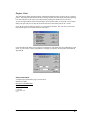
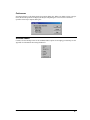
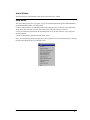
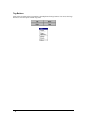
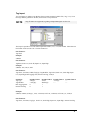
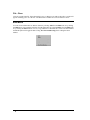
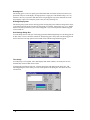
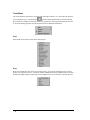
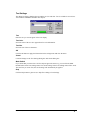
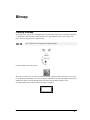
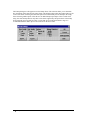
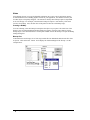
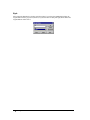
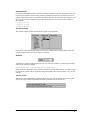
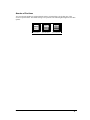
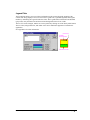
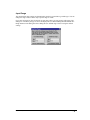
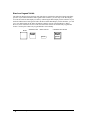
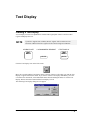
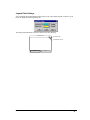
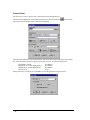
The style list box is used to select the style of the push button. Select Standard, Circular, Simple or
None.
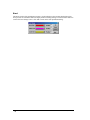
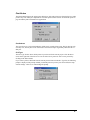
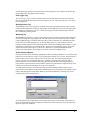
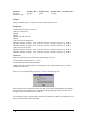
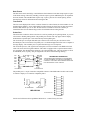
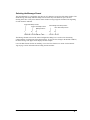
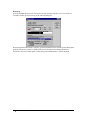
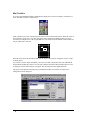
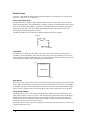
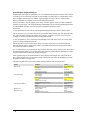
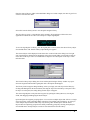
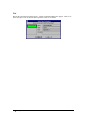
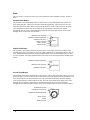
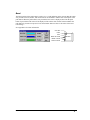
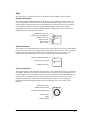
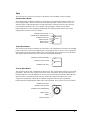
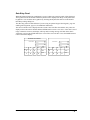
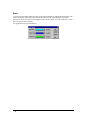
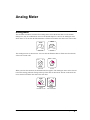
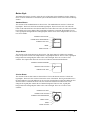
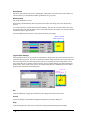
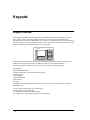
Standard Push Button
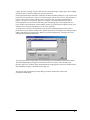
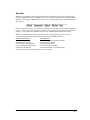
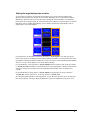
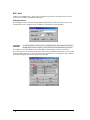
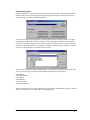
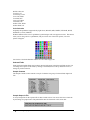
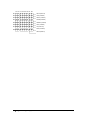
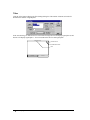
The elements of the standard push button are shown below. The standard push button consists of a
bezel and legend plate. The bezel is the frame around the legend plate. The bezel can be one color
when the button is idle and a different color when the button is touched. The bezel color, the touch
color and the bezel outline color can be changed. The legend plate contains the text and the
background. The text color, legend plate background color and legend plate outline colors can be
changed. There are three text sizes available.
LEGEND PLATE OUTLINE
LEGEND PLATE BACKGROUND
LEGEND PLATE TEXT
BEZEL OUTLINE
1234567
BEZEL COLOR
TOUCH COLOR
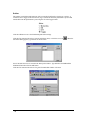
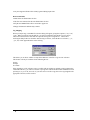
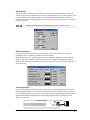
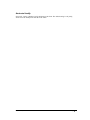
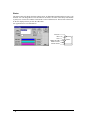
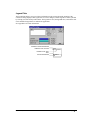
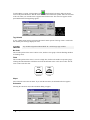
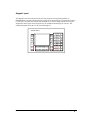
Simple Push Button
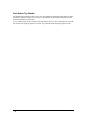
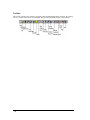
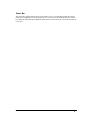
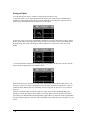
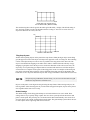
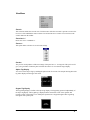
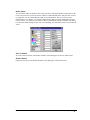
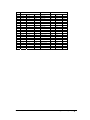
The elements of the simple push button are shown below. The simple push button is similar to the
standard push button except it has no bezel. The simple push button is a legend plate and text. The text
color, legend plate background color and legend plate outline colors can be changed. There are three
text sizes available. The simple push button has more room for text characters than the standard push
button.
LEGEND PLATE BACKGROUND
LEGEND PLATE OUTLINE
LEGEND PLATE TEXT
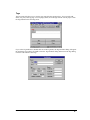
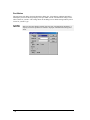
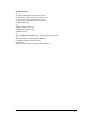
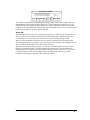
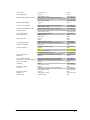
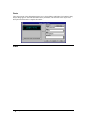
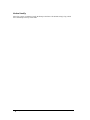
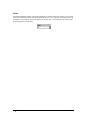
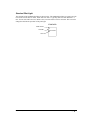
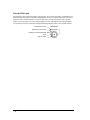
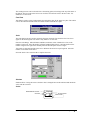
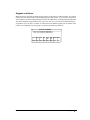
Circular Push Button
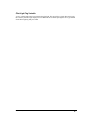
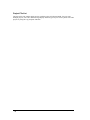
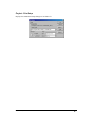
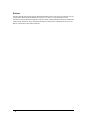
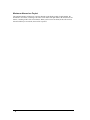
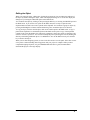
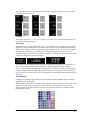
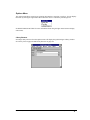
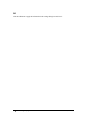
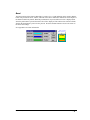
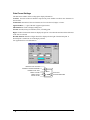
The elements of the circular push button are shown below. The circular push button consists of a bezel
and legend plate. The bezel is the circular section in the center of the button. The ring around the bezel
is the touch indicator. The touch indicator can be one color when the button is idle and a different
color when the button is touched. The bezel color, the touch color and the bezel outline color can be
changed. The legend plate contains the text and the background. The text color, legend plate
background color and legend plate outline colors can be changed. There are three text sizes available.
LEGEND PLATE TEXT
LEGEND PLATE OUTLINE
PUSH BUTTON
LEGEND PLATE BACKGROUND
BEZEL TOUCH
BEZEL
BEZEL OUTLINE
302 • Push Button
Panel Editor, GFK-2074