1
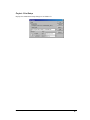
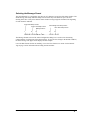
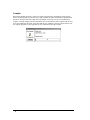
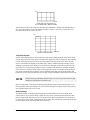
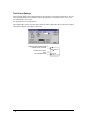
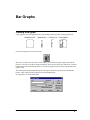
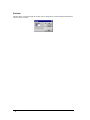
Sizing a Rectangle
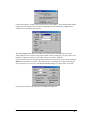
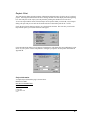
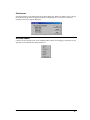
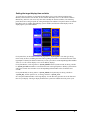
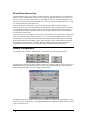
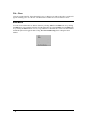
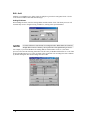
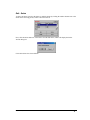
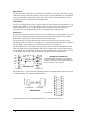
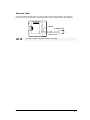
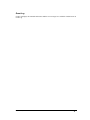
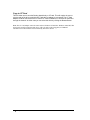
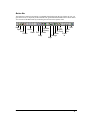
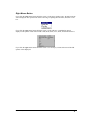
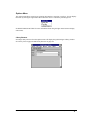
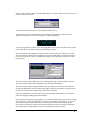
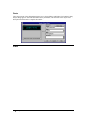
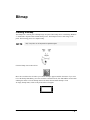
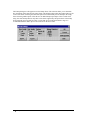
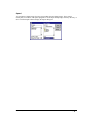
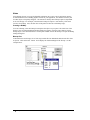
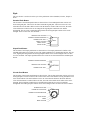
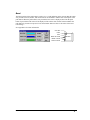
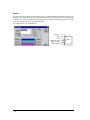
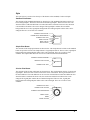
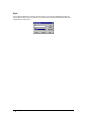
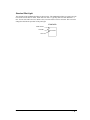
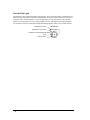
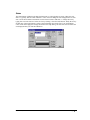
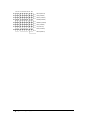
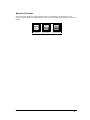
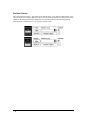
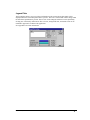
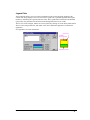
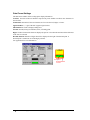
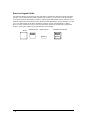
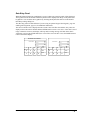
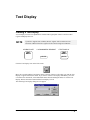
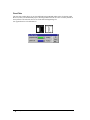
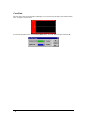
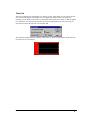
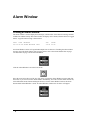
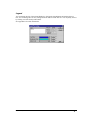
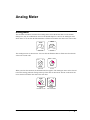
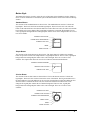
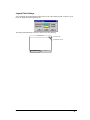
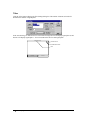
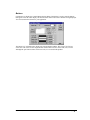
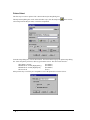
To select an object for sizing, click on the object and sizing handles should appear on the corners. To
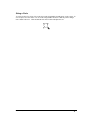
size an object, move the cursor over one of the sizing handles and observe that the pointer changes
into a double end arrow. Click and hold the left mouse button and adjust the size.
Panel Editor,GFK-2074
Rectangle Tool • 293