1
Local Image Display
Local Image Display
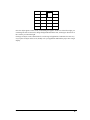
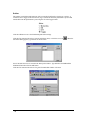
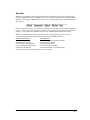
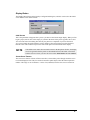
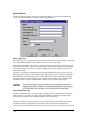
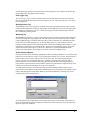
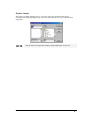
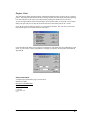
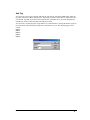
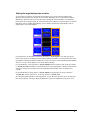
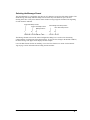
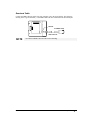
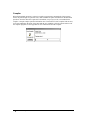
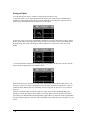
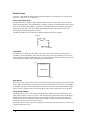
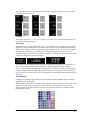
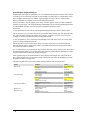
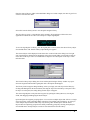
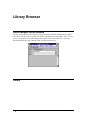
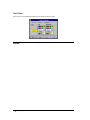
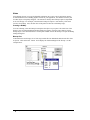
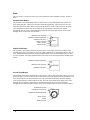
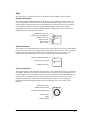
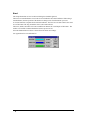
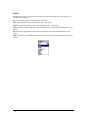
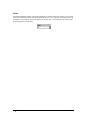
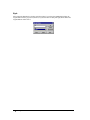
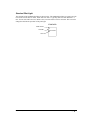
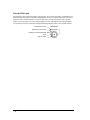
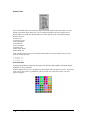
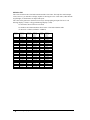
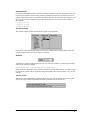
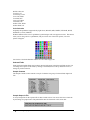
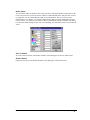
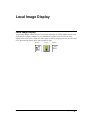
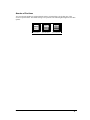
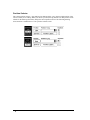
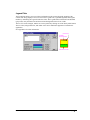
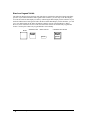
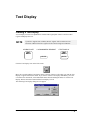
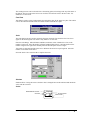
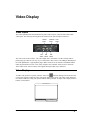
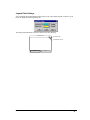
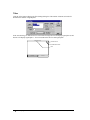
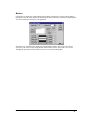
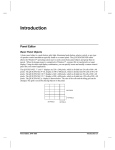
A Local Image Display consists of a two or more states. Each state can contain graphic elements such
as polylines or rectangles, a bitmap, text, or combinations of graphics and text. The local image
display can be used to show a single state from a group of states by assigning each state to a PLC word
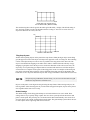
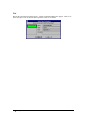
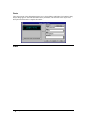
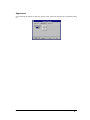
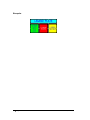
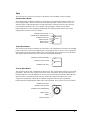
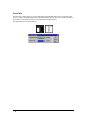
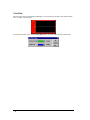
or bit. The following drawing shows some examples of states.
STATE 0
STATE 1
STATE 2
TEXT
TEXT
Panel Editor,GFK-2074
Local Image Display • 391