1
Tools Menu
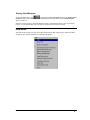
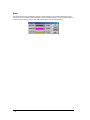
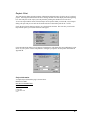
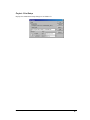
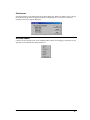
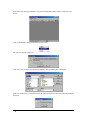
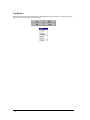
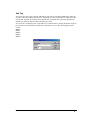
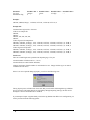
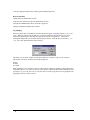
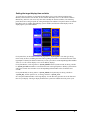
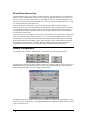
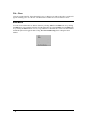
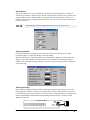
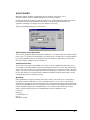
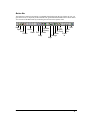
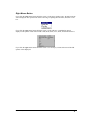
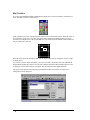
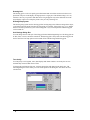
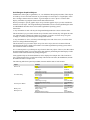
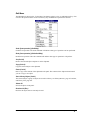
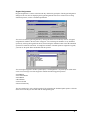
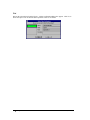
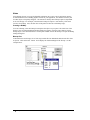
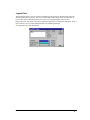
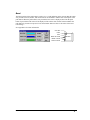
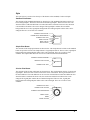
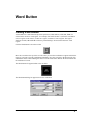
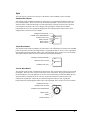
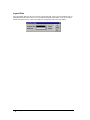
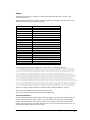
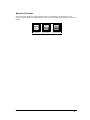
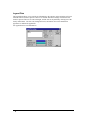
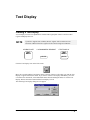
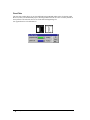
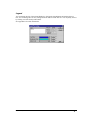
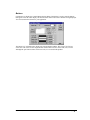
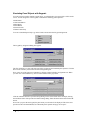
The Tools pull-down menu allows selecting Parts (pilot lights, buttons, etc.), Drawing tools (Polyline,
Circle, Rectangle, etc.), or the Select tool
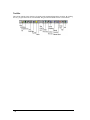
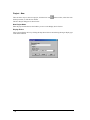
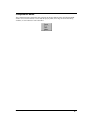
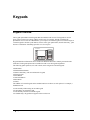
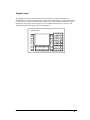
. All of the Parts and Drawing tools in the tools pulldown menu are available as icons in the Tools pop-up menu box. The Keypad Assignments selection
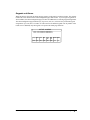
is used with the Keypad option. See the Keypad section for additional information.
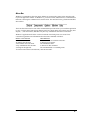
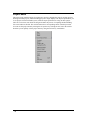
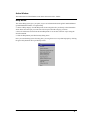
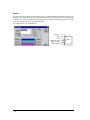
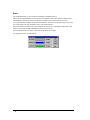
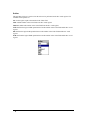
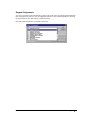
Parts
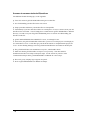
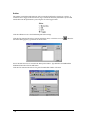
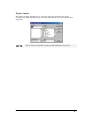
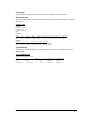
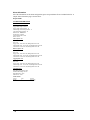
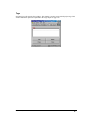
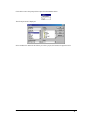
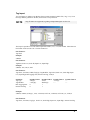
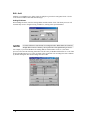
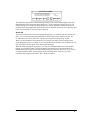
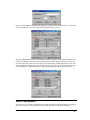
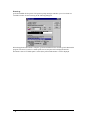
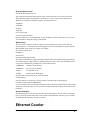
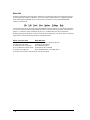
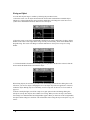
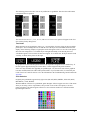
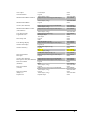
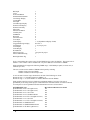
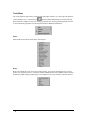
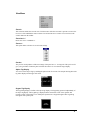
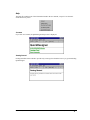
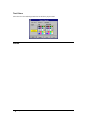
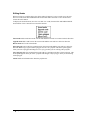
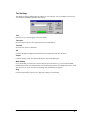
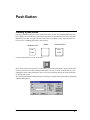
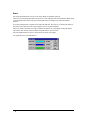
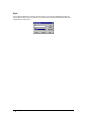
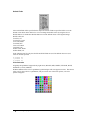
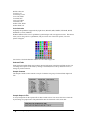
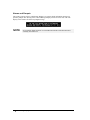
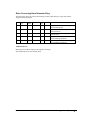
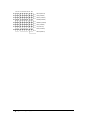
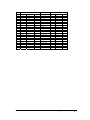
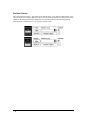
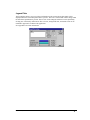
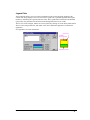
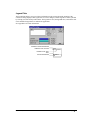
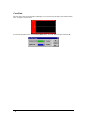
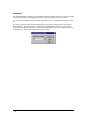
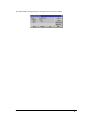
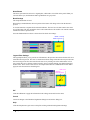
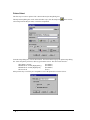
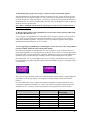
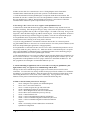
Parts include all the objects shown in the following list.
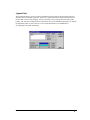
Draw
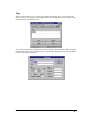
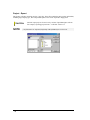
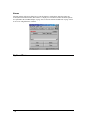
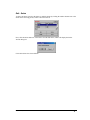
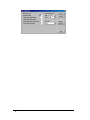
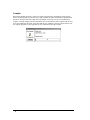
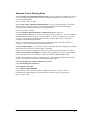
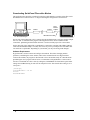
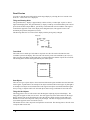
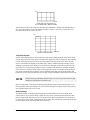
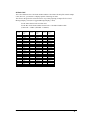
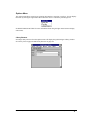
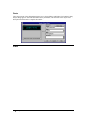
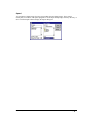
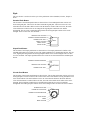
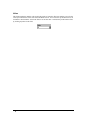
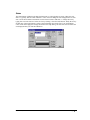
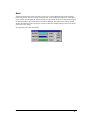
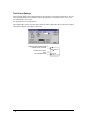
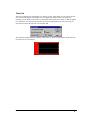
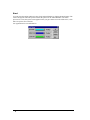
Draw tools include any tools used to create static pictures. You can use the drawing tools to create a
picture of an operation, process, or function. Pictures in BMP format can be added to panels to further
enhance the graphic image. Dynamic parts can be added to create a true interactive operator interface.
232 • QUICKDESIGNER
Panel Editor, GFK-2074