1
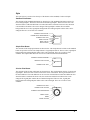
Word Button
Creating a Word Button
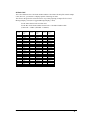
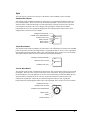
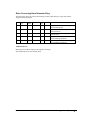
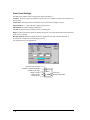
A Word button is a multi-function object that performs Set, Add, Subtract, AND, OR, XOR of a
selected value on a PLC word register. For example, if the selected value is 5, then the word button
can set a register to the value 5, or add 5 to a register, or subtract 5 from a register. The logical
functions of AND, OR and XOR can also be performed using a selected value and a PLC word
register.
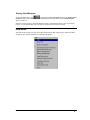
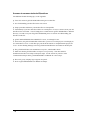
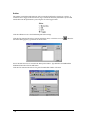
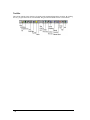
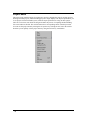
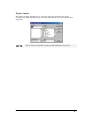
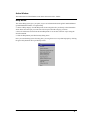
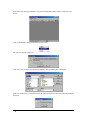
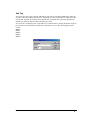
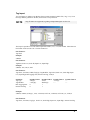
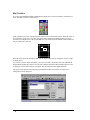
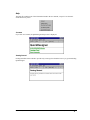
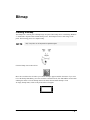
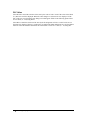
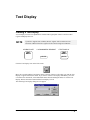
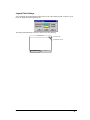
Click the Word button icon on the tool bar.
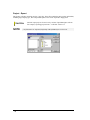
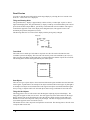
Move the cross hair to the top of the two cells where you want the word button to appear and click the
mouse. If you want to size the word button immediately, move the cross hair to the desired cell, click
and hold the mouse button and drag the mouse to size the word button. Release the mouse button and
the word button is sized.
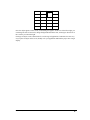
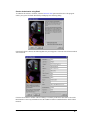
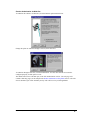
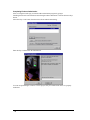
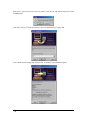
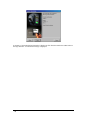
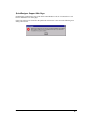
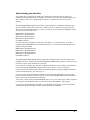
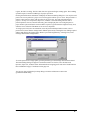
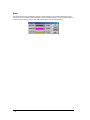
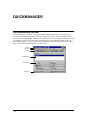
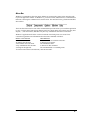
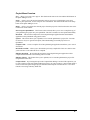
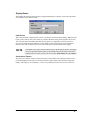
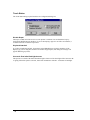
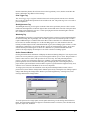
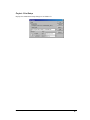
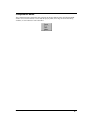
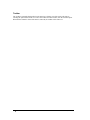
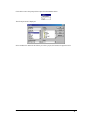
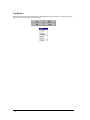
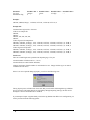
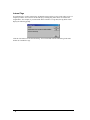
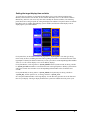
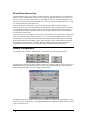
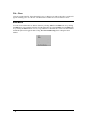
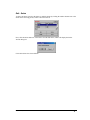
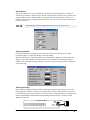
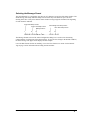
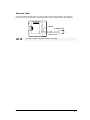
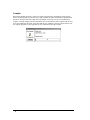
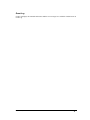
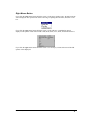
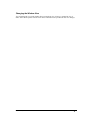
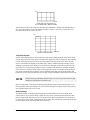
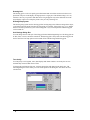
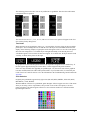
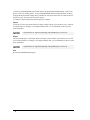
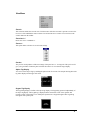
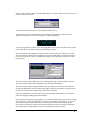
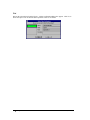
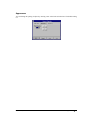
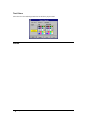
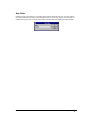
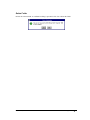
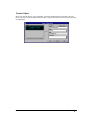
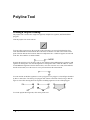
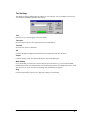
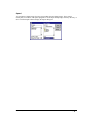
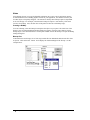
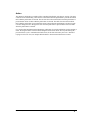
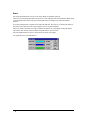
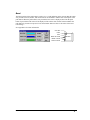
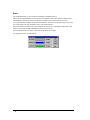
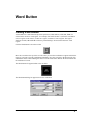
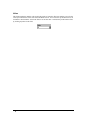
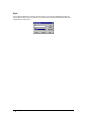
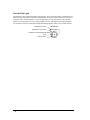
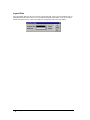
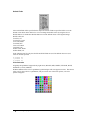
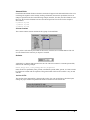
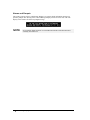
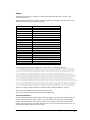
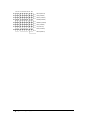
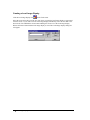
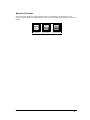
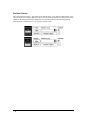
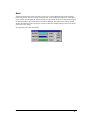
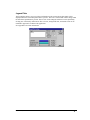
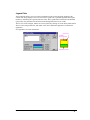
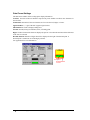
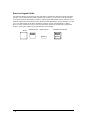
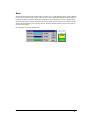
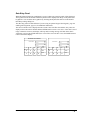
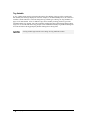
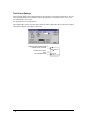
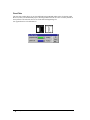
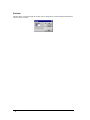
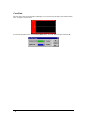
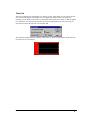
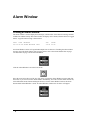
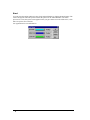
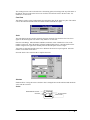
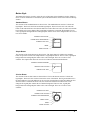
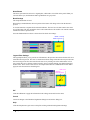
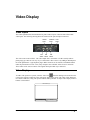
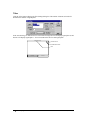
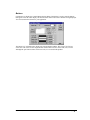
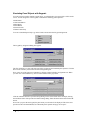
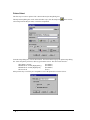
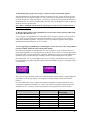
The Word button will appear similar to the one below.
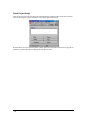
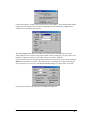
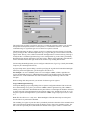
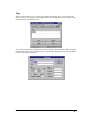
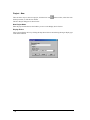
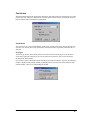
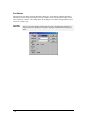
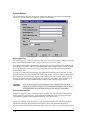
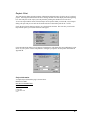
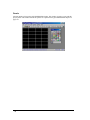
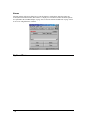
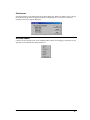
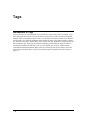
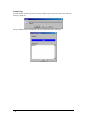
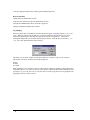
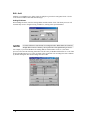
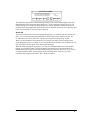
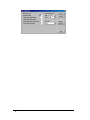
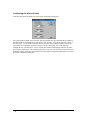
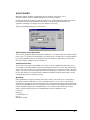
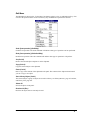
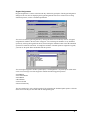
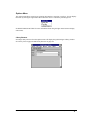
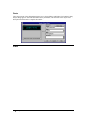
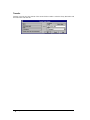
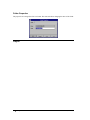
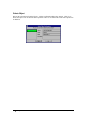
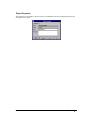
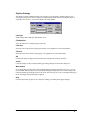
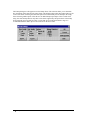
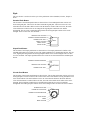
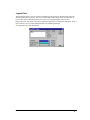
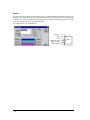
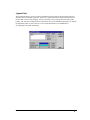
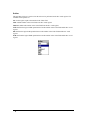
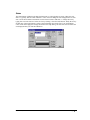
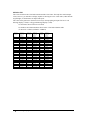
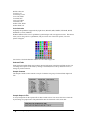
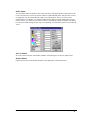
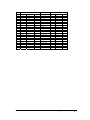
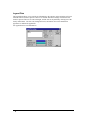
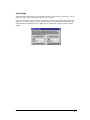
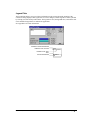
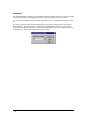
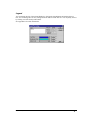
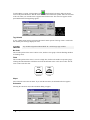
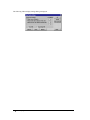
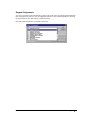
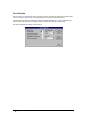
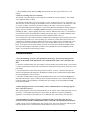
The Word button dialog box appears next to the word button.
Panel Editor,GFK-2074
Word Button • 331