1
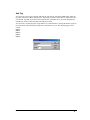
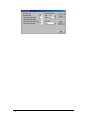
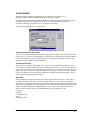
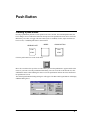
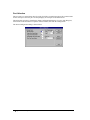
Bezel and Legend Visible
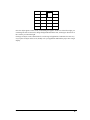
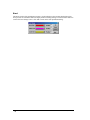
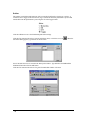
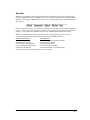
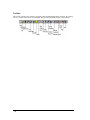
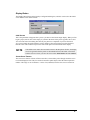
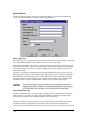
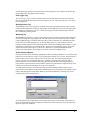
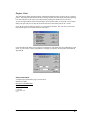
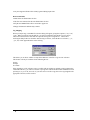
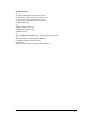
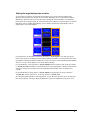
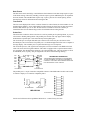
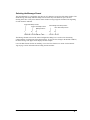
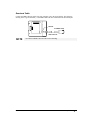
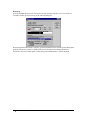
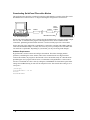
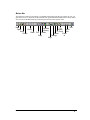
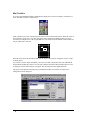
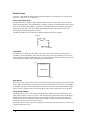
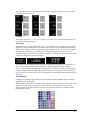
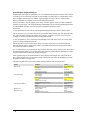
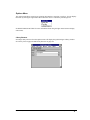
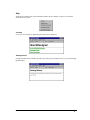
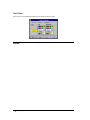
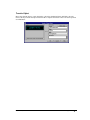
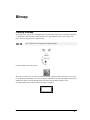
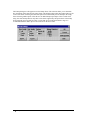
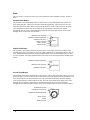
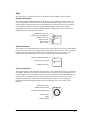
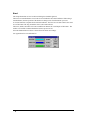
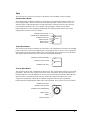
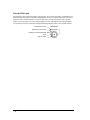
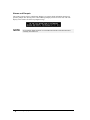
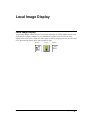
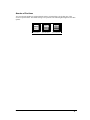
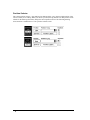
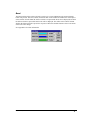
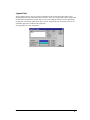
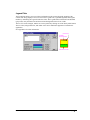
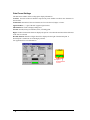
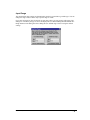
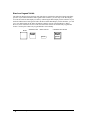
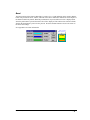
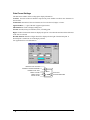
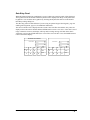
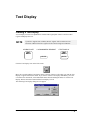
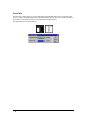
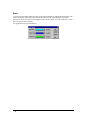
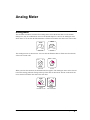
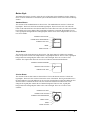
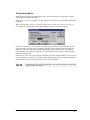
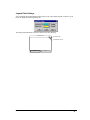
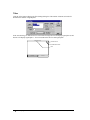
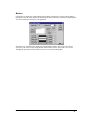
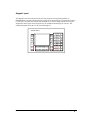
The following drawing shows the three main parts that are combined to make the Numeric Data Entry
operator. If you uncheck the Bezel and Legend Visible checkbox, you will only see the data display.
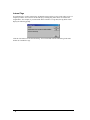
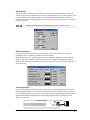
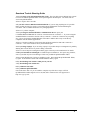
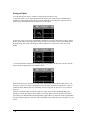
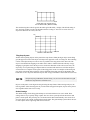
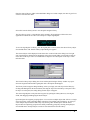
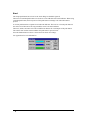
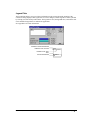
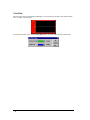
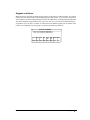
You can also make the data display invisible by unchecking the Data Display Visible checkbox. If you
uncheck both the Bezel and Legend Visible checkbox and the Data Display Visible checkbox, you will
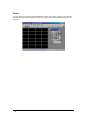
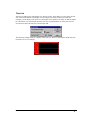
see a cross-hatch pattern in the editor and nothing when the operator is downloaded to a display.
However, there will still be an active touch screen area that will activate the data entry keypad. This
feature is used to place a data entry keypad behind a custom bitmap.
BEZEL + LEGEND PLATE + DATA DISPLAY
MOTOR
SPEED
MOTOR
SPEED
123.45
438 • Numeric Data Entry
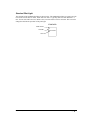
= NUMERIC DATA ENTRY
123.45
Panel Editor, GFK-2074